59
16. Special Functions
Picture-in-Picture
2)
Opening the menu
In the case of TV sets with two receivers, it is pos-
sible to display a DVB program and to open a
window to show a different analogue program or
DVB program from the second receiver or from
the AV program position.
In principle only one HDTV pro-
gram can be shown. An HDTV
picture can therefore not be
shown as a PIP.
Activating the PIP function
• Press the key (RM16) or
(RM17) . A small window will
appear. If an HDTV program is shown
as the main picture, the AV program
position AV1 will always appear as
the PIP.
If either a DVB program or an analo-
gue program is shown as the main
picture, the same station will always
appear again as the PIP.
• By using the numeric keys or the
+P
–
P
rocker
switch, it is possible to select a different AV pro-
gram position or a program that is received
with the second receiver as a PIP.
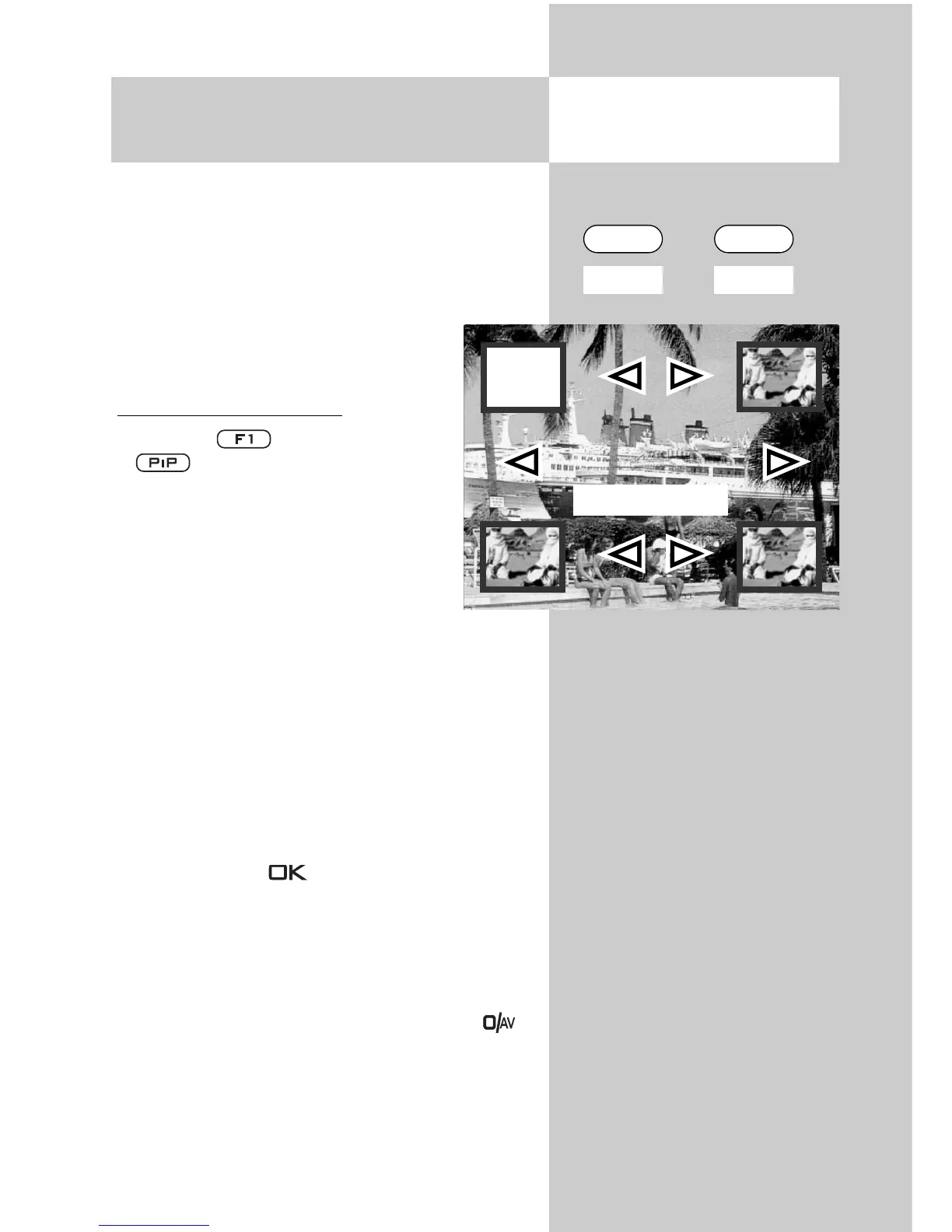
• You can use the cursor control keys
to move the PIP picture on the screen. The
last position to which this picture was set is
saved.
• By pressing the key, you can set the frame
of the PIP picture to active (red) or inactive
(white).
• The contents of the PIP picture can be changed
only if its frame is active (red).
If you wish to display the picture from a connected
AV device as a picture-in-picture, press the
key and then use the numeric keys to select the
desired AV device.
If you wish to display the picture from another sta-
tion, use the numeric keys to select the desired
program position.
☞
DVB-Prog.
anologes Prog.
AV-Prog.
HDTV program
F1 PIP
RM16 RM17



 To Next Page