88
The TV set will normally detect the colour standard
automatically.
If this automatic selection does not provide satis-
factory results (which should happen only rarely),
you can select the colour standard manually for
each program position.
The colour standard is set in the factory to “Auto-
matic“.
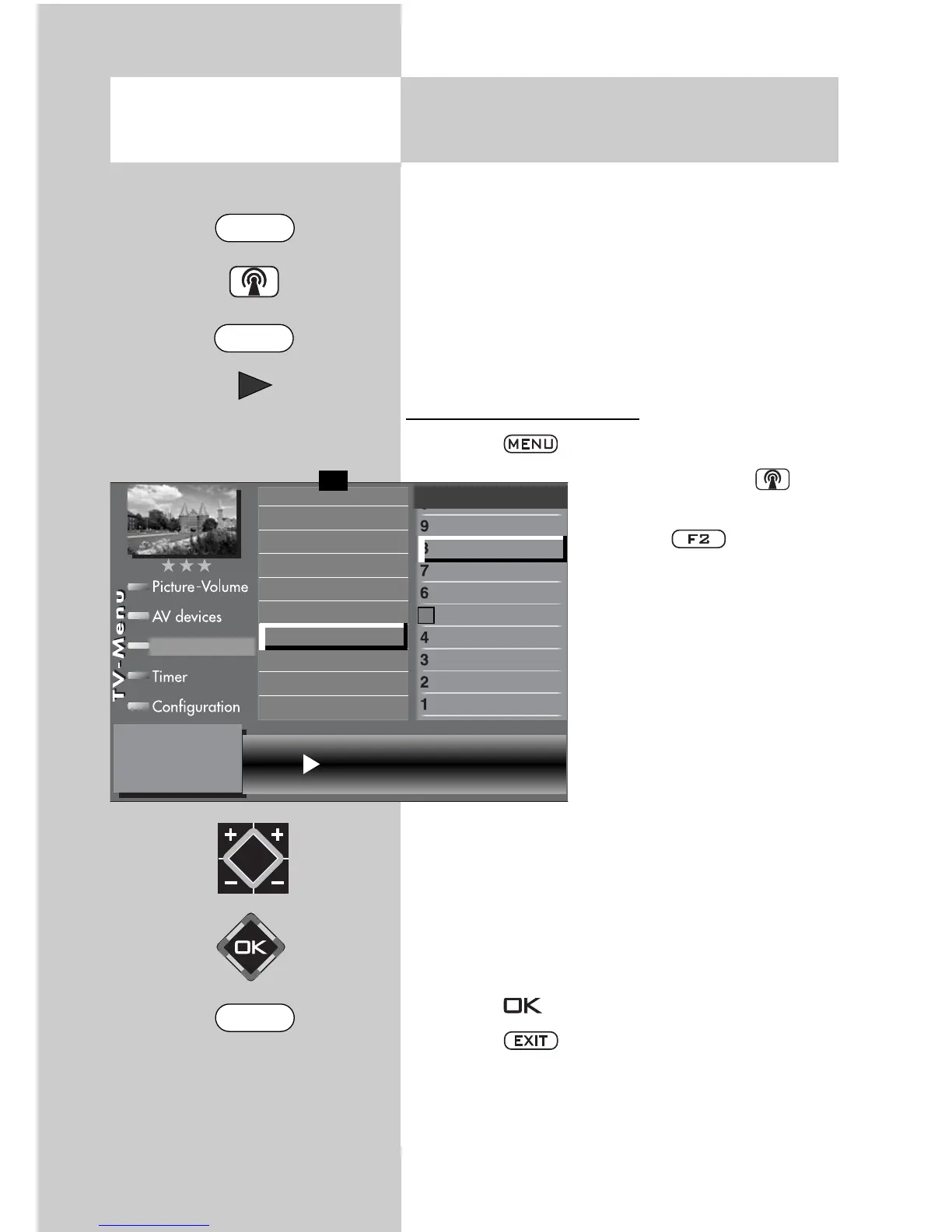
Setting the colour standard
• Press the key to open the TV menu.
• Press the white key to
open the station table.
• Press the key to ena-
ble editing of the station
table.
• Use the cursor control key to
select the program position
whose colour standard you
wish to change.
• Press the cursor control key
to move to the left
column.
• Use the corresponding
numeric key (in the exam-
ple:
) to select
“Colour standard“.
• Use the V-/V+ key to select the desired colour
standard, or to step through the available colour
standards until the picture is displayed clearly.
• Press the key to confirm your selection.
• Press the key to close the TV menu.
20.1 Setting Stations
Colour standard for analogue stations
3) See glossary for an explanation.
7) Available only for analogue stations
Opening the menu
The number of subjects and sections depends on
the selected scope of operation. Depending on
the configuration of the TV set, the various menu
items may be displayed in a different order and
numbered differently.
Colour standard SECAM
Sound corrections
Colour standard
3)7)
Picture quality
Picture correct.
Enter logo
Station contained in EPG
CA module
Signal quality
Frequency/channel
7)
0010 Hessen 3
0009 Südwest
0008 MDR
0007 PRO 7
0006 RTL 2
0005 RTL
0004 SAT 1
0003 Bayern 3
0002 ZDF
0001 ARD
Station table
✗
F1
➔
MENU
F2
EXIT



 To Next Page