126
This menu item is not available in a 2 **
menu.
If desired, you can change the factory settings for
AV devices (a video recorder on the EURO1
socket and a DVD player on the EURO2 socket
2)
).
Removing an A
V device from the TV set
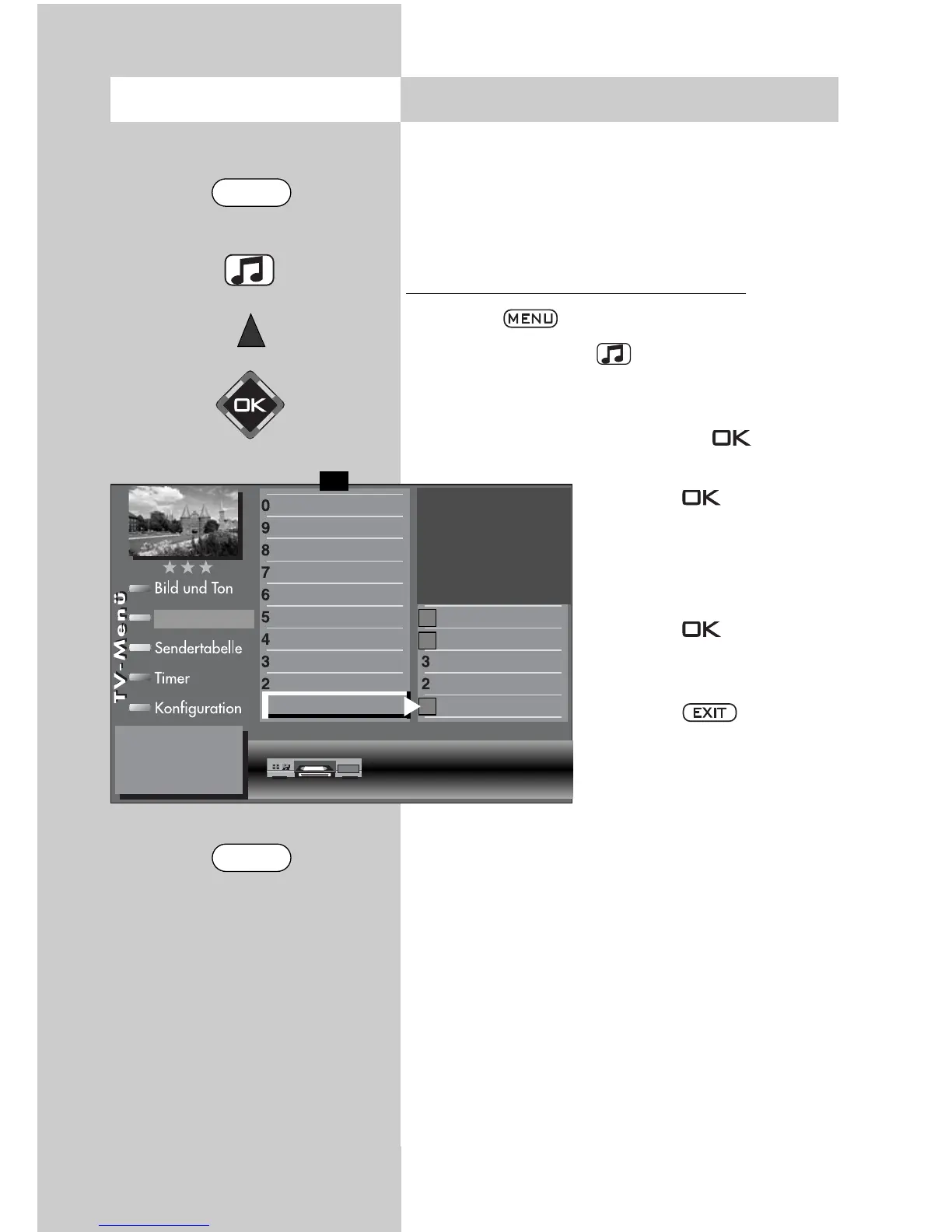
• Press the key to open the TV menu.
• Press the yellow key to open the menu “AV
devices“.
• Use the cursor control key to select the device
you wish to remove and press the key.
The cursor is on the line “Connect“.
• Press the key again.
A message is displayed,
asking if you really want to
change the connected
device.
• Press the key again
to remove the connected
device.
• Press the key to clo-
se the TV menu.
Caution ! This may
cause an existing con-
nection diagram to be
modified. If so, you
must reconnect the AV
devices accordingly.
☞
☞
30.4 Removing AV DevicesOpening the menu
Connect as follows:
DVD/Videorec.1
DataLogic
TV-SPDIF Input
2)
Name
Signal types
Connect
Front HDMI
AV- Receiver
Other device 2
Other device 1
PC
Satellite/set top
DVD Player 2
DVD Player 1
DVD/Videorec. 2
DVD/Videorec. 1
F1
➔
VCR
AV devices
2)
Possible only on sets equipped with this function.
MENU
EXIT



 To Next Page