110
25. DVB Radio Mode
To switch from TV mode to DVB radio mode, press
the key.
The screen is automatically blanked after about
30 seconds.
To switch from DVB radio mode to TV mode, press
the key.
Setting DVB radio stations
The available DVB radio stations are automatical-
ly detected during a station search (see Section
20) and stored in a separate station table at the
operating level for radio mode.
The radio station table can be sorted (see Section
22) and the station logos can be changed (see
Section 21).
Chapters 12 / 14 / 15 / 15.2 / 16 special
functions, normal/language and 18 to 18.3
also apply to radio programs.
Note: The screen can be switched on and
off manually with the blue key .
☞
☞
Opening the menu
TV/R
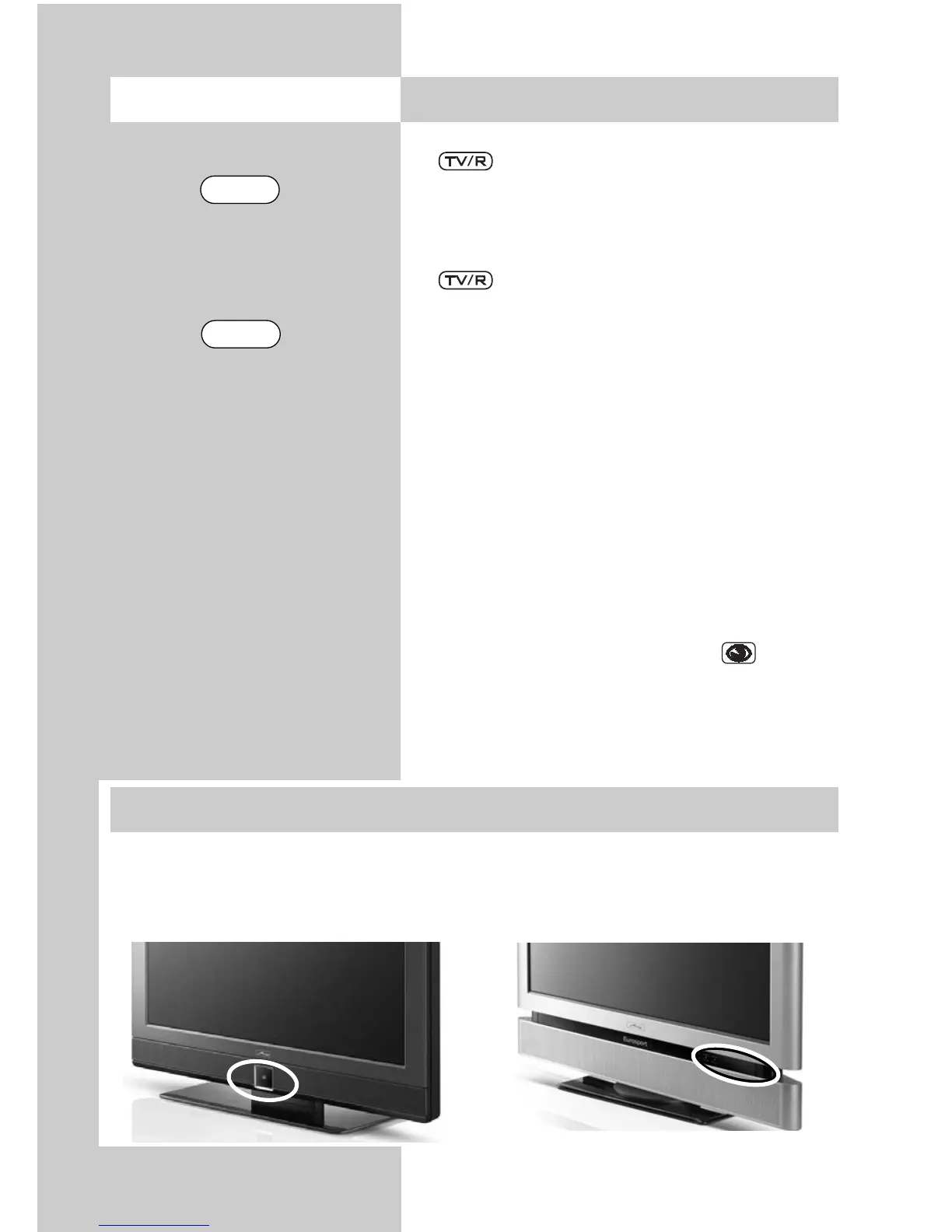
Operation without the remote control is provided as an emergency measure in case
the batteries of your remote control are exhausted or the remote control is not readily
available.
Local controls for Axio pro Local controls for Linus, Sirius
26. Operation without the Remote Control
TV/R



 To Next Page