82
Program Information (Now Showing: ..)
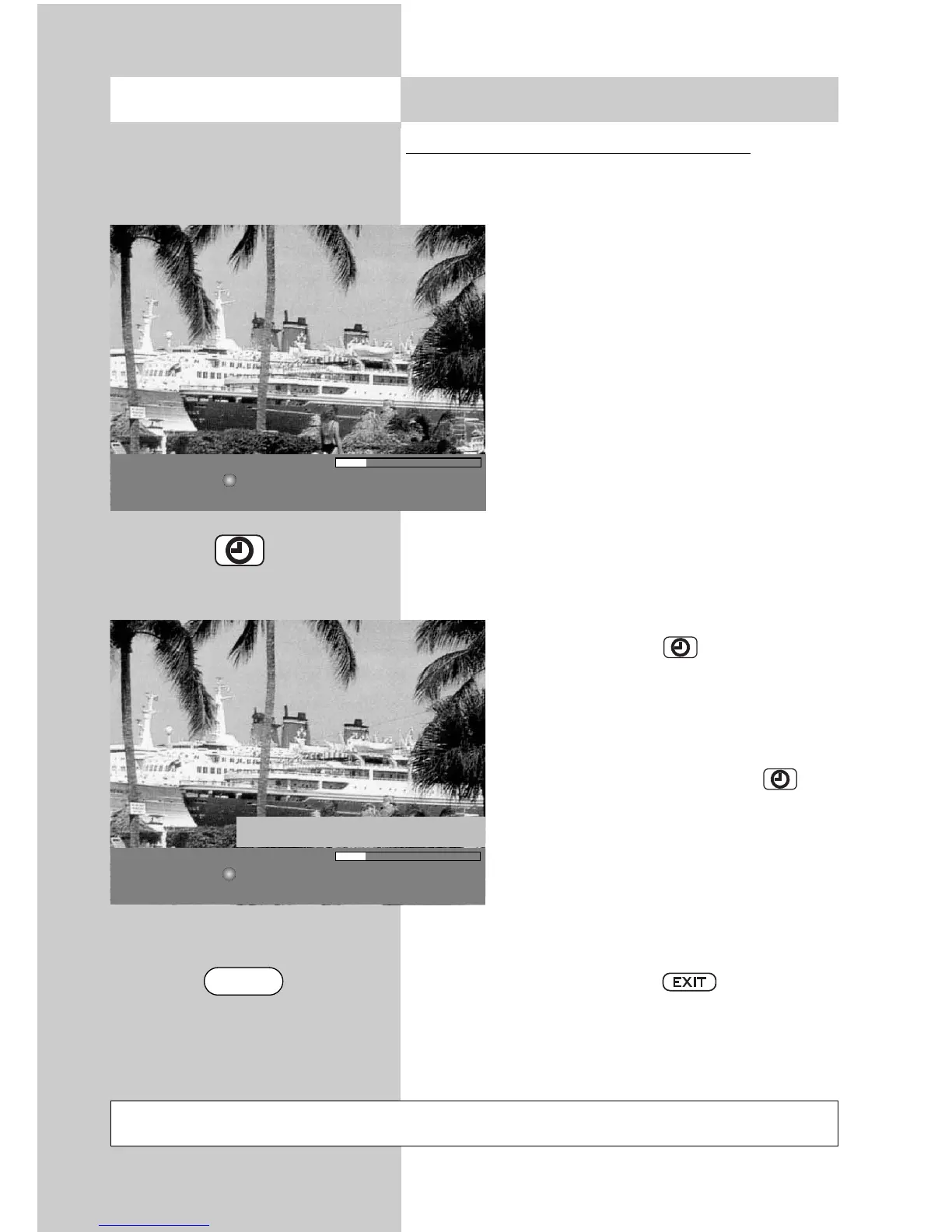
After switching to a channel, a box is displayed at
the bottom of the screen as shown in the picture.
This box contains the following infor-
mation:
- Channel number (in this example:
Pr4).
- Audio mode (stereo/mono).
- Start/end time of the program
- The time bar shows the elapsed pro-
gram time.
- Broadcasting station
- Program title
- Date and time
- Time details and title of the following
program
Press the green key to view addi-
tional information about the pro-
gramme currently showing, provided
the selected station broadcasts such
information.
Repeatedly press the green key to
view additional information about the
following program, provided the selec-
ted station broadcasts such information.
This information can also be accessed
while a program is running.
To hide the information, press .
Not possible with a set top box
18.3
Using the EPG
Opening the menu
Pr 4 Stereo 13:45 - 14:40
RTL Skispringen: Top 50
04.01.06 11:35:12 14:40 - 15:00 Skispringen: Die Entscheidung
Pr 4 Stereo 13:45 - 14:40
RTL Skispringen: Top 50
04.01.06 11:35:12 14:40 - 15:00 Skispringen: Die Entscheidung
Erster Durchgang des dritten Springens der Vierschanzen-
tournee auf der Bergisel-Schanze in Innsbruck
EXIT



 To Next Page