50
12.6 Sound Settings, Overview
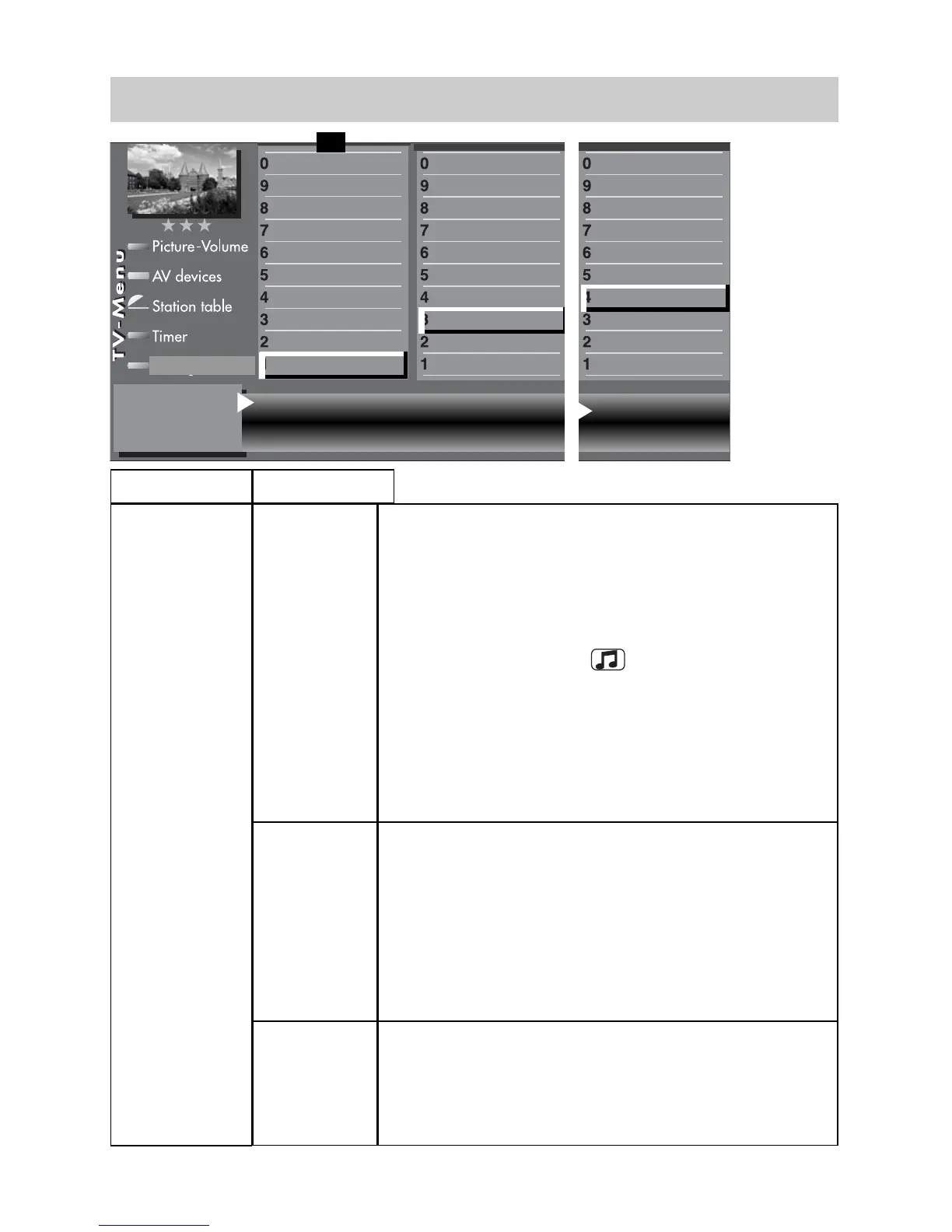
HiFi output
“Headphone“
Speakers
“On“
The volume on the “AUDIO OUT sockets” on the back
panel of the TV set is adjustable.
The sound is also output via the speakers of the TV
set. The volume of the TV set speakers can be chan-
ged with the V-/V+ button of the remote control.
Changing the volume on the “AUDIO OUT sockets”:
- press the yellow button
.
- press cursor button
or
and select “Headph. vol.”.
-
use the
V-/V+ button to change the volume.
The headphones output on the front or side will also be
changed.
Speakers
“Off“
The volume on the “AUDIO OUT sockets” on the back
panel of the TV set is adjustable.
The sound is not output via the speakers of the TV set.
The symbol for the mute setting appears on the screen
ı
The volume on the “AUDIO OUT sockets” can be changed
with the V-/V+ button of the remote control. The headphone
output on the front or side will also be changed.
Speakers
“Center“
The sound of an AV device connected to the
“CENTRE IN socket” (e.g. Surround decoder) is out-
put through the speaker of the TV set.
The speakers of the TV set are thus used as
“Centre speakers”
“HiFi output“
“Sound settings“
Change with
Accept value with .
– +
OK
Mute (two-stage) on Speakers on
Preselection of Sound 1
Function for F2
Function for F1
EURO sockets
DVB-C
2)
DVB-T
2)
DVB-S
2)
Analog-TV
Country
Language
Operating
Configuration
F1
➔
HiFi output Headphone
Subtitle
Data Logic adjustment
CI dialogue via
EPG settings
Display configuration
2)
Operating
Sound settings
HiFi output
2)
Time shift
2)
Init. prog.position
Subtitle
Data Logic adjustment
CI dialogue via
EPG settings
Display configuration
2)
Operating
Sound settings
HiFi output
2)
Time shift
2)
Init. prog.position



 To Next Page