120
30.1 Registering AV Devices
Data Logic
• Press numeric key , use the V-/V+ key to
select the correct signal types (OUT/IN) and
press the key.
(See also the operating instructions of the
AV device.)
• If desired, press numeric key
, enter a new
name for the AV device and press the key.
• Use the cursor control key to select “Data
Logic“ and press the key.
• Use the cursor control key to select “Connect“
and press the key. Then connect the AV
device to the corresponding EURO socket.
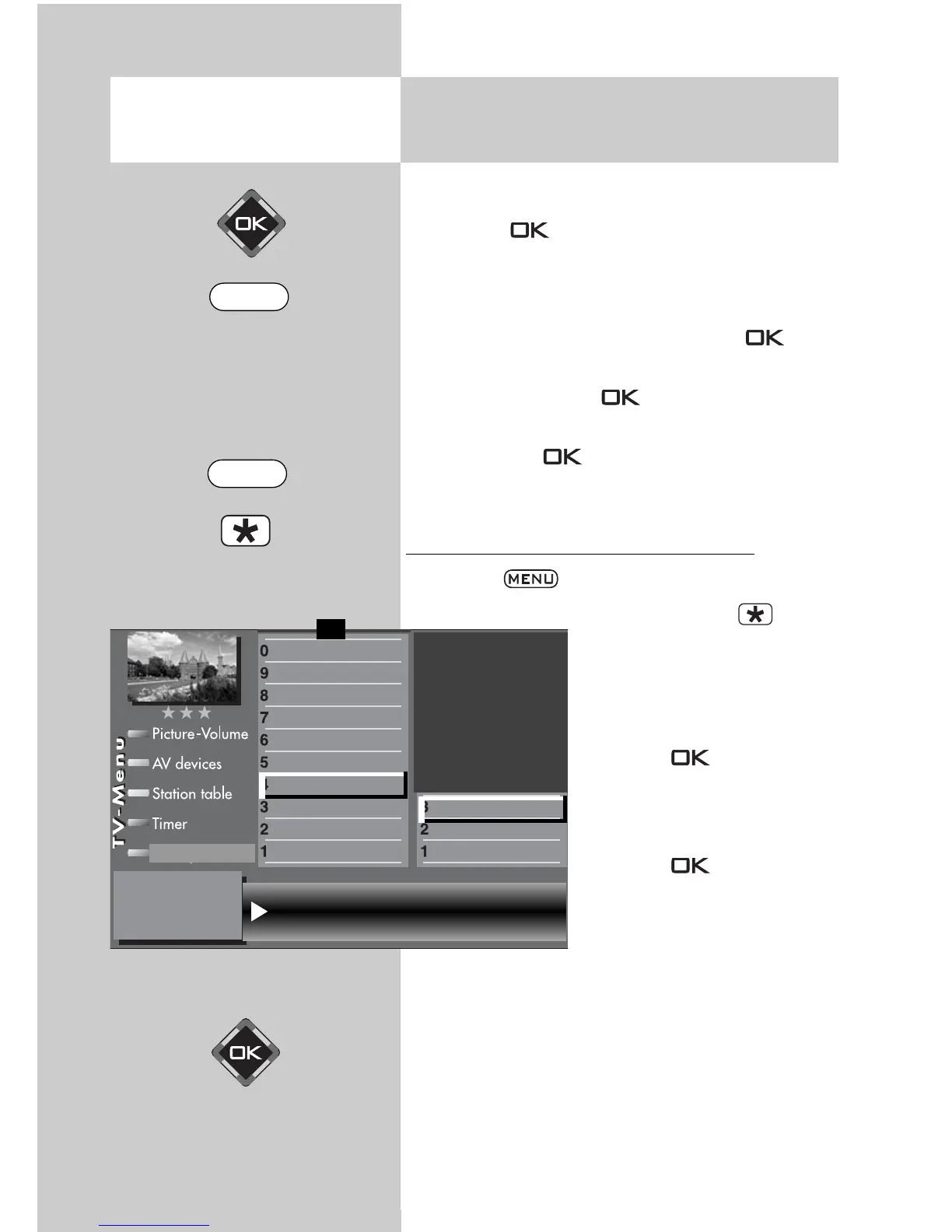
Data Logic: transferring the station table
• Press the key to open the TV menu.
• Press the red key to
open the menu “Configura-
tion“.
• Press numeric key
to
select “Analogue TV“.
• Press the key and then
press numeric key to
select “Data Logic“.
• Press the key to trans-
fer the program positions
from the TV set to the video
recorder.
Opening the menu
Start data transfer Program position
DataLogic
Terrestrial station search
Search settings
Function for F2
Function for F1
EURO sockets
DVB-C
2)
DVB-T
2)
DVB-S
2)
Analog-TV
2)
Country
Language
Operating
Configuration
F1
➔
2)
Possible only on sets equipped with this function.
MENU
EXIT



 To Next Page