107
22. Sorting stations, block-by-block
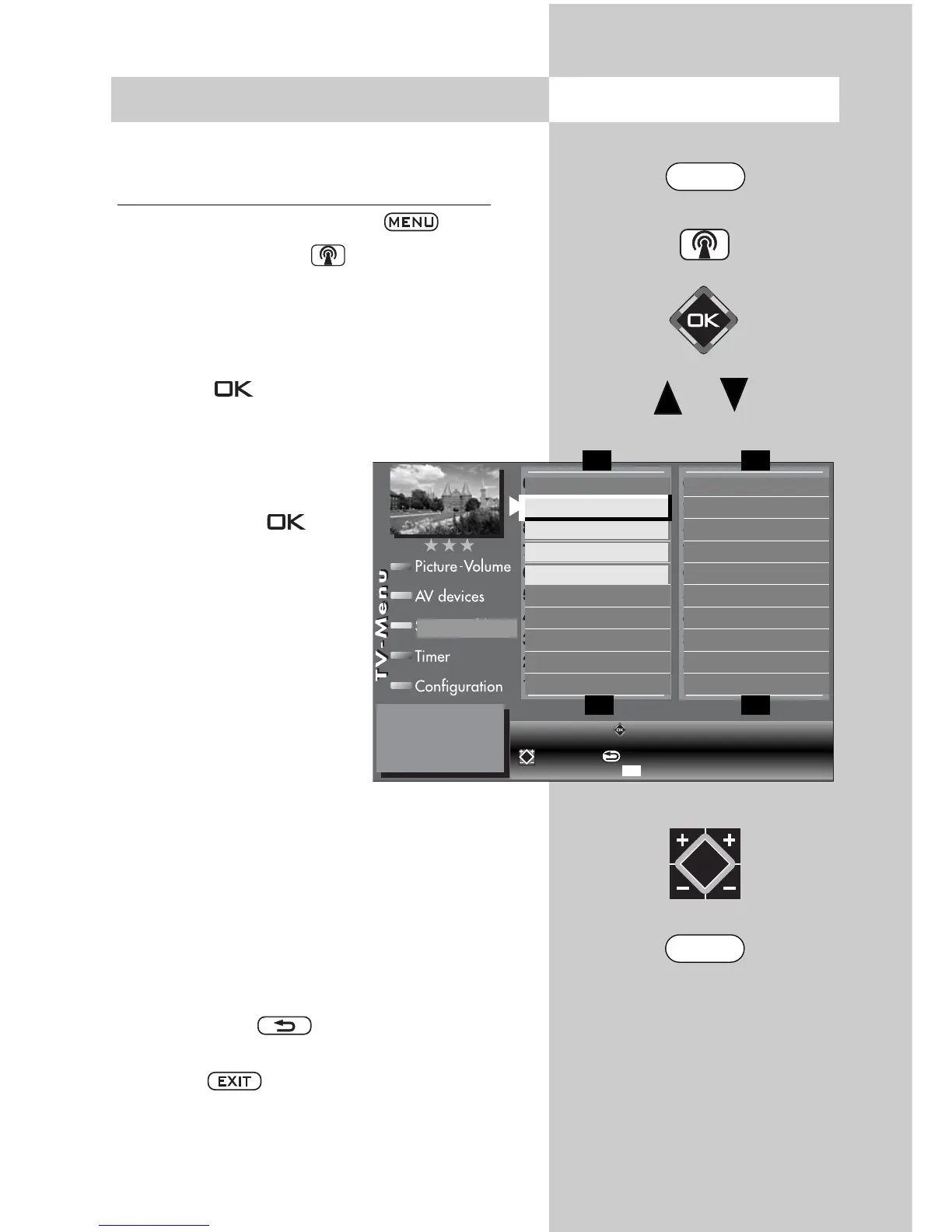
Individual or multiple stations can be moved,
copied or deleted in the station table.
Copying, moving, deleting multiple stations
• Call up the TV menu with the button
.
• Use the white button to retrieve the station
table.
• Use the cursor control key to select the first pro-
gram position that is to be copied, moved, or
deleted.
• Press the button and mark the program
position (prog. 006 in the example ).
• Use the cursor control key to select the last pro-
gram position that is to be
copied, moved, or deleted.
• Press down the button
until all stations between the
first and last station position
are marked.
Copy:
• When copying, afterwards
use the cursor to select the
program position after
which the stations are to be
inserted.
• Use the + key to copy the
block of stations.
Move:
• When moving, afterwards use the cursor to
select the program position after which the sta-
tions are to be re-inserted.
• Use the – key to move the block of stations.
Delete:
• If the marked block of stations is to be deleted,
then press the button.
• When you are finished, clear the “TV menu”
with the button.
Opening the menu
0010 Hessen 3
0009 Südwest
0008 MDR
0007 PRO 7
0006 RTL 2
0005 RTL
0004 SAT 1
0003 Bayern 3
0002 ZDF
0001 ARD
0020 BR alpha
0019 3 SAT
0018 Kinderkan.
0017 FRANKEN
0016 TELE-5
0015 9LIVE
0014 SuperRTL
0013 Kabel 1
0012 VOX
0011 West 3
F1
➔
F1
➔
F3
➔
F3
➔
Station table
0006 RTL 2
0007 PRO7
0008 MDR
0009 Südwest
MENU
EXIT
Select stations with (hold down to select a block). Select new
position with the cursor.
move/copy, delete.
Delete all marks with .



 To Next Page