11. General Picture Settings
configure picture profile
2)
Picture profiles are a combination of very special picture
parameters that make it possible to always create the best
picture reproduction quality for different types of programs
or for replaying from different video sources.
The “Standard” picture profile is a good compromise for
all types of transmission, and is set at the factory. However,
in order to obtain the maximum picture reproduction quali-
ty, it is useful to assign the appropriate picture profile to a
specific application.
If you are technically inclined,
you also have the possibility
of adjusting each individual
picture profile yourself, as
well as to create a separate
additional picture profile
according to your individual
taste.
Picture profile
2)
settings:
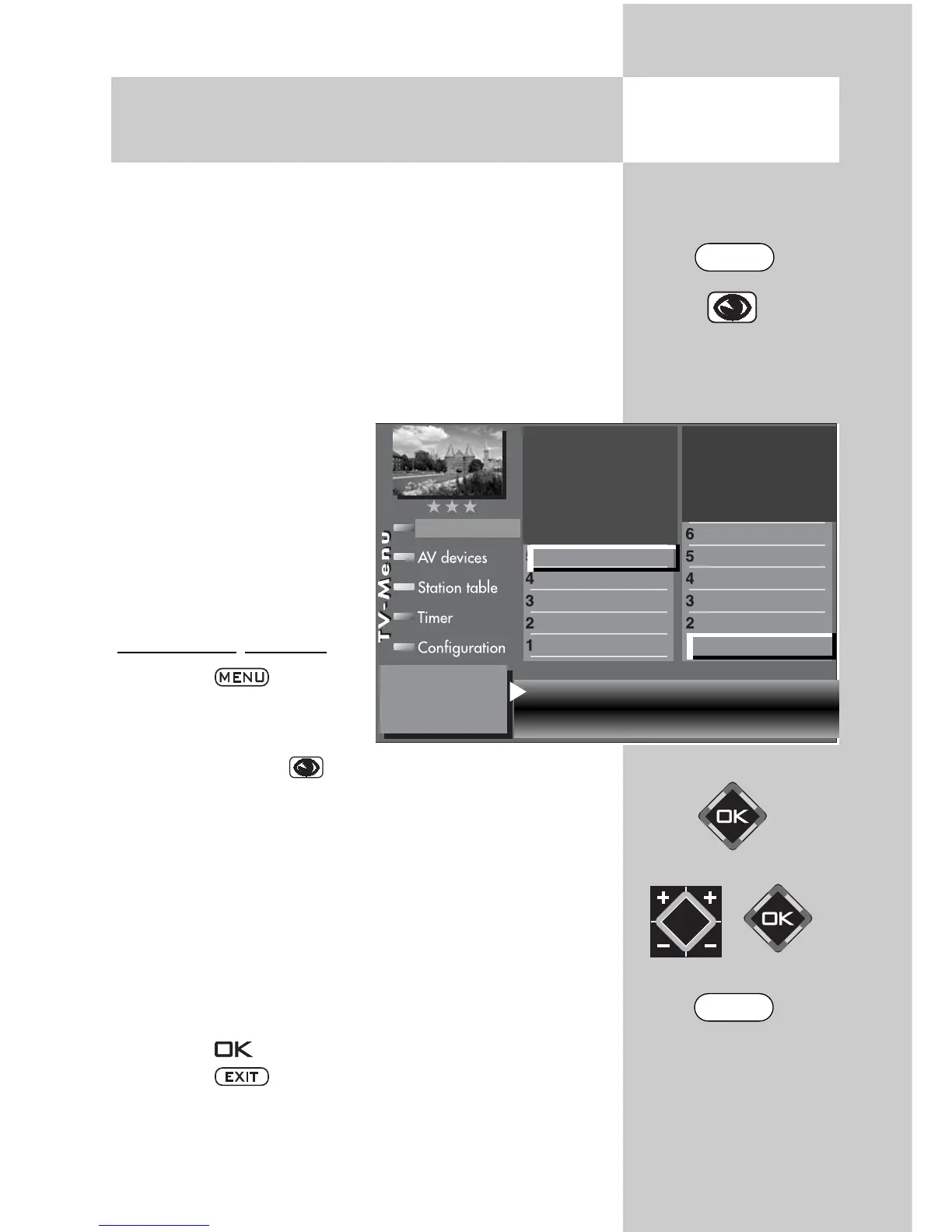
• Press the key.
The TV menu appears on
the screen.
• Press the blue key . The menu “Picture and sound“
and the menu item “Picture settings, gen.“ are
pre-selected.
• Press the numeric key to select the “Picture profile set-
tings” menu option.
• Use the assigned numeric key to access the picture profi-
le that is to be changed.
•
Use the cursor control key to access the menu
option that is to be changed.
• Change the setting with the V-/V+ key.
• Press the button to save the new settings.
• Press the key to close the TV menu.
Opening the
menu
Motion compens.
3)
medium
Colour accentuation
3)
light
Load factory settings No
Dyn. contrast
3)
light Standard
User
PC monitor
Game pad
Brilliant
Sport
Standard
Picture profile adjustment
Sound set,.prog.posn
Sound settings, gen.
Pict.set.,prog.posn.
Picture settings, gen.
Picture-Volume
3) See glossary for an explanation.
31
EXIT
MENU



 To Next Page