70
Panorama
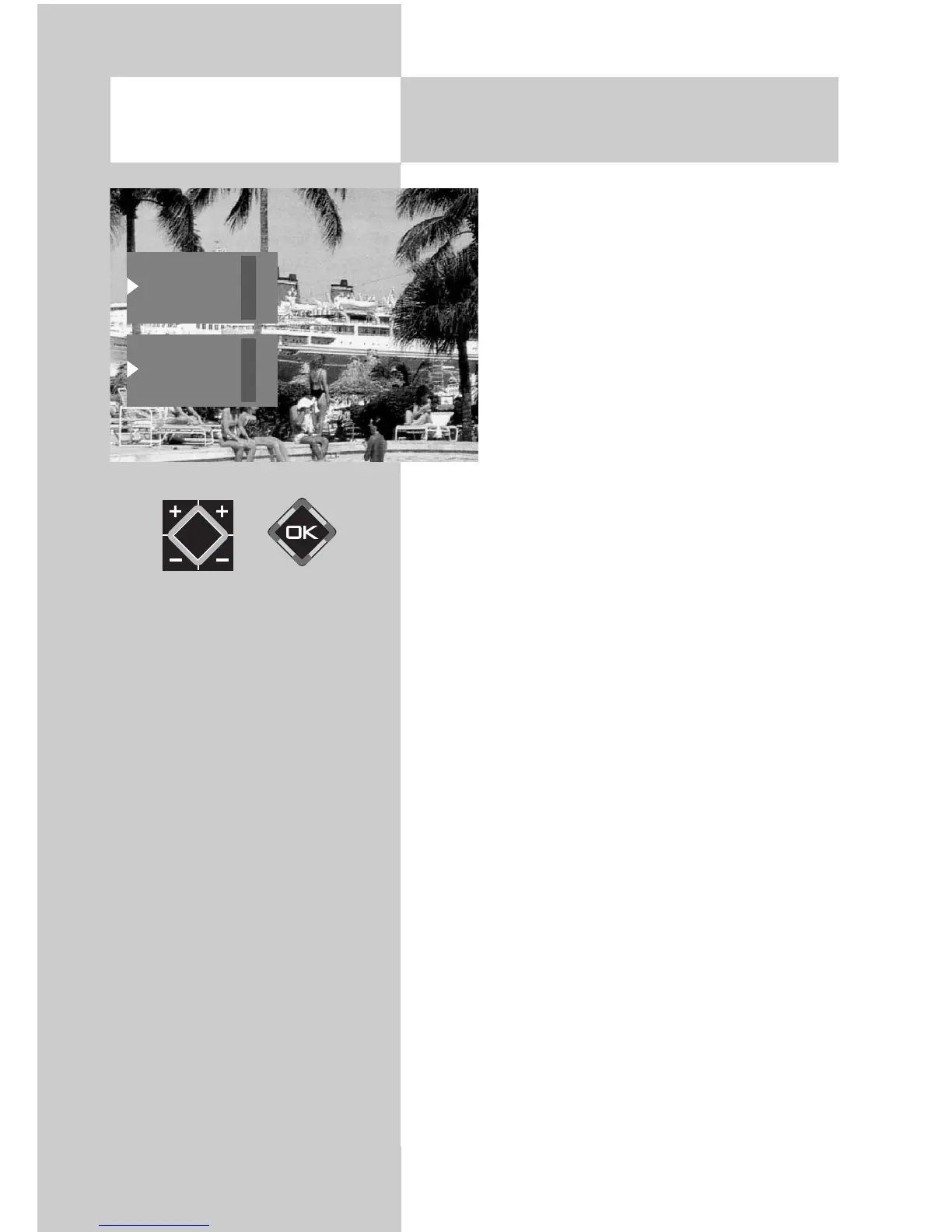
With the aid of the panorama function,
you can expand programs broadcast in
4:3 format to fill the screen of a 16:9 TV
set. The picture is expanded uniformly in
the horizontal direction. You can also
zoom the picture. The panorama function
can be activated and deactivated in the
menu item “General picture settings“ of
the menu “Picture and sound“.
16:9 Full picture
This function serves to display pictures from exter-
nal devices (such as a 16:9 video recorder) with
the correct aspect ratio.
16. Special Functions
Picture format
Standard 4:3
Panorama
16:9
full picture
Panorama
16:9
full picture
Zoom
Opening the menu



 To Next Page