QX-830 Compact Industrial Scanner User’s Manual 5-63
Scanner Parameters
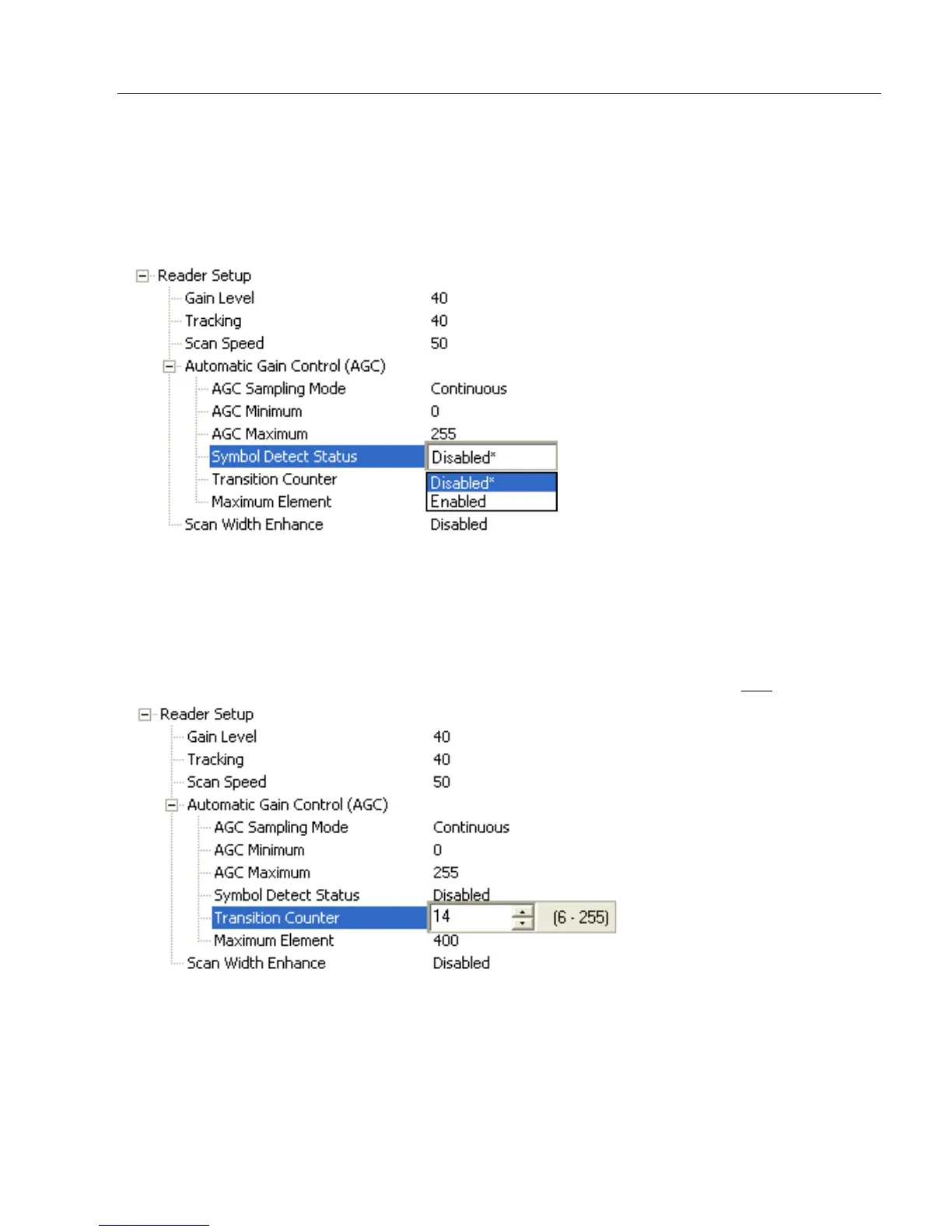
Symbol Detect Status
When Symbol Detect Status is enabled, Bad Symbol/No Symbol is output depending on
whether or not there were enough transition counts, rather than based on a simple No Read.
Note: Symbol detection can only be used when AGC Sampling Mode is set to Disabled
(Fixed Gain).
Transition Counter
Number of bar/space transitions required for an AGC sample. When multiple samples take
place within a scan, the largest value is used.
If symbol detection is enabled, the transition counter defines the minimum number of
transitions required for a scan to qualify as a No Symbol (number of transitions < transition
counter), or Bad Symbol (number of transitions > or = transition counter and
no decode).



 To Next Page