QX-830 Compact Industrial Scanner User’s Manual 5-75
Scanner Parameters
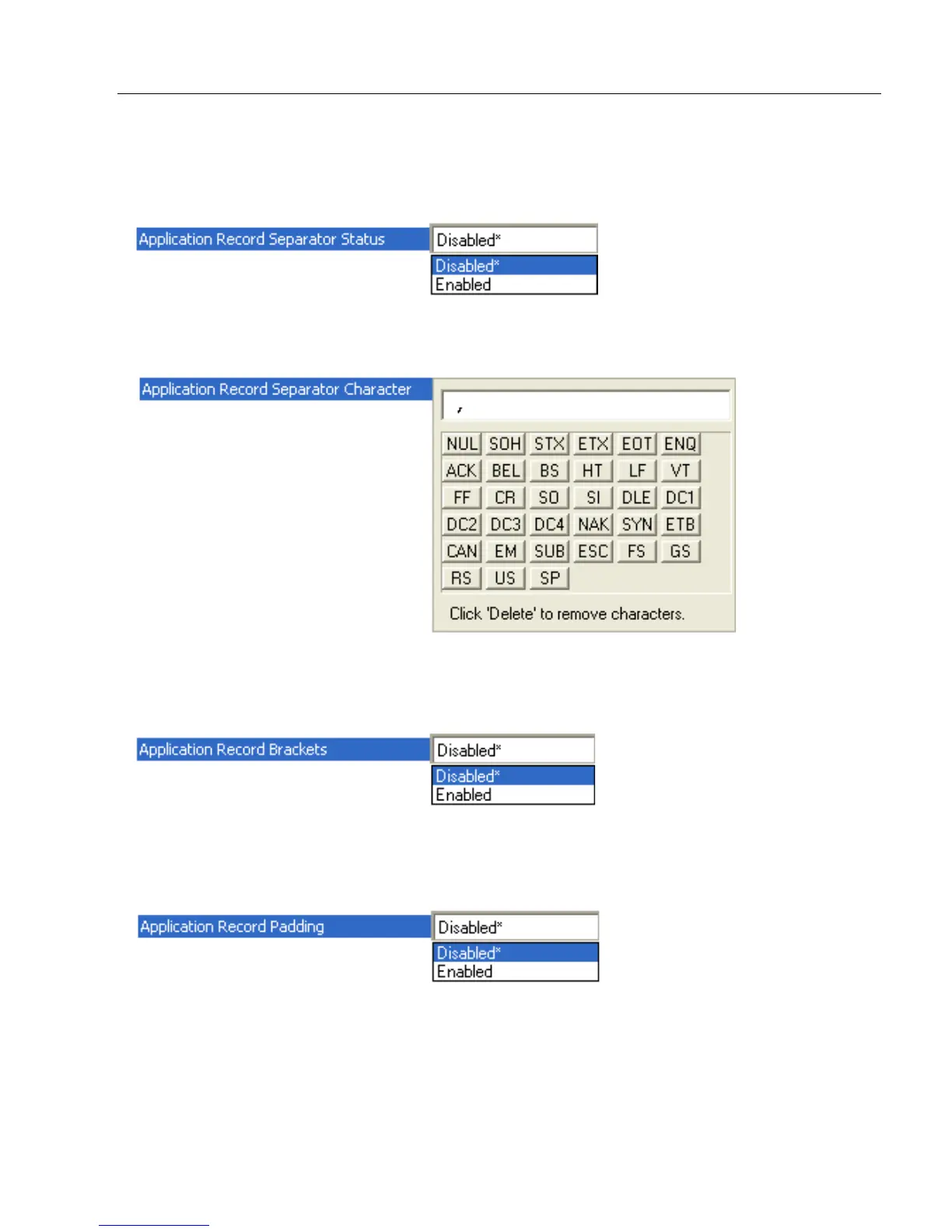
Application Record Separator Status
When enabled, an EAN separator will be inserted into the output between fields whenever
an EAN-conforming symbol is decoded and EAN output formatting applies.
Application Record Separator Character
This is an ASCII character that serves as an EAN separator in formatted EAN output.
Application Record Brackets
If an EAN-conforming symbol is decoded and EAN formatting applies, this feature places
bracket characters around the application identifiers in the formatted output.
Application Record Padding
This feature causes the scanner to pad variable-length application fields with leading
zeroes. This is not done for the last field of a symbol.



 To Next Page