5-82 QX-830 Compact Industrial Scanner User’s Manual
Symbologies
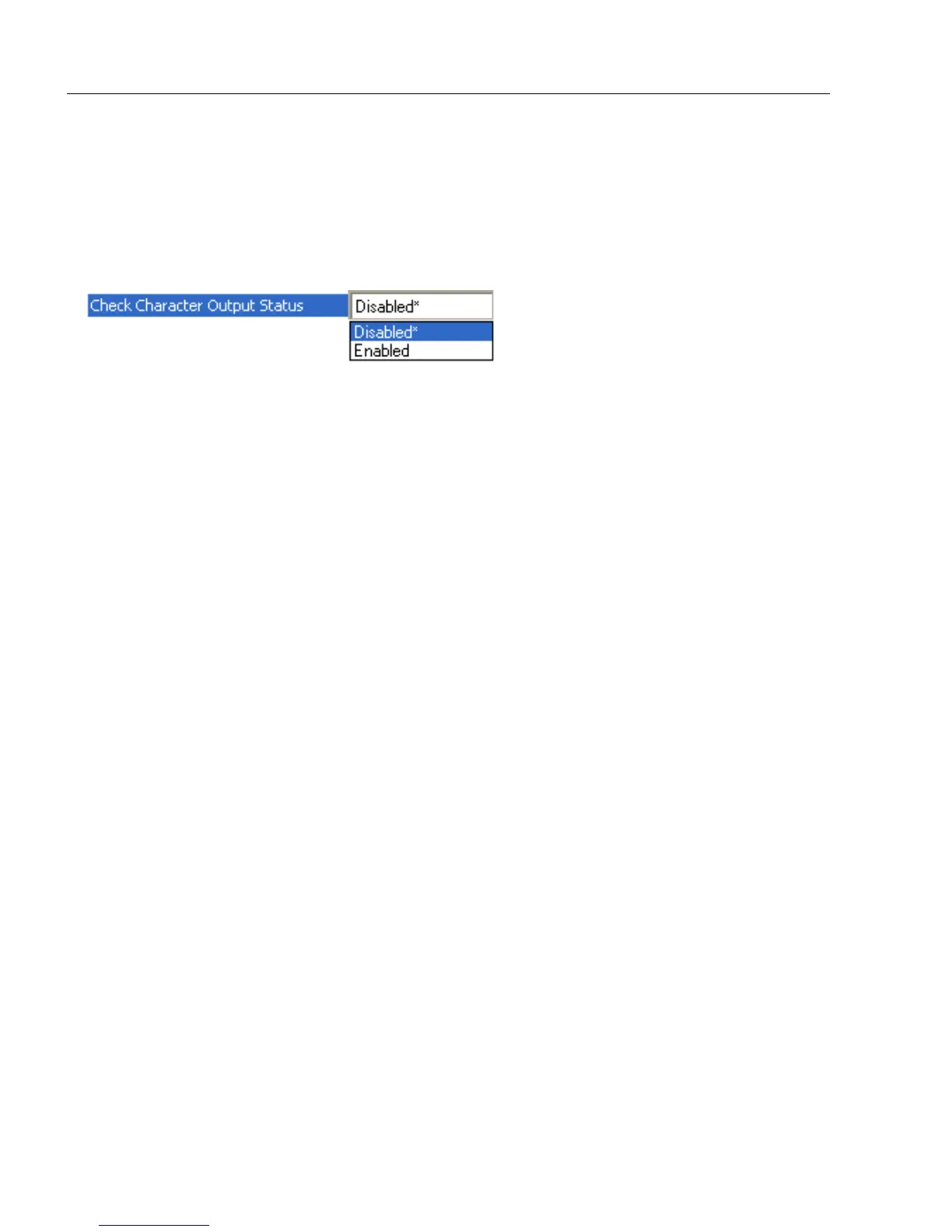
Check Character Output Status
When this field is disabled and a check character calculation is enabled, the scanner will
strip the verified check character from the symbol data output. This condition must be
accounted for if a fixed length is also being used.
When enabled, the scanner will output the check character as part of the symbol data.
This condition must be accounted for if a fixed length is also being used.



 To Next Page