2-8 QX-830 Compact Industrial Scanner User’s Manual
Menu Toolbar
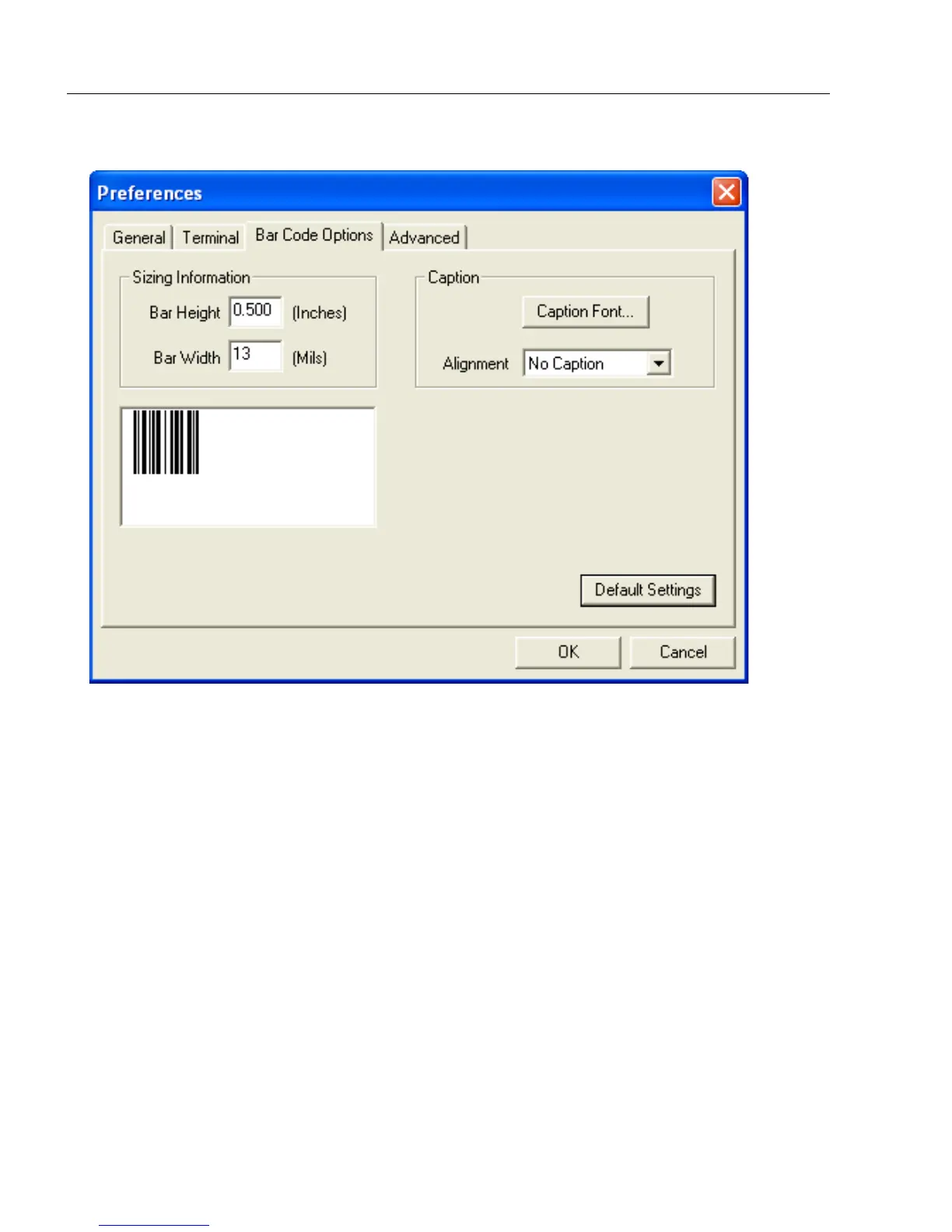
Preferences > Bar Code Options Tab
Sizing Information
Sets the bar height (in inches) and bar width (in
mils
, or thousandths of an inch) of user-created
symbols.
Example: A bar width of 13 mils is 0.013 inches.
Caption
Allows the user to define a caption for the symbol, and to determine the alignment of the
caption in relation to the symbol.



 To Next Page