QX-830 Compact Industrial Scanner User’s Manual 2-11
Using ESP
Document Memo
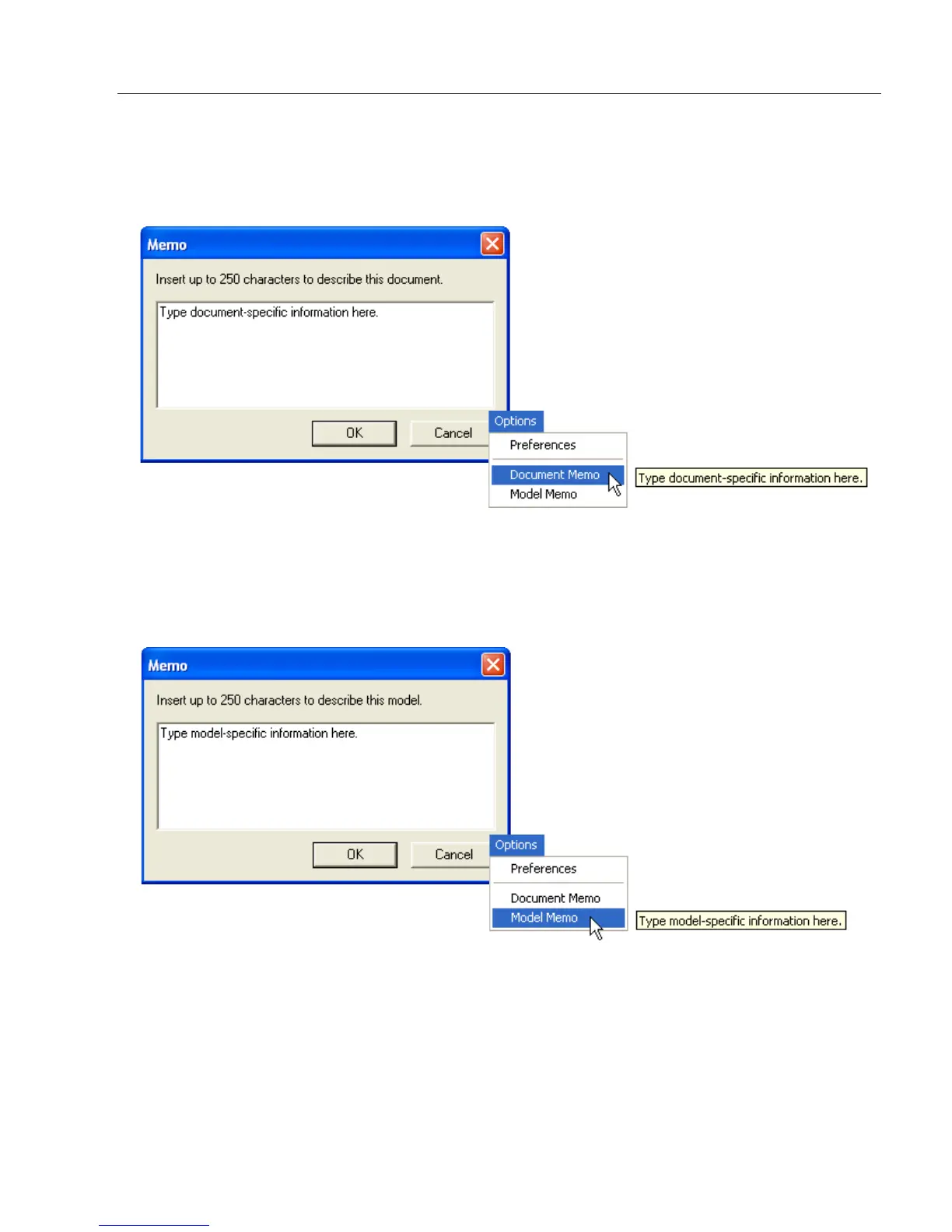
The information entered in the Document Memo field will appear in a context-sensitive text
box whenever the cursor hovers over the Document Memo item on the Options menu.
Model Memo
Similar to Document Memo, the information entered in the Model Memo field will appear in
a context-sensitive text box whenever the cursor hovers over the Model Memo item on the
Options menu. Memos created in Model Memo are specific to the model enabled when
the message was created.
Note: Memos must be saved in a .esp file to make them available in the next session. If
the current session is not saved, any memos that have been entered during the session
will be discarded, and will be unavailable in the next session.



 To Next Page