QX-830 Compact Industrial Scanner User’s Manual 5-13
Scanner Parameters
Ethernet
When using Ethernet to deploy QX-830s in an application, the host computer must be in
the same IP range as the devices. Network settings are accessible in Windows from the
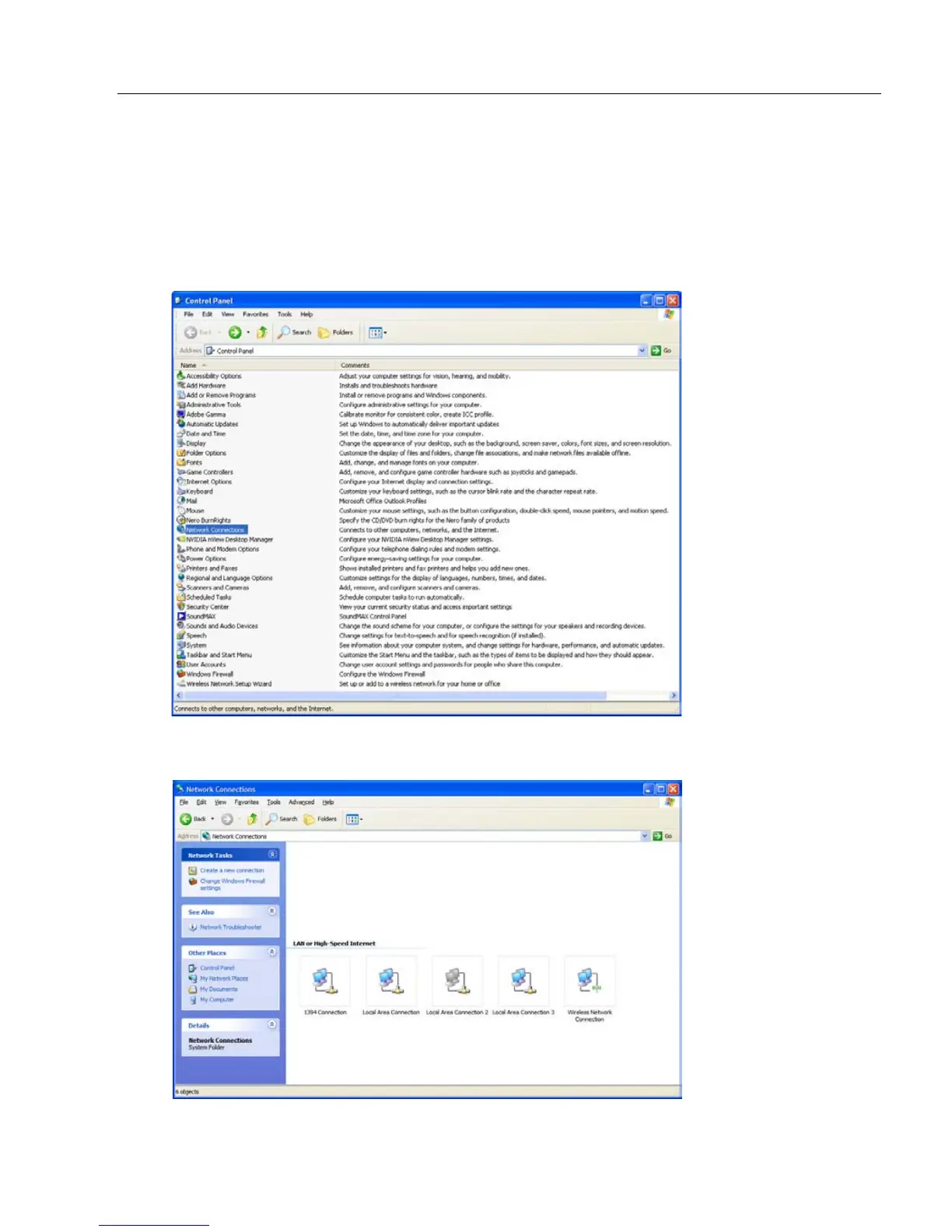
Control Panel. The steps below show how TCP/IP settings can be configured.
1. From the Windows Start Menu, open Control Panel and double-click Network
Connections.
2. The Network Connections dialog will appear. Double-click the icon for the Local Area
Connection being used in the application.



 To Next Page