MC2000 – Assembly Instruction Manual 2011-10
42
Commencing from platform control panel
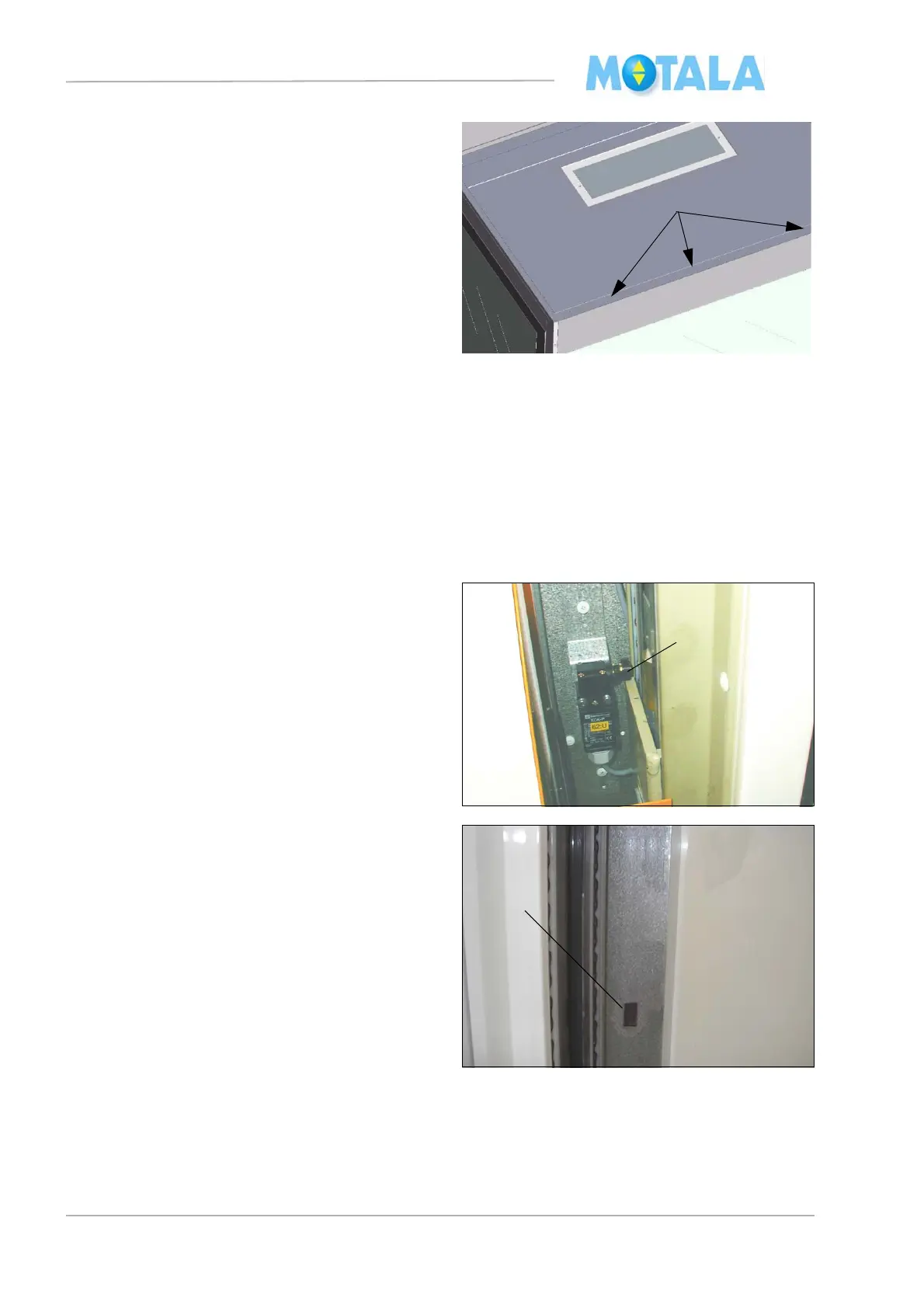
5. Important! Fasten the ceiling in the L-
shaped moulding with screws from under-
neath (5).
1. Switch the main switch 220: to ON. Note!
The lift is equipped with PLC control so it
will run down to landing 0 in order to reset
the PLC program, no matter which button
you push.
2. Run to the upper terminal floor, to exactly
correct height.
3. Install the terminal floor stop switch so that
the roller of the arm is in close contact with
the slide. Check that the arm cannot get
stuck against the edge of the guide rail.
Fasten the cable.
4. If the lift has more than two landings, run it
down and install intermediate floor mag-
nets. Switch the supply voltage off and on
and run to landing 0 in order to reset the lift.
• Note! The size of the magnet is15X30 mm
and must be fitted vertical. (Changed from
horizontal to vertical in okt 2011 from control
panel No 6000 and higher)



 To Next Page