23
MC2000 – Assembly Instruction Manual
Installation of electric cables and wires
Top landing
Pull all the cables to the control panel, i.e. the
cabl
e from the pit and the cables from all the
door frames.
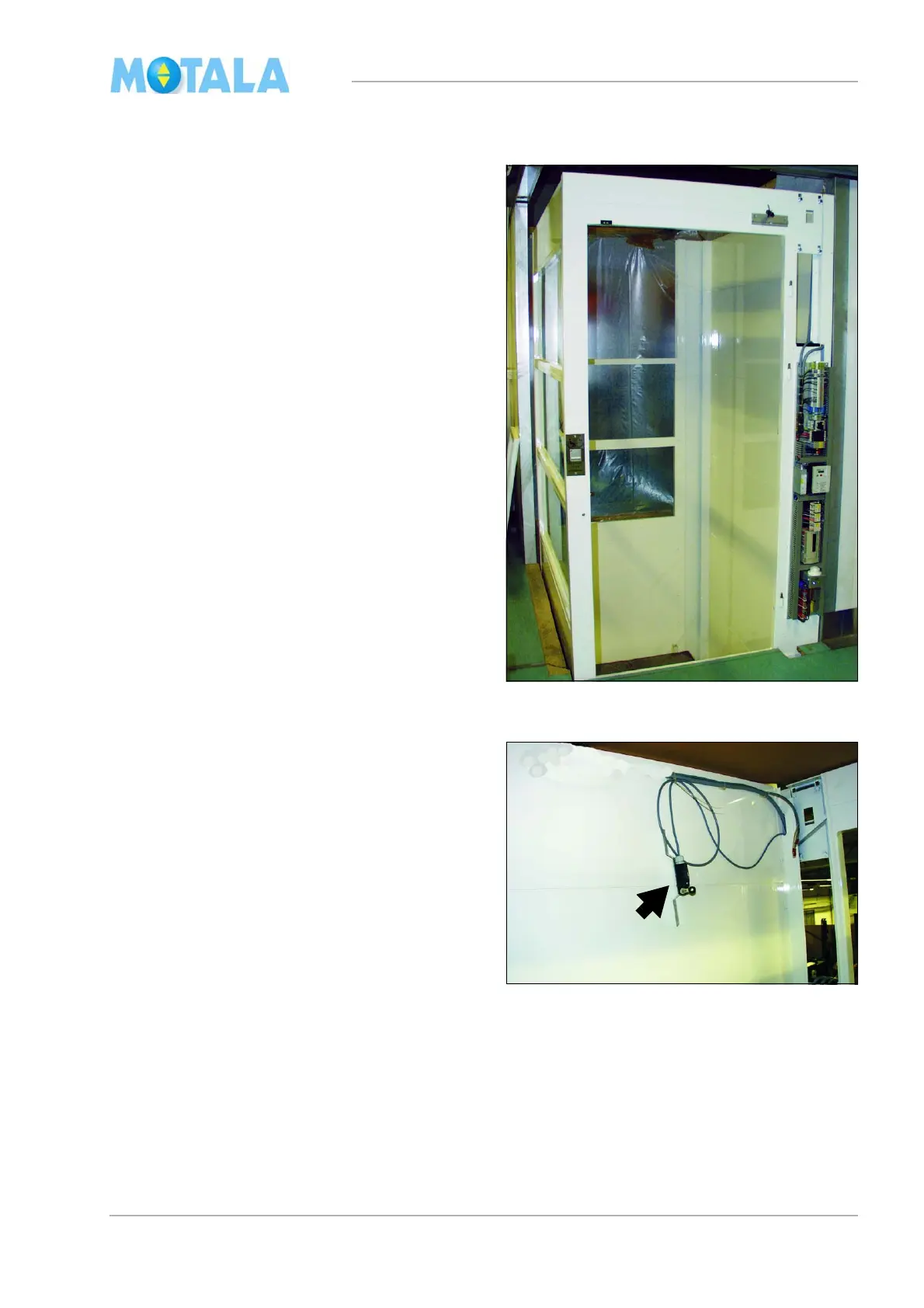
The illustrations show the standard installation,
i.
e. the control panel is installed on the door
frame on the top floor at the same place as the
motor and the gear.
If the control panel is placed on another floor on
or out
side the lift, cables for the hand wheel
contact 28: must be installed; the motor cable
and the brake cable to the control panel. (The
hand wheel contact is effected by the hand
wheel tool for emergency control of the lift.)
Also see on page 28.
1. Route the cable for the safety gear contact
127: to the control panel (to be installed
later) with cable tie
2. .Temporarily fasten the upper end limit
62:
U (marked with an arrow in the photo)
and pull the cable through the door frame
to the control panel.
3. Note where the cables from the door
fr
ames enter the channel so that you do not
screw or drill through them by mistake. Try
to keep the cables in the centre of the door
frame profile and the corner profile.



 To Next Page