7 Functions and settings
Maschinenfabrik Reinhausen 2014104 3550953/00 ENTAPCON® 230 pro
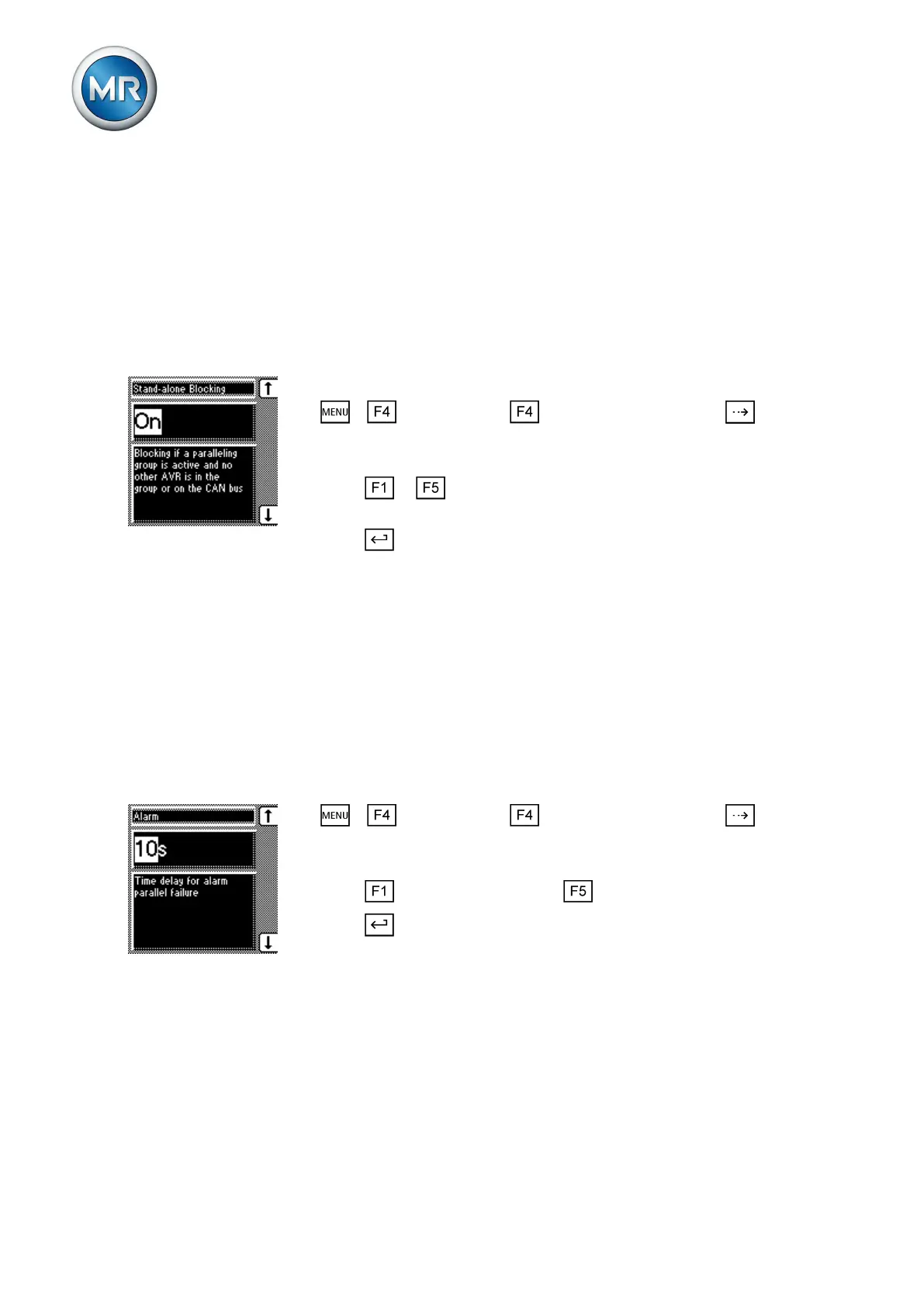
Activating/deactivating blocking in simplex mode
With this parameter, you can configure if you want to prevent one single de-
vice handling regulation. This function is activated if only this one device is
recognized in the parallel operation group using the CAN bus.
To activate/deactivate the Simplex mode blocking function, proceed as fol-
lows:
To activate/deactivate the simplex mode blocking function, proceed as fol-
lows:
ü Make sure that the device is assigned to a parallel operation group.
1. > Configuration > Parallel operation > Press until the
desired parameter is displayed.
ð Simplex mode blocking.
2. Press or to activate blocking by selecting On or to deactivate
blocking by selecting Off.
3. Press .
ð Blocking in simplex mode is activated.
Setting delay time for parallel operation error messages
You can use this parameter to set the delay time for a parallel operation er-
ror message so that brief fault messages are not received if the motor-drive
units involved in the parallel operation have different runtimes. Once the set
delay time has elapsed, the event is issued at the output relay. Automatic
regulation is blocked and the on-load tap-changers can only be adjusted in
manual mode.
To set the delay time for the parallel operation error message, proceed as
follows:
1. > Configuration > Parallel operation > Press until the
desired parameter is displayed.
ð Error message.
2. Press to increase the value or to reduce it.
3. Press .
ð The delay time for the parallel operation error message is set.
Configuring the maximum permitted tap difference
With this parameter, you can configure on the follower the maximum permit-
ted tap difference between the follower and master.
In the tap synchronization parallel operation method, the tap positions of
all transformers connected in parallel must be identical. Provided the tap dif-
ference is not greater than the maximum tap difference, the follower follows
7.8.4
7.8.5
7.8.6



 To Next Page