7 Functions and settings
Maschinenfabrik Reinhausen 201468 3550953/00 ENTAPCON® 230 pro
Parameter Function
Local You can operate the device using the control
panel.
Remote You can operate the device using an external
control level.
Manual operation is disabled.
Table 10: Adjustable parameters
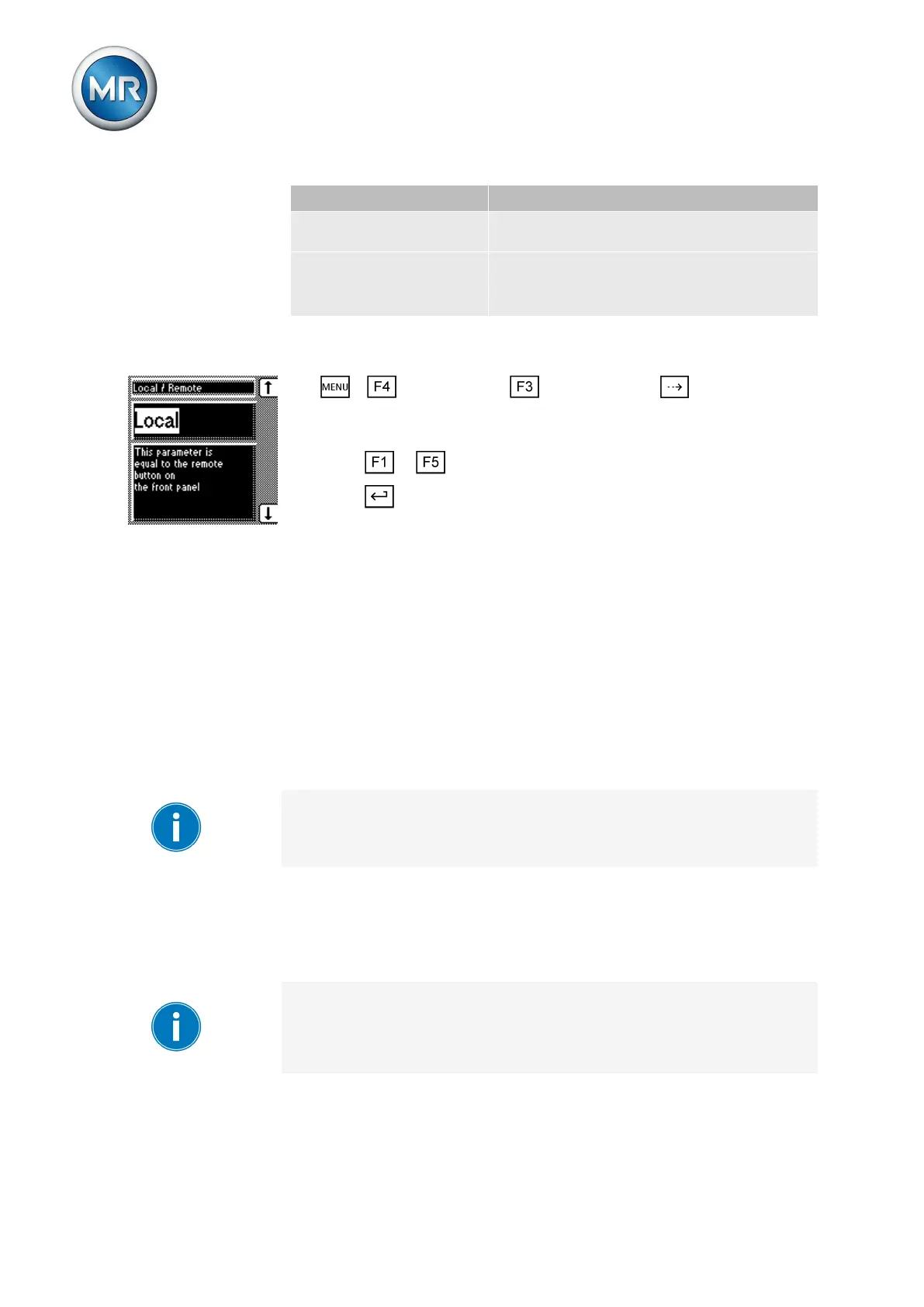
To activate Manual or Automatic operating mode, proceed as follows:
1. > Configuration > General > Press until the desired
parameter is displayed.
2. Local/Remote
3. Press or to select the operating mode you want.
4. Press .
ð The operating mode is set.
NORMset
NORMset mode is used for quickly starting voltage regulation. In NORMset
mode, the bandwidth and delay time parameters are automatically adapted
to the requirements of the grid.
To start NORMset mode, you must set the following parameters:
▪ Normset activation
▪ Desired value 1
▪ Primary voltage
▪ Secondary voltage
Line drop compensation cannot be performed in NORMset mode.
Set the following parameters to operate the device in NORMset mode.
Activating/deactivating NORMset
You can use this parameter to activate NORMset mode.
A manual tap-change operation is required to activate NORMset. This is
how the voltage regulator determines the bandwidth required.
If the transformer is switched off, another manual tap-change operation is
required.
To activate/deactivate NORMset mode, proceed as follows:
7.3



 To Next Page