7 Functions and settings
Maschinenfabrik Reinhausen 2014 1033550953/00 EN TAPCON® 230 pro
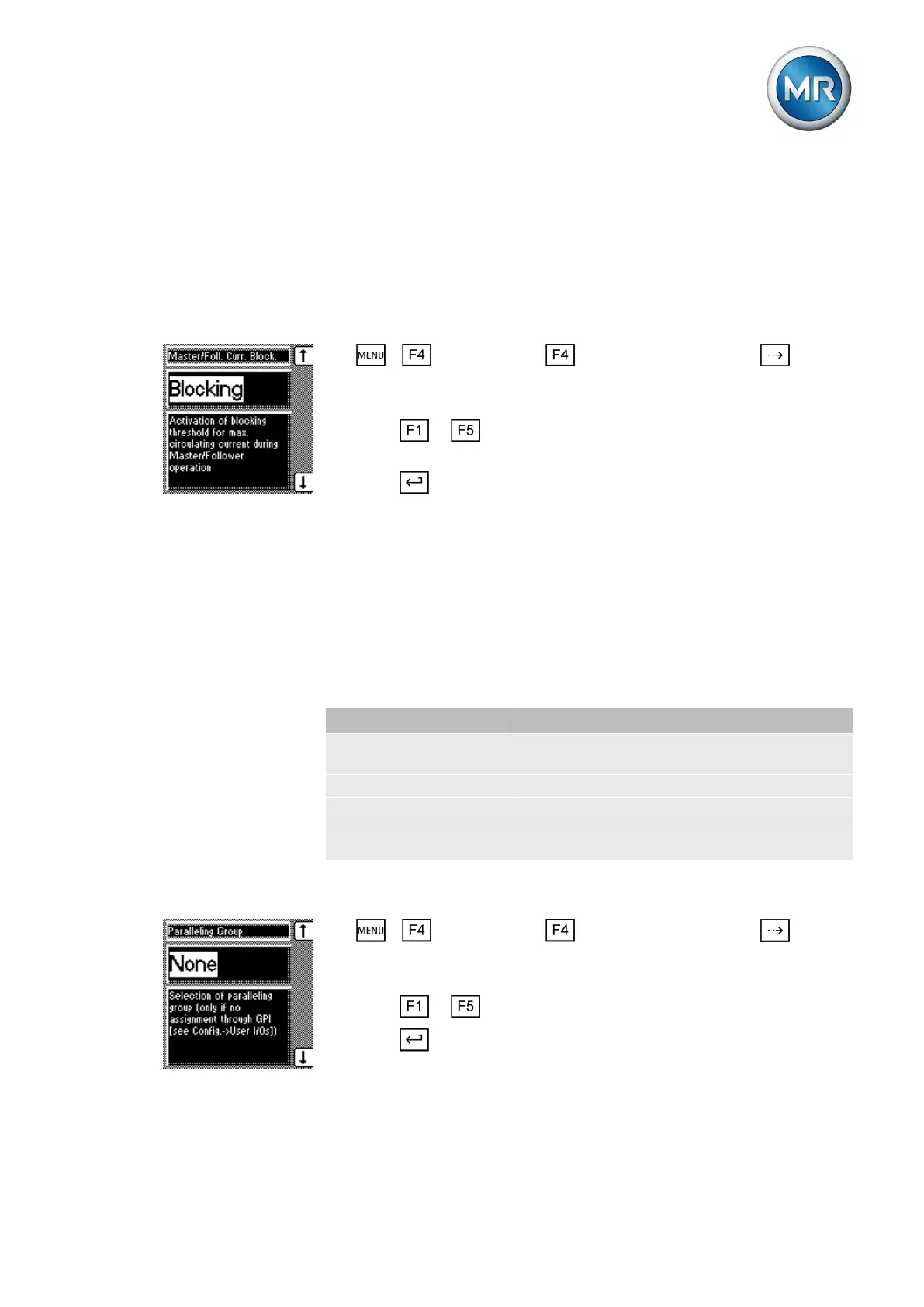
Setting the master/follower circulating reactive current blocking limit
This monitoring function is available in the "Master/follower tap synchroniza-
tion" parallel operation mode in conjunction with a current measurement.
The device is blocked as soon as the circulating reactive current reaches the
blocking limit.
To activate/deactivate the circulating reactive current blocking limit, proceed
as follows:
1. > Configuration > Parallel operation > Press until the
desired parameter is displayed.
ð Master/follower current blocking.
2. Press or to activate blocking by selecting Blocking or to deac-
tivate blocking by selecting Off.
3. Press .
ð The blocking is activated.
Assigning a parallel operation group
You can use this parameter to assign a transformer group to the device. You
can create a total of 2 groups. The parallel operation group can be selected
only if you have not programmed an allocation using a GPI control input.
The following groupings are possible:
Parameter Function
None Device not assigned to any parallel operation
group
Group 1 Device assigned to parallel operation group 1
Group 2 Device assigned to parallel operation group 2
Group 1 and group 2 Device assigned to parallel operation groups 1
and 2
Table 21: Parallel operation groups
To assign the device to a parallel operation group, proceed as follows:
1. > Configuration > Parallel operation > Press until the
desired parameter is displayed.
ð Parallel operation group.
2. Press or until the desired setting is displayed.
3. Press .
ð The device is assigned to a parallel operation group.
7.8.2.2.2
7.8.3



 To Next Page