7 Functions and settings
Maschinenfabrik Reinhausen 2014 733550953/00 EN TAPCON® 230 pro
Desired values set in kV refer to the primary voltage of the voltage trans-
former. Desired values set in V refer to the secondary voltage of the voltage
transformer. The transformer data must be entered correctly for this display.
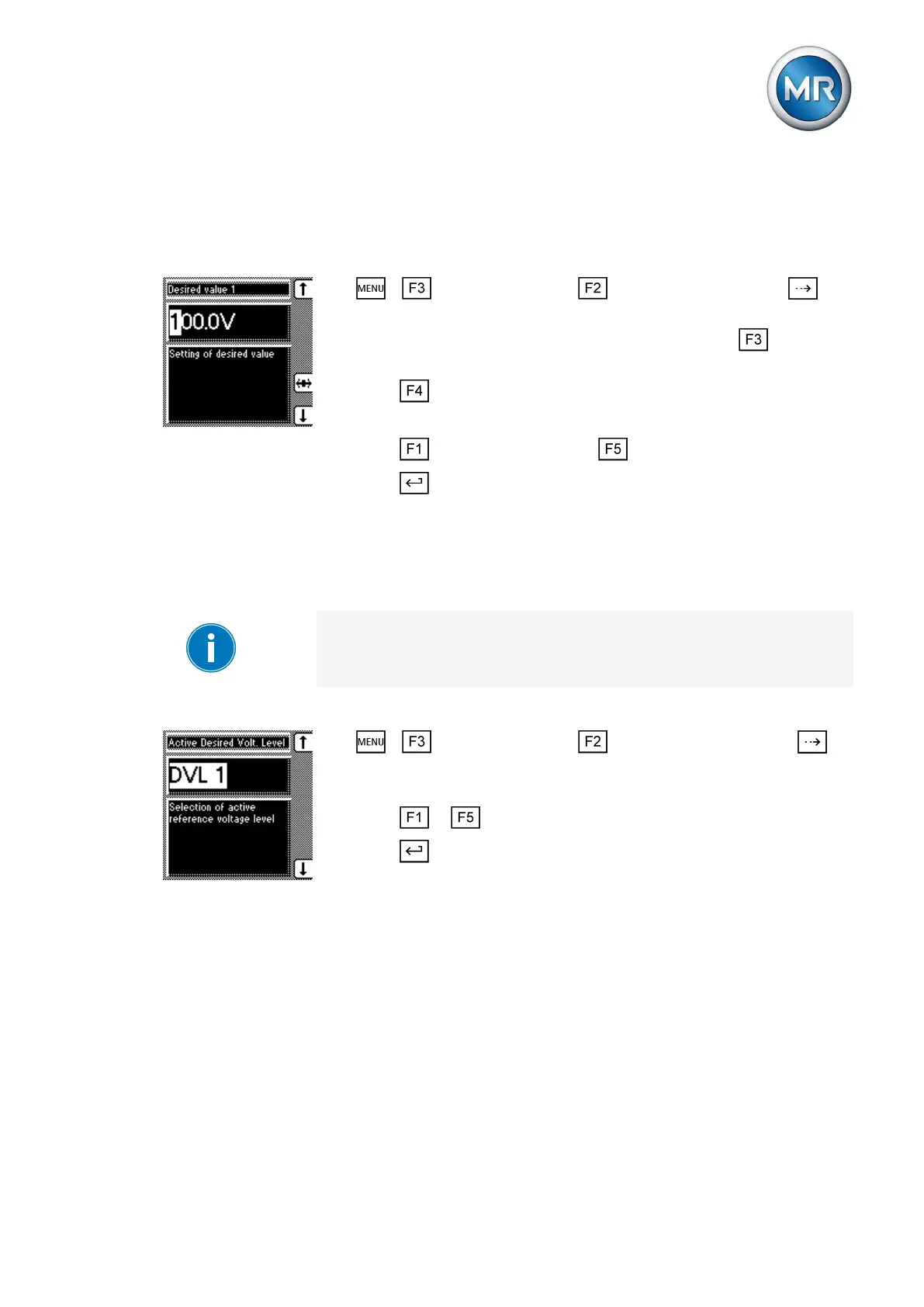
To set the desired value, proceed as follows:
1. > Control parameter > voltage regulator > Press until
the desired parameter is displayed.
2. If you have already entered the transformer data, press to select
the unit you want: "V" or "kV".
3. Press to highlight the position.
ð The desired position is highlighted and the value can be changed.
4. Press to increase the value or to reduce it.
5. Press .
ð The desired value is set.
Selecting a desired value
You can use this parameter to select the active desired value 1, 2 or 3.
If you select the desired value using appropriately configured GPIs, this pa-
rameter's setting is ignored. Refer to the Configuration [► 112] section for
more information about GPI configuration.
Proceed as follows to select a desired value:
1. > Control parameter > Voltage regulation > Press
until the desired parameter is displayed.
ð Desired value selection
2. Press or to select an active desired value.
3. Press .
ð The selected desired value is active.
Bandwidth
You can use this parameter to set the maximum permissible deviation in
measured voltage U
Act
. The deviation relates to the activated desired value.
The following sections describe how you determine and set the bandwidth
required.
Determining bandwidth
In order to set the correct value, the transformer's step voltage and nominal
voltage must be known.
Reference of kV and V for
voltage transformer
7.4.2
7.4.3
7.4.3.1



 To Next Page