7 Functions and settings
Maschinenfabrik Reinhausen 2014 673550953/00 EN TAPCON® 230 pro
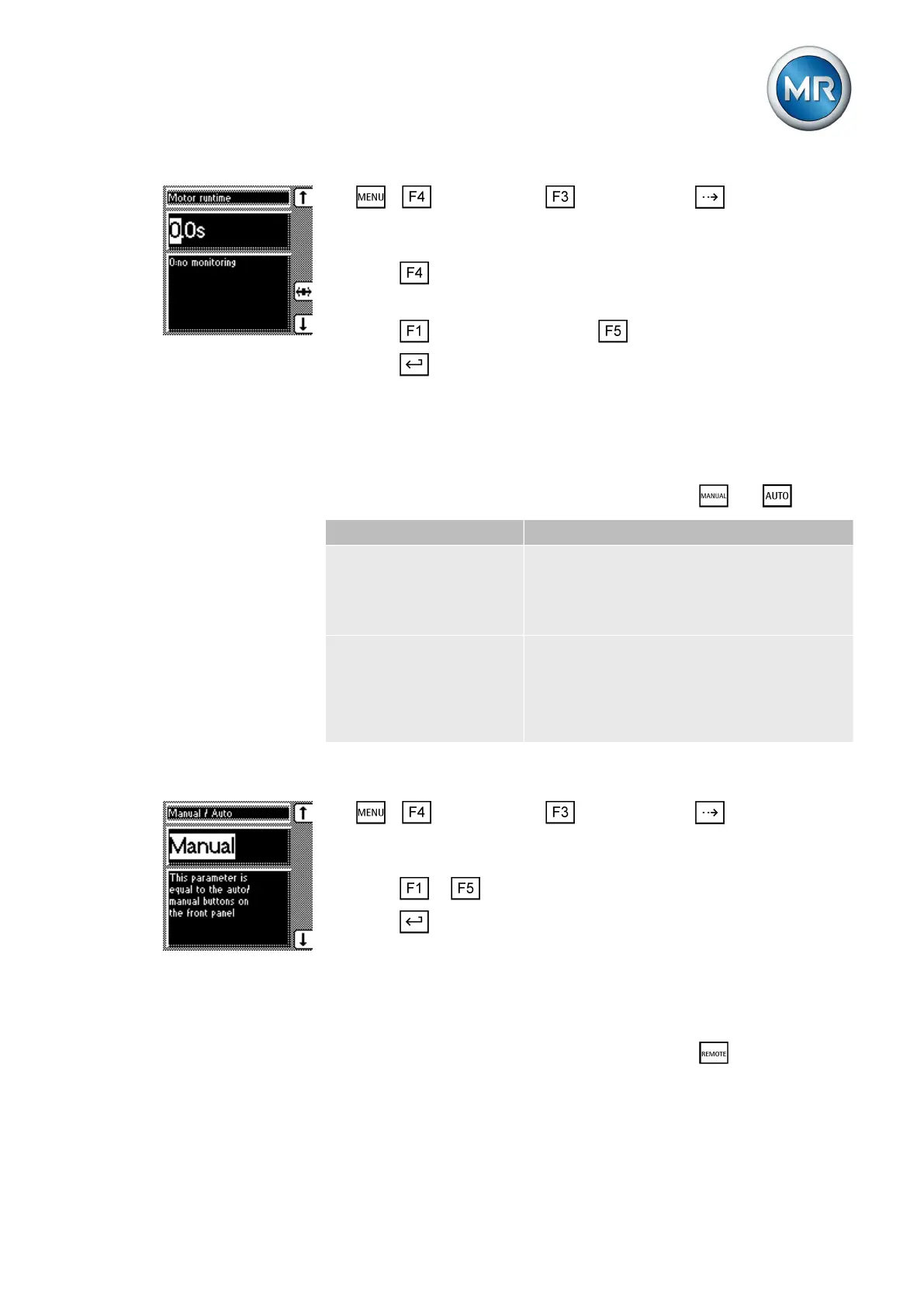
1. > Configuration > General > Press until the desired
parameter is displayed.
ð Motor runtime.
2. Press to highlight the position.
ð The desired position is highlighted and the value can be changed.
3. Press to increase the value or to reduce it.
4. Press .
ð The motor runtime is set.
Activate manual mode/auto mode
This parameter can be used to activate the Manual or Automatic operation
modes. This parameter has the same functions as the and keys.
Parameter Function
Manual Device is no longer controlling automatically.
You can set or change parameters manually.
You can control the motor-drive unit using
the control panel.
Auto The device is controlling the voltage auto-
matically.
You cannot set or change any parameters.
You cannot control the motor-drive unit using
the control panel.
Table 9: Adjustable parameters
To select the operating mode, proceed as follows:
1. > Configuration > General > Press until the desired
parameter is displayed.
ð Manual/Automatic
2. Press or to select the operating mode you want.
3. Press .
ð The operating mode is set.
Activating Local/Remote
This parameter can be used to activate the Local or Remote operation
modes. This parameter has the same functions as the keys.
7.2.9
7.2.10



 To Next Page