6 Commissioning
Maschinenfabrik Reinhausen 201448 3550953/00 ENTAPCON® 230 pro
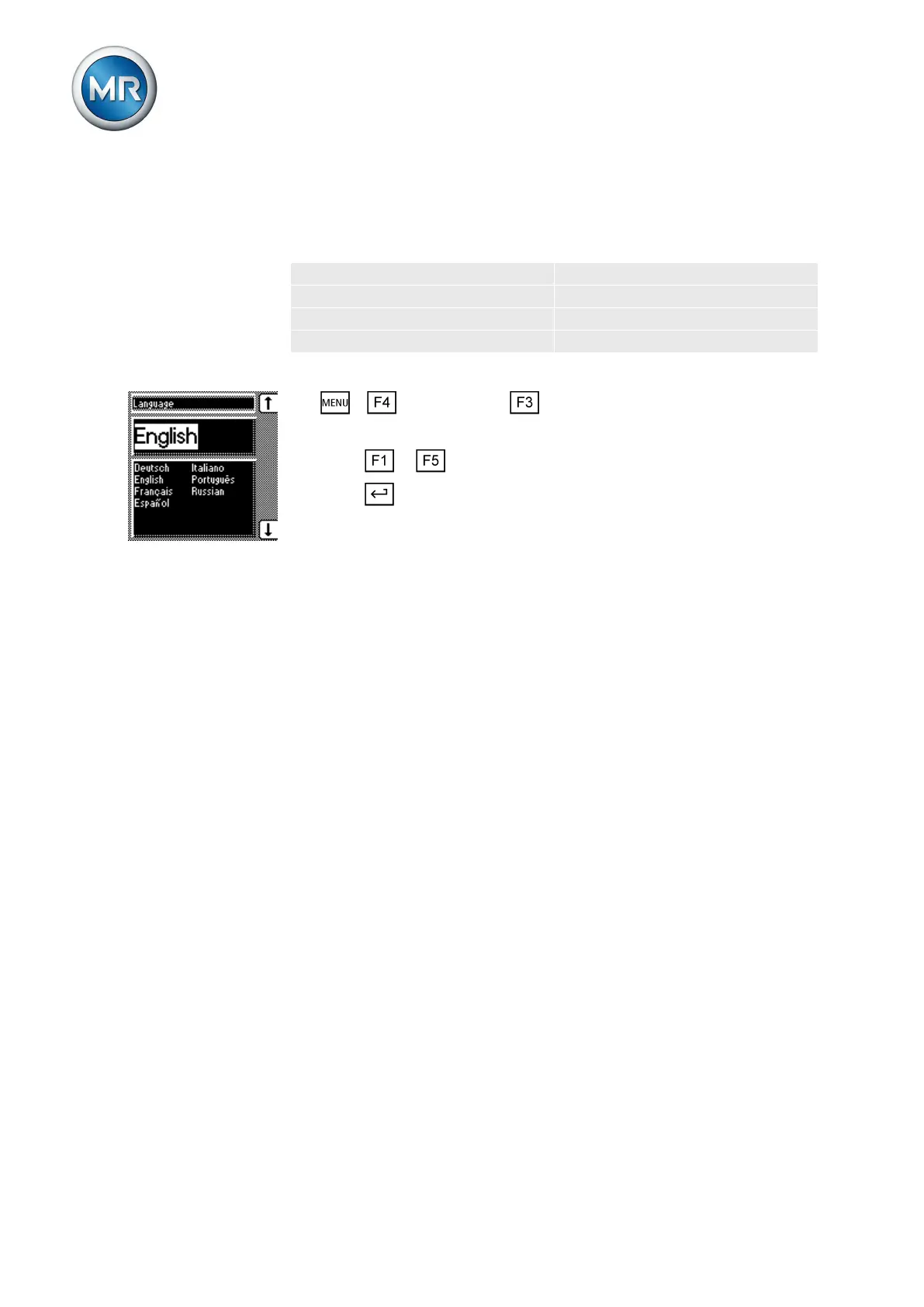
Setting the language
You can use this parameter to set the display language for the device. The
following languages are available:
English Italian
German Portuguese
French Russian
Spanish
To set the language, proceed as follows:
1. > Configuration > General.
ð Language
2. Press or to select the required language.
3. Press .
ð The language is set.
Setting further parameters
Set further parameters to commission the device. More detailed information
about each of the parameters can be found in the Functions and settings
[► 59] chapter.
Setting transformer data
Set the transformer data and phase difference of the current transformer and
voltage transformer:
1. Set primary transformer voltage [► 92].
2. Set secondary transformer voltage [► 93].
3. Set primary transformer current [► 93].
4. Select current transformer connection [► 94].
5. Select transformer circuit [► 94].
Setting NORMset
If you want to quickly start up voltage regulation, you can activate NORMset
mode. If you want to set the parameters yourself, continue with the sections
below.
► Activate NORMset and set the relevant parameters [► 68].
Setting control parameters
Set the following control parameters:
1. Set desired value 1 [► 72].
2. Set the bandwidth [► 74].
3. Set delay time T1 [► 75].
6.2.1
6.2.2



 To Next Page