7 Functions and settings
Maschinenfabrik Reinhausen 2014 913550953/00 EN TAPCON® 230 pro
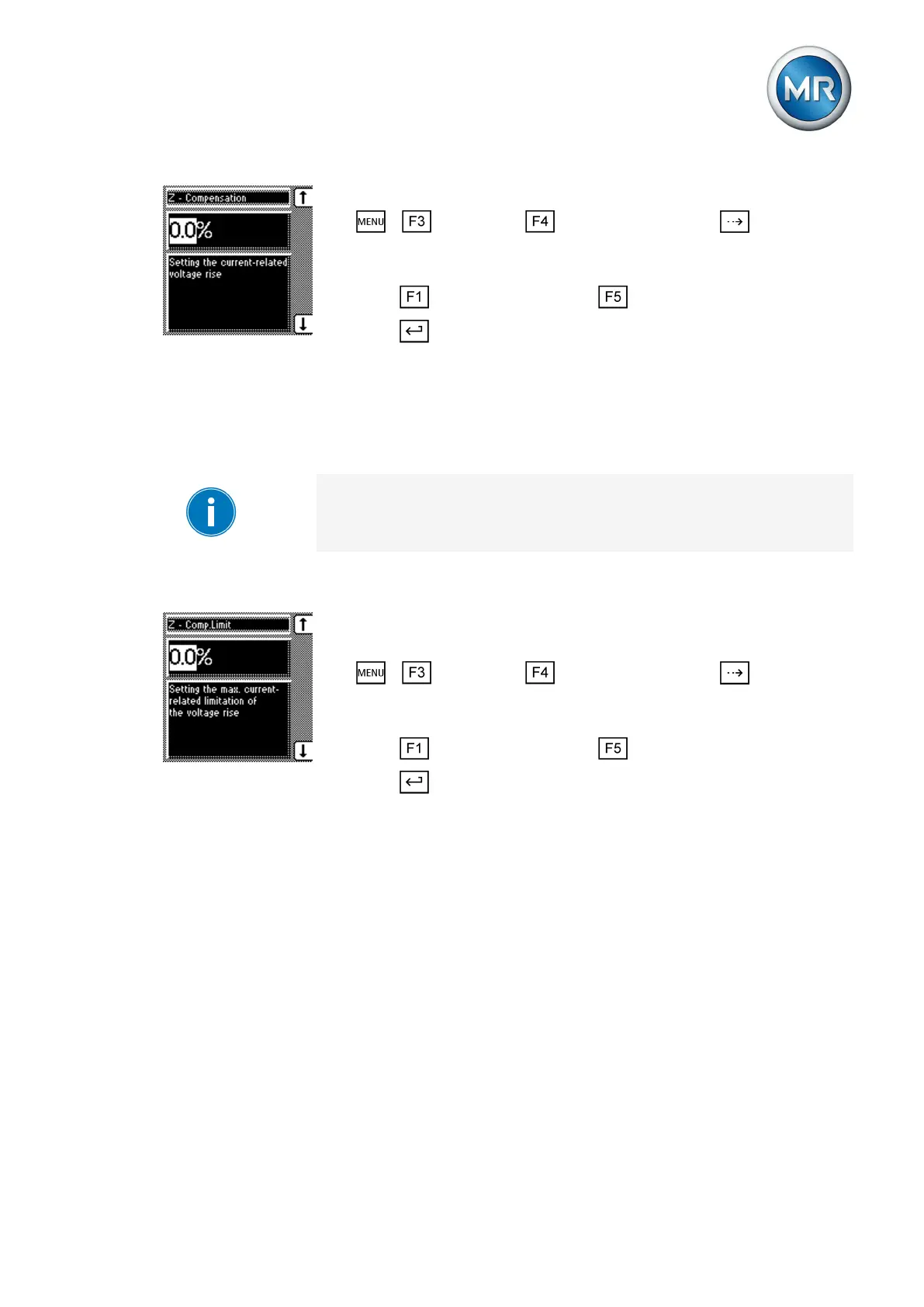
ü Select Z compensation.
1. > Parameter > Compensation > Press until the de-
sired parameter is displayed.
ð Z compensation.
2. Press to increase the value or to reduce it.
3. Press .
ð The current-dependent voltage increase is set.
Setting the Z compensation limit value
You can use this parameter to define the maximum permissible voltage in-
crease to avoid excess voltage on the transformer.
If you do not want to use a limit value, you have to set the value 0.0 %.
To set the limit value for the current-dependent voltage increase, proceed as
follows:
ü Select Z compensation.
ü Set the "Z compensation" parameter
1. > Parameter > Compensation > Press until the de-
sired parameter is displayed.
ð Z comp. limit value.
2. Press to increase the value or to reduce it.
3. Press .
ð The limit value is set.
Transformer data
The transformation ratios and measuring set-up for the voltage and current
transformers used can be set with the following parameters. The device
uses this information to calculate the corresponding measured values on the
primary side of the current transformer (and therefore the transformer) from
the recorded measured values. These are then displayed.
The following parameters are available for this purpose:
▪ Primary voltage
▪ Secondary voltage
▪ Primary current
▪ Secondary current (current transformer connection)
▪ Transformer circuit
7.6.2.2
7.7



 To Next Page