7 Functions and settings
Maschinenfabrik Reinhausen 201498 3550953/00 ENTAPCON® 230 pro
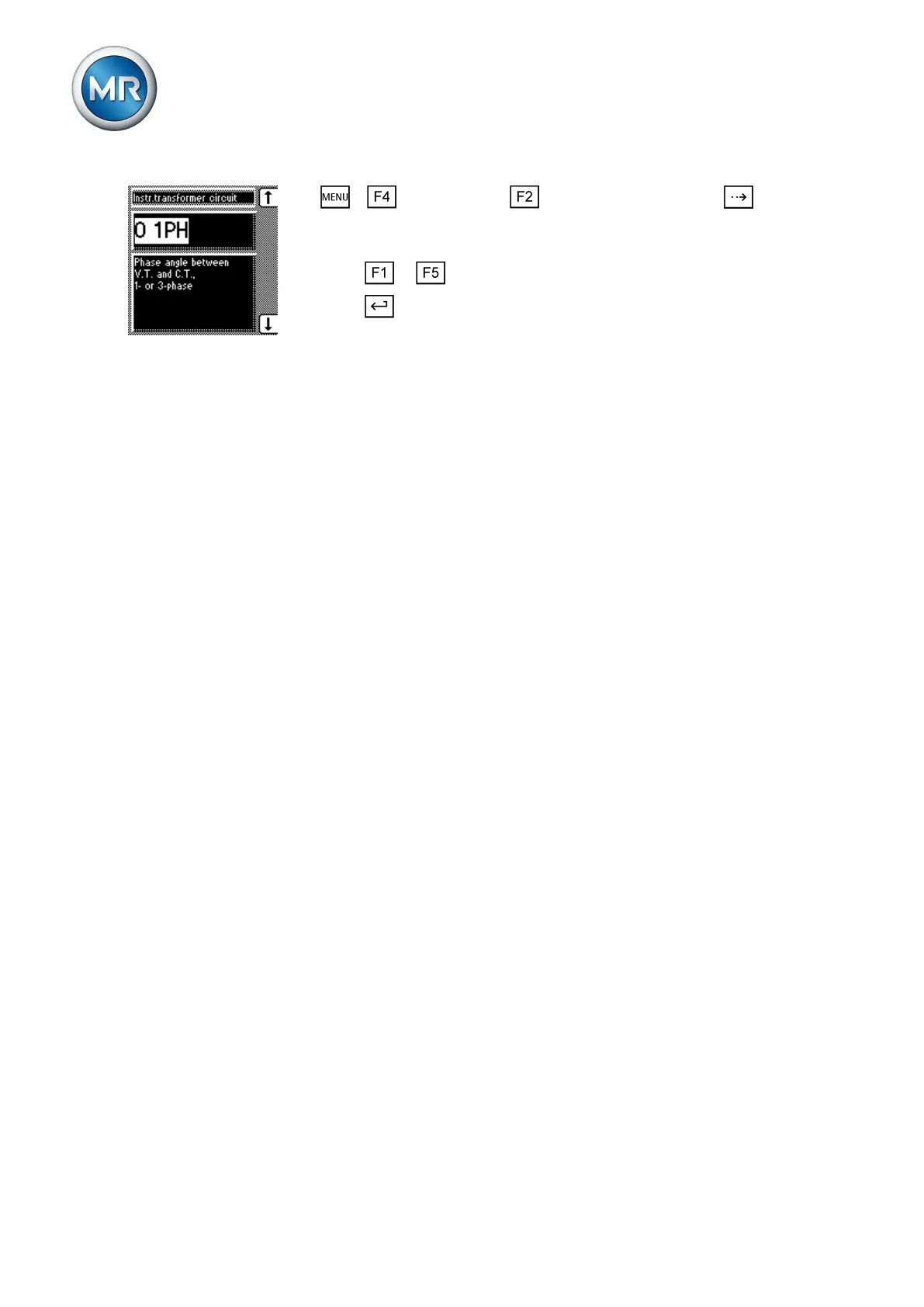
1. > Configuration > Transformer data > Press until the
desired parameter is displayed.
ð Transformer circuit.
2. Press or to select the required phase difference.
3. Press .
ð The phase difference is set.
Parallel operation
In theParallel operation menu item, you can set the parameters needed for
parallel transformer operation. Parallel transformer operation is used to in-
crease the throughput capacity or short-circuit capacity in one place.
Compliance with the following general conditions is required for operating
transformers in parallel:
▪ Identical rated voltage
▪ Transformer power ratio (< 3 : 1)
▪ Maximum deviation of short-circuit voltages (U
K
) for transformers con-
nected in parallel < 10 %
▪ Same number of switching groups
You can control up to 16 transformers connected in parallel in one or 2
groups without detecting the system topology. Information is swapped be-
tween the voltage regulators operating in parallel using the CAN bus. Paral-
lel operation is activated using one of 2 status inputs or the control system.
Parallel control can take one of two forms:
▪ Parallel operation following the "Circulating reactive current minimiza-
tion" principle
▪ Parallel operation following the "Tap synchronization" (master/follower)
principle
The following sections describe how you can set the parameters. When acti-
vating parallel operation, make sure you have configured the following pa-
rameters:
▪ CAN bus address
▪ Assigning a parallel operation group
Assigning CAN bus address
You can use this parameter to assign a CAN bus address to the device. So
that all devices can communicate using the CAN bus, each device requires a
unique identifier. Addresses can be set from 1 to 16. If the value is set to 0,
then no communication takes place.
To enter the CAN bus address, proceed as follows:
7.8
Conditions for parallel
operation
7.8.1



 To Next Page