7 Functions and settings
Maschinenfabrik Reinhausen 201460 3550953/00 ENTAPCON® 230 pro
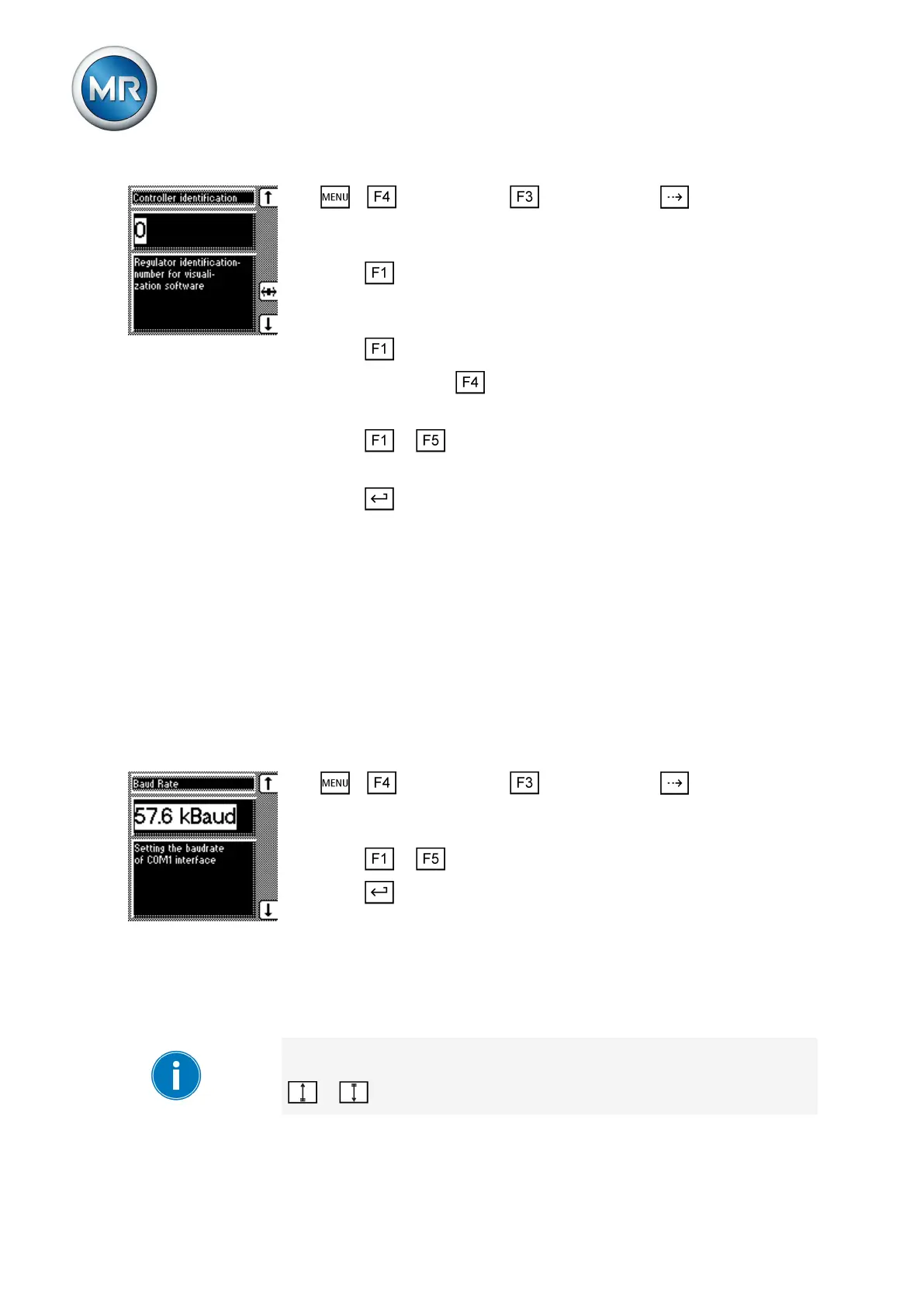
1. > Configuration > General > Press until the desired
parameter is displayed.
ð Regulator ID.
2. Press to change the first digit.
ð If you wish to enter a multi-digit sequence, proceed to step 3. If you
do not wish to enter additional digits, proceed to step 7.
3. Press (digit > 9) until another digit position appears.
4. If necessary, press in order to highlight the digit position.
ð The required digit is highlighted and can be changed.
5. Press or to change the digit.
6. Repeat steps 3 to 5 until all required digits have been entered.
7. Press .
ð The device ID is set.
Setting the baud rate
You can use this parameter to set the COM1 interface's baud rate. You can
select the following options:
▪ 9.6 kilobaud
▪ 19.2 kilobaud
▪ 38.4 kilobaud
▪ 57.6 kilobaud
To set the baud rate, proceed as follows:
1. > Configuration > General > Press until the desired
parameter is displayed.
ð Baud rate.
2. Press or to select the required baud rate.
3. Press .
ð The baud rate is set.
Setting the switching pulse time
You can use this parameter to set the duration of the switching pulse for the
motor-drive unit.
If you set the switching pulse time to 0 s, the motor-drive unit is activated
with a continuous signal. The signal then remains active for as long as the
or keys are pressed.
7.2.2
7.2.3



 To Next Page