7 Functions and settings
Maschinenfabrik Reinhausen 2014 633550953/00 EN TAPCON® 230 pro
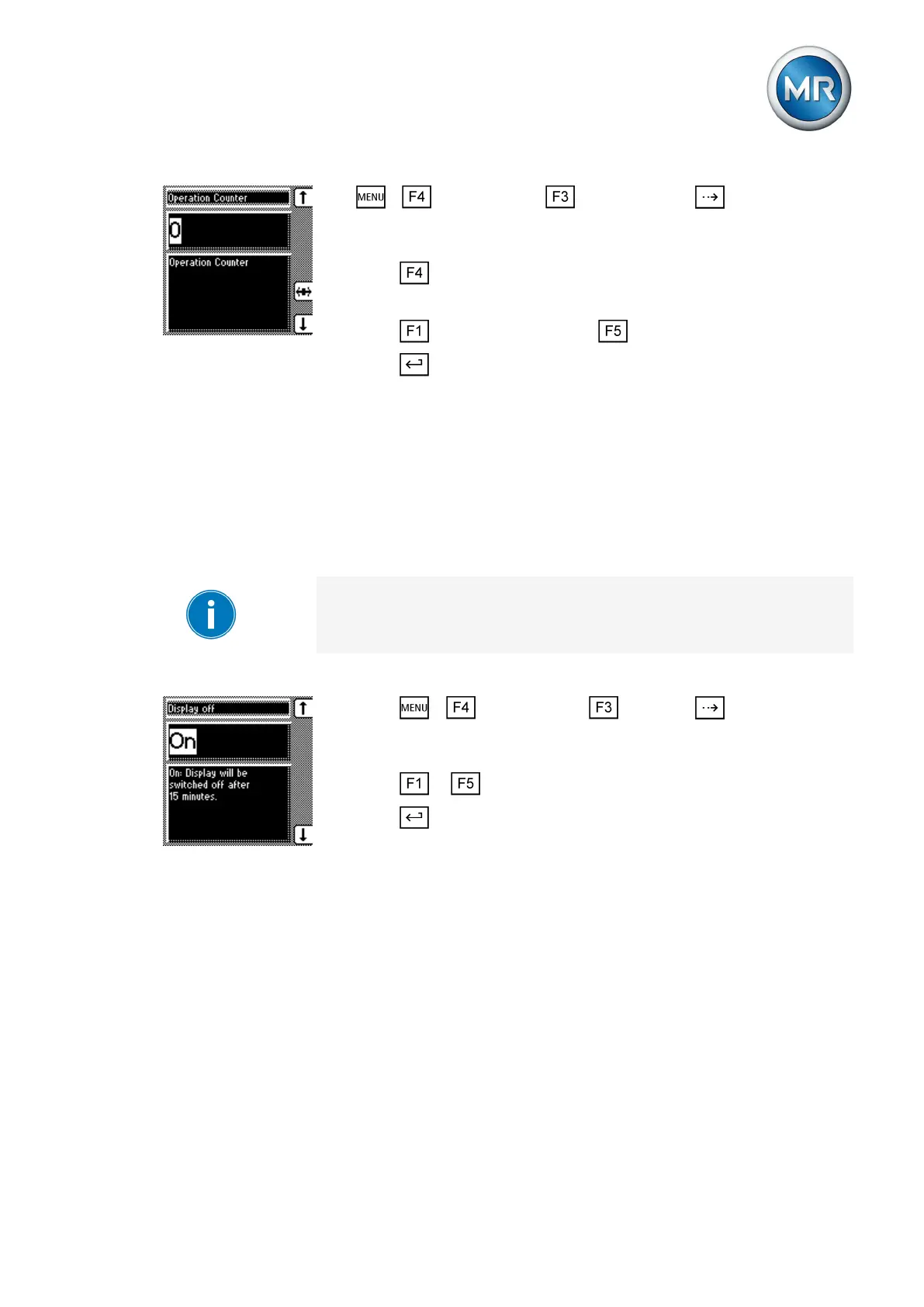
1. > Configuration > General > Press until the desired
parameter is displayed.
ð Operations counter.
2. Press to highlight a digit.
ð The desired position is highlighted and the value can be changed.
3. Press to increase the value or to reduce it.
4. Press .
ð The operations counter is set.
Dimming display
You can use this parameter to activate or deactivate automatic display dim-
ming. You can select the following options:
▪ On: The display is automatically dimmed if no key is pressed for 15 mi-
nutes. The display returns to full brightness by pressing any key.
▪ Off: Automatic display dimming is deactivated.
Activating this function extends the display's service life.
To activate/deactivate automatic display dimming, proceed as follows:
1. Press > Configuration > General > until the desired
parameter is displayed.
ð Display off.
2. Press or to activate/deactivate automatic dimming.
3. Press .
ð Automatic dimming is set.
Activating/deactivating the automatic key lock
Activating this function automatically activates the key lock if no keys are
pressed for 15 minutes. You can also lock the keys manually. This function
can be deactivated as well.
To set the automatic key lock, proceed as follows:
7.2.5
7.2.6



 To Next Page