7 Functions and settings
Maschinenfabrik Reinhausen 201464 3550953/00 ENTAPCON® 230 pro
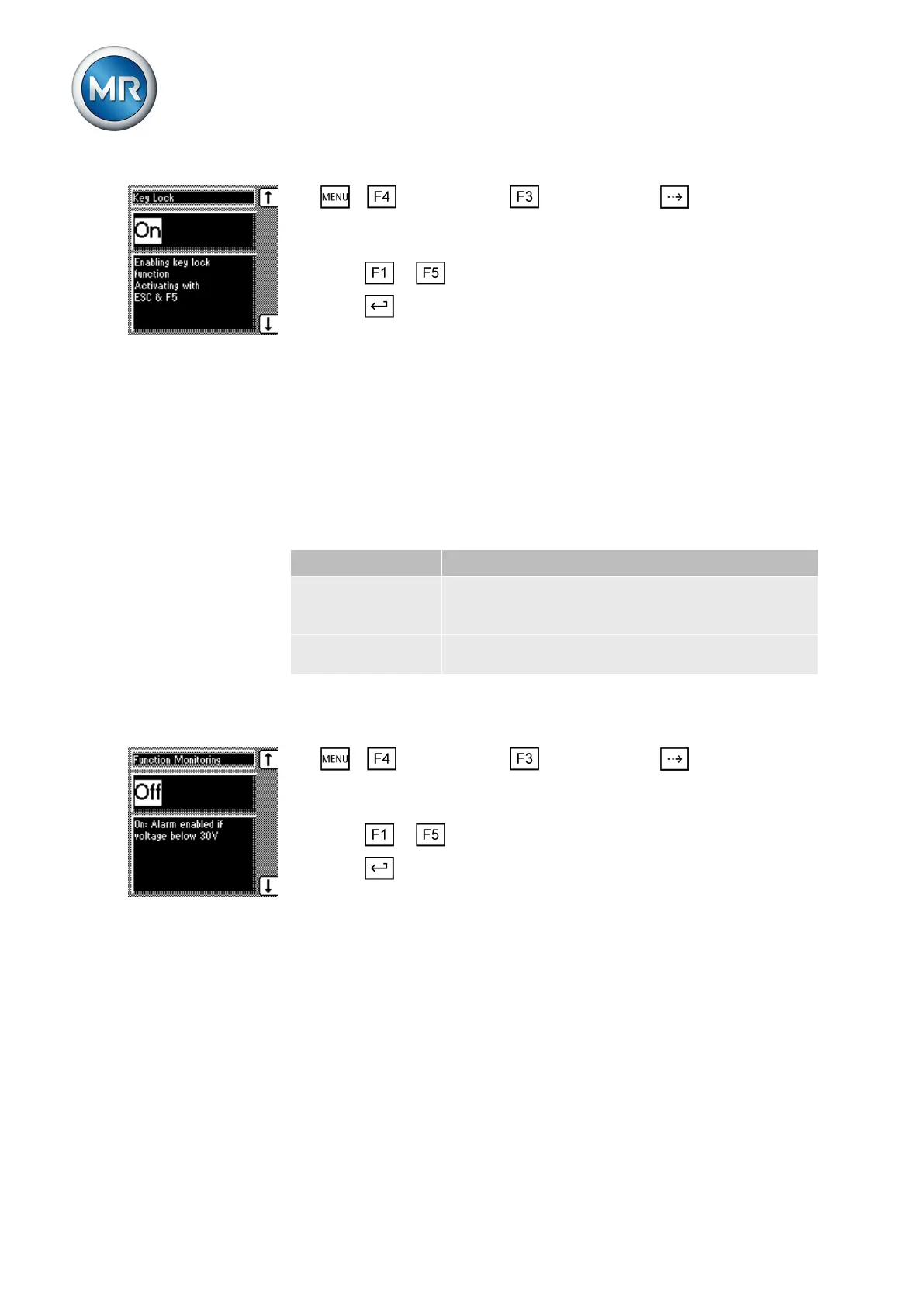
1. > Configuration > General > Press until the desired
parameter is displayed.
ð Key lock
2. Press or to select On or Off.
3. Press .
ð Automatic key lock is set.
"Function monitoring" message for monitoring messages <30 V
By default, the Function monitoring message is activated for measured vol-
tages. This message is issued as soon as the measured voltage is under
30 V for longer than the set signaling delay time.
You can suppress the message with this parameter to prevent the message
from being continuously issued when a transformer is shut off.
The device behaves as follows:
Parameter Function
On The Function monitoring message is issued after
the configured delay time if the measured voltage is
less than 30 V.
Off The Function monitoring message is suppressed if
the measured voltage is less than 30 V.
Table 8: Settings
To activate/deactivate function monitoring, proceed as follows:
1. > Configuration > General > Press until the desired
parameter is displayed.
ð Function monitoring
2. Press or to select On or Off.
3. Press .
ð The Function monitoring message for is activated/deactivated for meas-
ured voltages <30 V.
You can configure the delay time after which the Function monitoring mes-
sage is to be issued. If you select 0, function monitoring is deactivated.
To set the delay time for the Function monitoring message, proceed as fol-
lows:
7.2.7
Switched-off transformer
Activate/deactivate
message
Setting delay time



 To Next Page