7 Functions and settings
Maschinenfabrik Reinhausen 2014 773550953/00 EN TAPCON® 230 pro
The delay time T2 only takes effect if more than one tap-change operation is
required to return the voltage to within the set bandwidth. The first output
pulse occurs after the set delay time T1. After the set tap-change delay time
T2 has elapsed, additional pulses occur in order to correct the existing con-
trol deviation.
The following requirements must be noted to set delay time T2:
▪ The delay time T2 must be greater than the switching pulse time.
▪ The delay time T2 must be greater than the maximum operating time of
the motor-drive unit.
▪ The delay time T2 must be less than the value set for delay time T1.
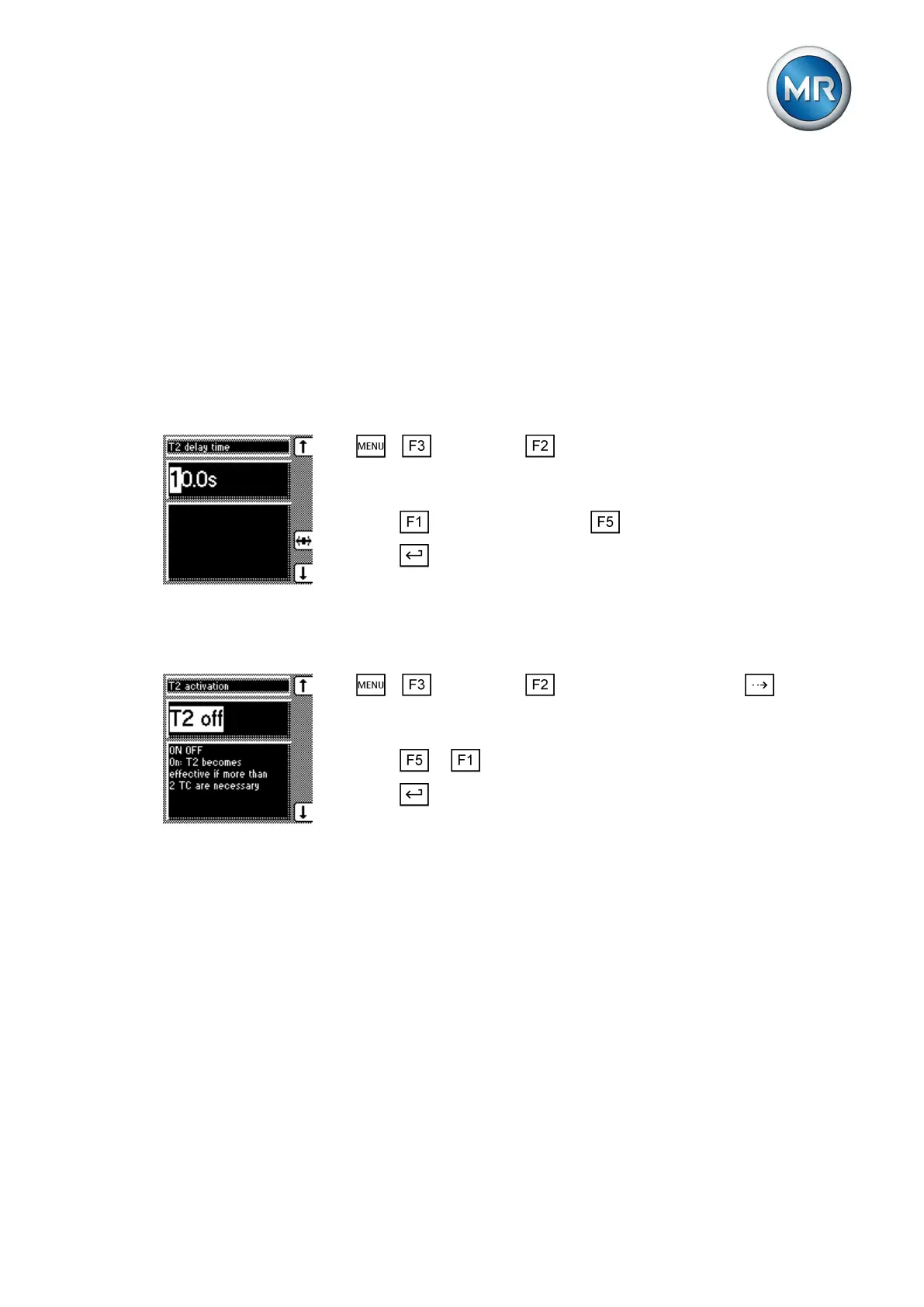
To set the delay time T2, proceed as follows:
1. > Parameter > Control parameter > Press until the de-
sired parameter is displayed.
ð Delay time T2.
2. Press to increase the time or to reduce it.
3. Press .
ð The delay time T2 is set.
Activating/deactivating delay time T2
To activate/deactivate delay time T2 , proceed as follows:
1. > Parameter > Control parameter > Press until the
desired parameter is displayed.
ð T2 activation.
2. Press or to activate/deactivate T2.
3. Press .
ð The delay time T2 is activated/deactivated.
Limit values
In the Limit values menu item, you can set all the parameters needed for lim-
it value monitoring as relative or absolute values. You can set three limit val-
ues:
▪ Undervoltage V<
▪ Overvoltage V>
▪ Overcurrent I>
Limit value monitoring is used to reduce damage to the system periphery.
The following sections describe how you can set the parameters.
7.5



 To Next Page