7 Functions and settings
Maschinenfabrik Reinhausen 201482 3550953/00 ENTAPCON® 230 pro
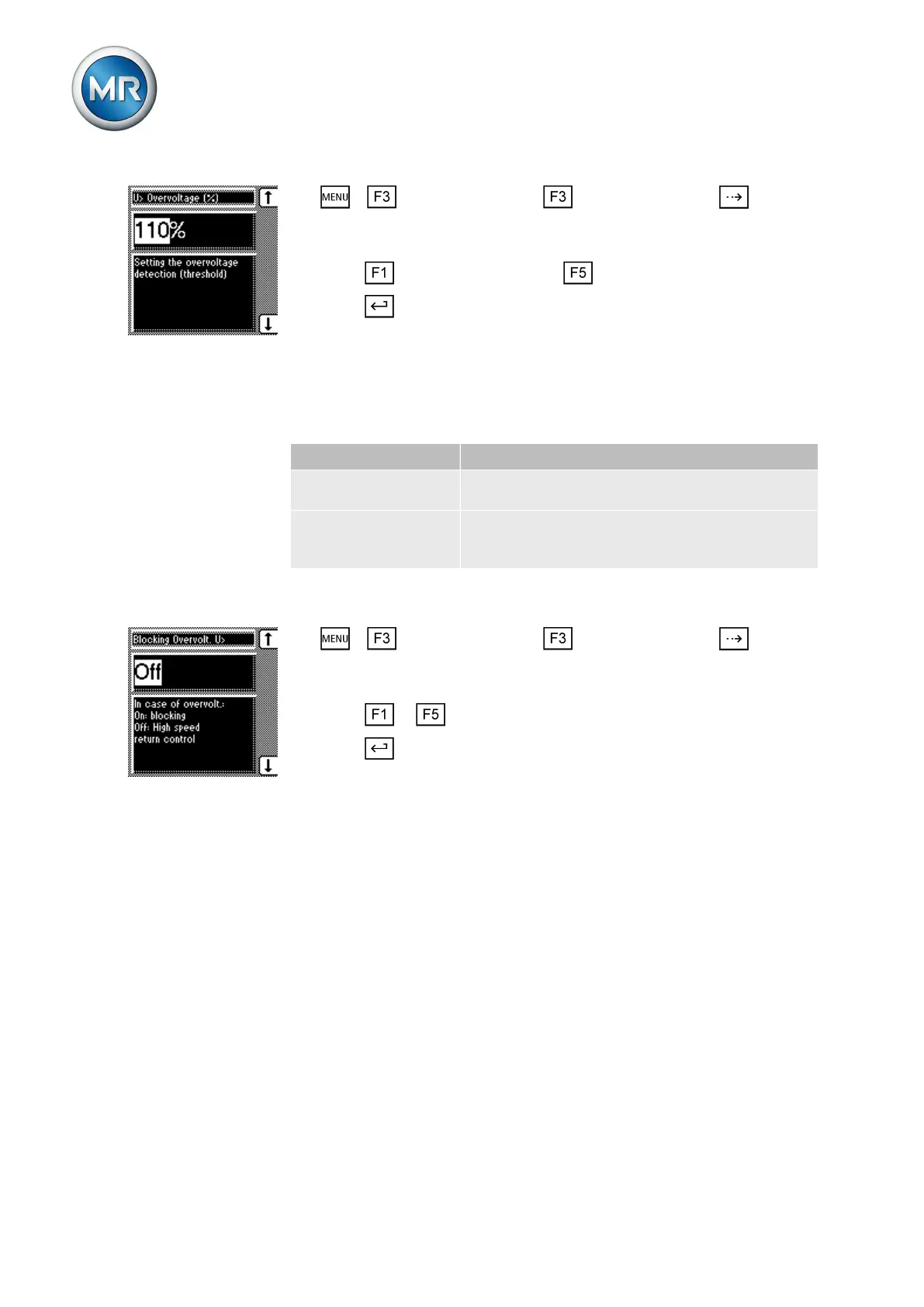
1. > Control parameter > Limit values > Press until the
desired parameter is displayed.
ð U> Overvoltage (%)
2. Press to increase the value or to reduce it.
3. Press .
ð The limit value is set.
Activating overvoltage blocking/high-speed return
You can use this parameter to set how the device responds to overvoltage.
The following settings are possible:
Setting Behavior
On During overvoltage, the device blocks all switch
pulses to the motor-drive unit.
Off In the event of overvoltage, a high-speed return
is undertaken until the value again falls below the
limit value.
Table 13: Possible settings
To set the device's response to overvoltage, proceed as follows:
1. > Control parameter > Limit values > Press until the
desired parameter is displayed.
ð Overvolt. blocking U>.
2. Press or to set the option you want.
3. Press .
ð The response is set.
Setting overcurrent monitoring I>
You can use this parameter to set the limit value for overcurrent to prevent
tap-change operations in the event of excess load currents.
If the measured current exceeds the set limit value, the red LED I> lights up.
The Overcurrent message appears in the display. The device's output pulses
are blocked at the same time.
Setting overcurrent I> as %
To set the limit value I> overcurrent for overcurrent blocking, proceed as fol-
lows:
7.5.3



 To Next Page