7 Functions and settings
Maschinenfabrik Reinhausen 201470 3550953/00 ENTAPCON® 230 pro
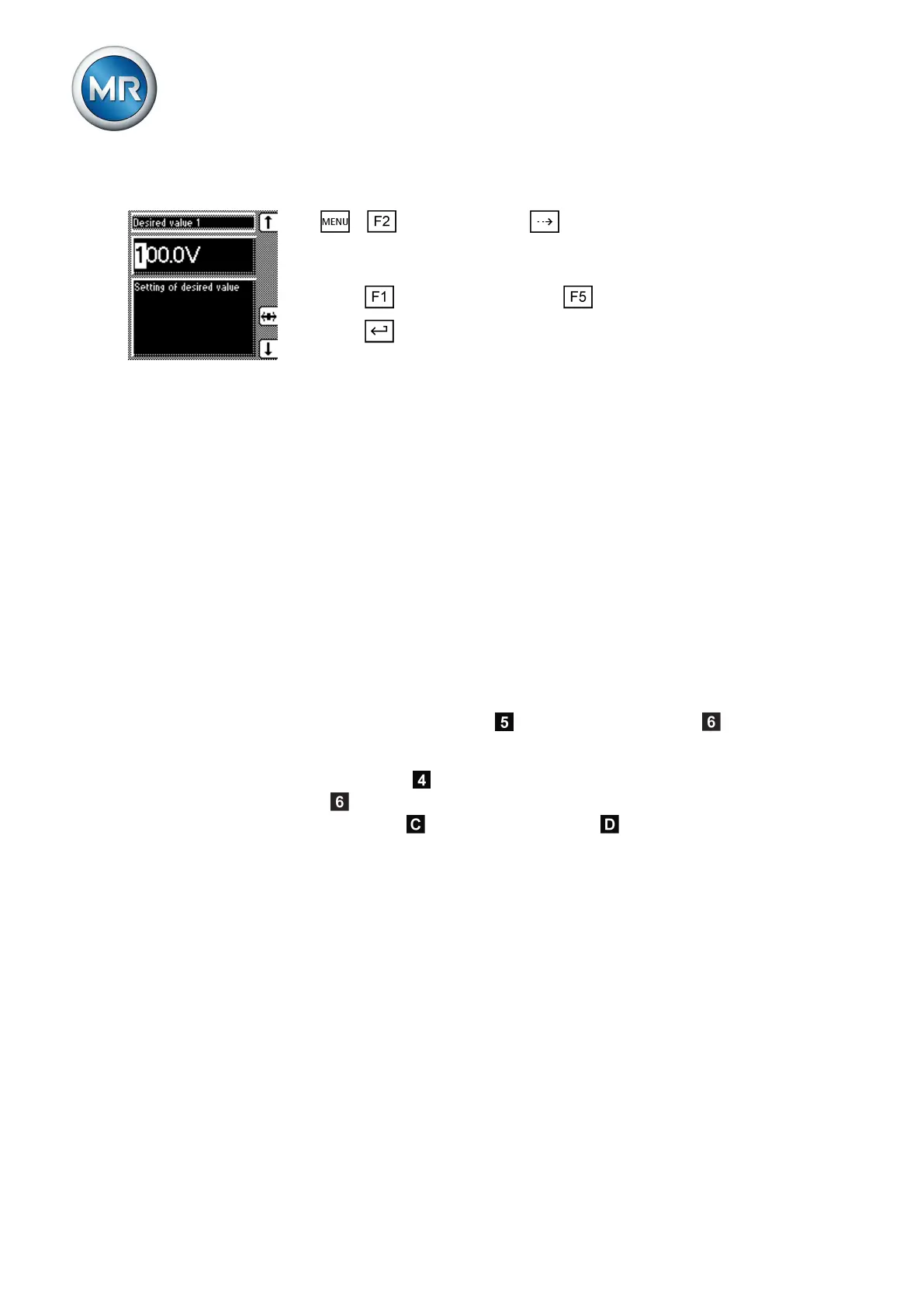
To set the desired value, proceed as follows:
1. > NORMset > Press until the desired parameter is dis-
played.
ð Desired value 1.
2. Press to increase the value or to reduce it.
3. Press .
ð The desired value is set.
Control parameters
All of the required for the regulation function are described in this section.
For voltage regulation, you can set the following parameters:
▪ Desired values 1…3
▪ Bandwidth
▪ Delay time T1
▪ Control response T1
▪ Delay time T2
For voltage regulation, you can set delay time T1 and also delay time T2.
The following sections describe how the regulation function responds in both
cases:
Response only to delay time T1
If the measured voltage V
actual
is within the set bandwidth , no control
commands are issued to the motor-drive unit for the tap-change operation.
Control commands will also not be issued to the motor-drive unit if within the
set delay time T1
the measured voltage returns to the tolerance band-
width
. However, if the measured voltage deviates from the set bandwidth
for a long period
, a tap-change command occurs after the set delay
time T1. The on-load tap-changer carries out a tap-change in a positive or
negative direction to return to the tolerance bandwidth.
7.4



 To Next Page