7 Functions and settings
Maschinenfabrik Reinhausen 2014116 3550953/00 ENTAPCON® 230 pro
BCD 10 Tap position in BCD code, position
with value of 10.
BCD 20 Tap position in BCD code, position
with value of 20.
BCD 40 Tap position in BCD code, position
with value of 40.
Simplex mode Message: Parallel operation deacti-
vated, independent
Table 30: Functions for digital outputs (GPO 1...7)
If the device cannot determine the tap position, ? is displayed in the tap po-
sition display. The relays of all outputs with BCD functionality (NC) are
switched off.
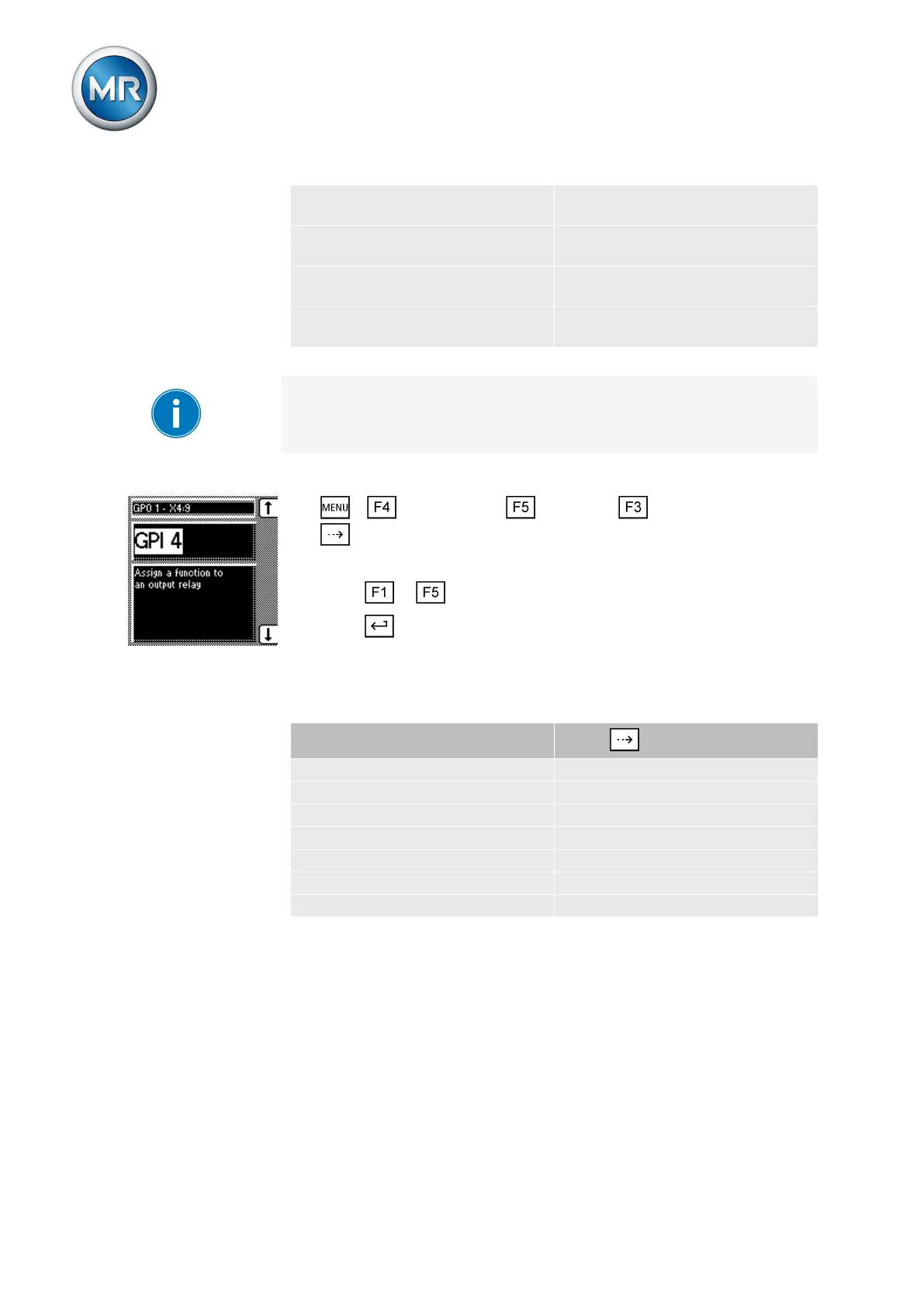
To assign a function to a digital output or to deactivate it, proceed as follows:
1. > Configuration > Continue > User In/Outputs > Press
until the desired parameter is displayed.
ð GPO.
2. Press or until the desired function is displayed.
3. Press .
ð The function is set.
Functions can be assigned to all other GPOs as described above. You can
select the GPOs as follows:
GPO
Press
GPO1 – X4:9 8x
GPO2 – X4:12 9x
GPO3 – X5:9 10x
GPO4 – X5:12 11x
GPO5 – X5:18 12x
GPO6 – X5:21 13x
GPO7 – X5:24 14x
Table 31: Configurable GPOs
LED selection
You can use this parameter to assign functions to the 4 free LEDs which
light up when an event occurs. You can use labeling strips to label them.
7.12



 To Next Page