7 Functions and settings
Maschinenfabrik Reinhausen 2014 793550953/00 EN TAPCON® 230 pro
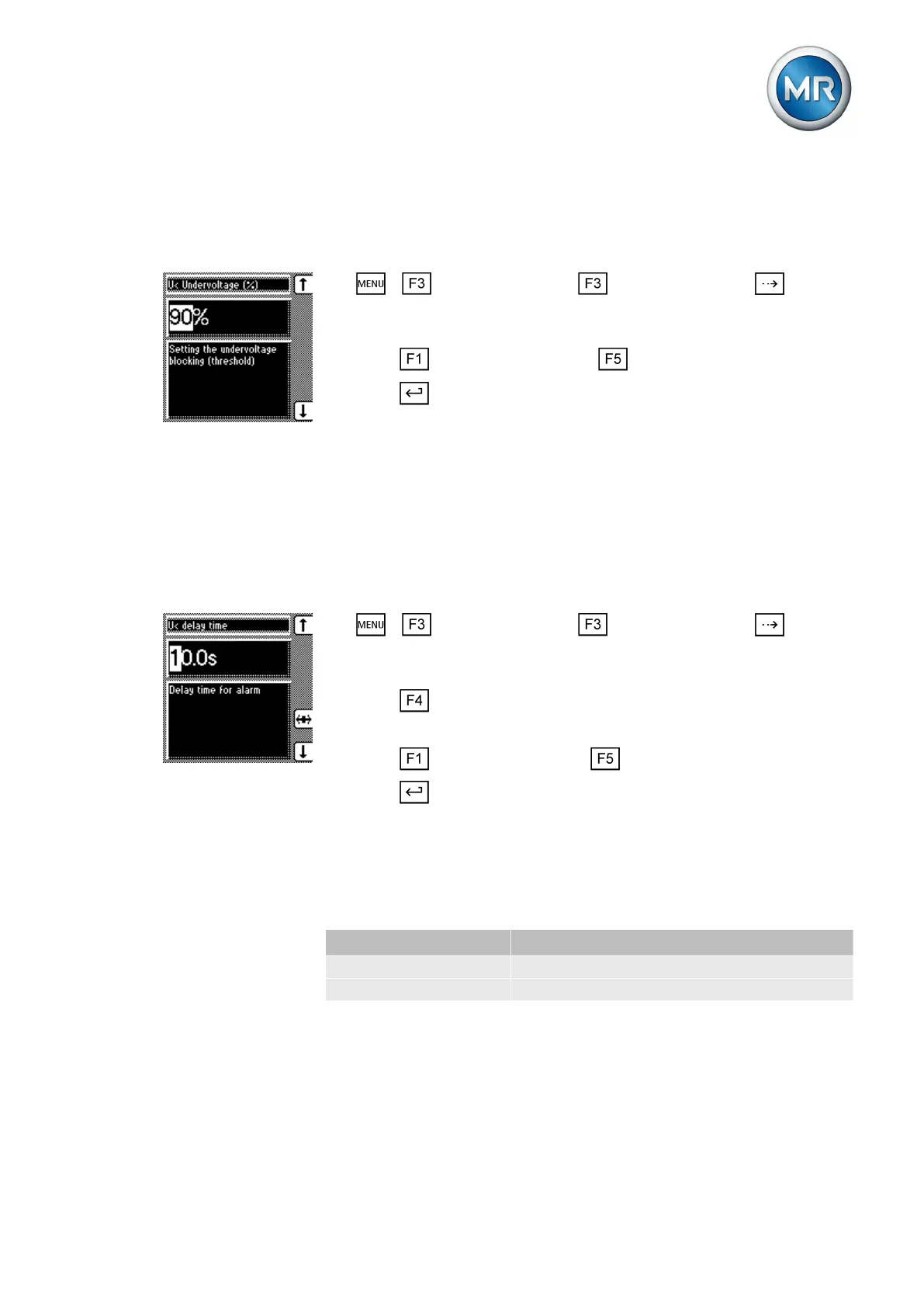
Setting undervoltage monitoring U< in %
Use the parameter to set the limit value as a relative value.
To set the limit value for undervoltage U< as %, proceed as follows:
1. > Control parameter > Limit values > Press until the
desired parameter is displayed.
ð U< Undervoltage (%)
2. Press to increase the value or to reduce it.
3. Press .
ð The limit value for undervoltage U< is set.
Setting signaling delay for undervoltage U<
You can use this parameter to set the delay time after which the Undervolt-
age relay is to activate and the event message appear on the display. This
can be used to prevent messages from being issued when the value briefly
falls below the limit value. The undervoltage LED always lights up immedi-
ately regardless.
To set the delay time for this message, proceed as follows:
1. > Control parameter > Limit values > Press until the
desired parameter is displayed.
ð U< Delay
2. Press to highlight the position.
ð The desired position is highlighted and the value can be changed.
3. Press to increase the time or to reduce it.
4. Press .
ð The signaling delay time for undervoltage U< is set.
Activating/deactivating undervoltage blocking
You can use this parameter to set how the device behaves if the voltage falls
below the undervoltage limit. You can select the following options:
Setting Function
On Automatic regulation is blocked.
Off Automatic regulation remains active.
Table 11: Behavior
To activate/deactivate the undervoltage blocking, proceed as follows:



 To Next Page