7 Functions and settings
Maschinenfabrik Reinhausen 2014 853550953/00 EN TAPCON® 230 pro
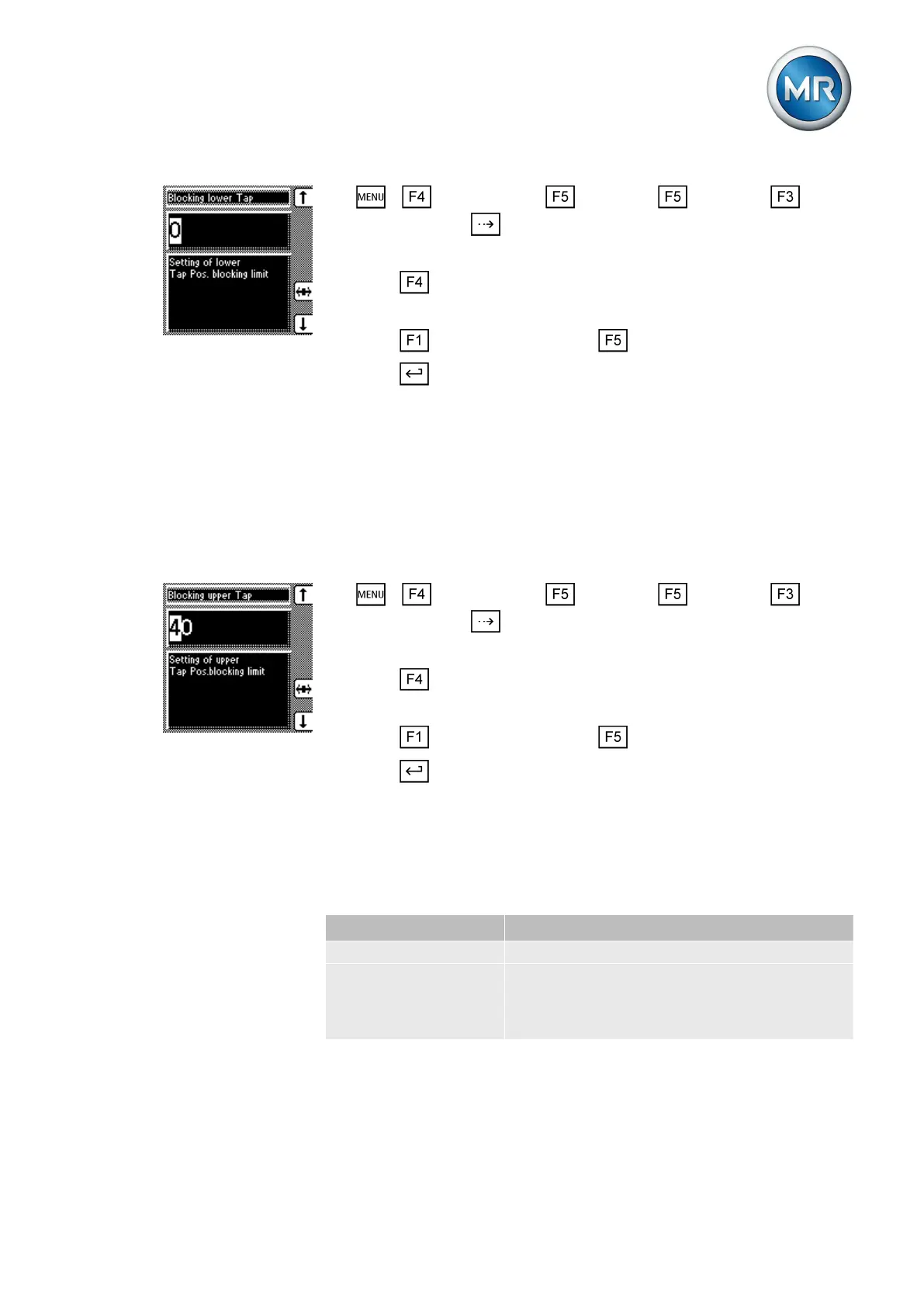
1. > Configuration > Continue > Continue > Tap
position > Press until the desired parameter is displayed.
ð Lowest tap position
2. Press to highlight a digit.
ð The desired position is highlighted and the value can be changed.
3. Press to increase the value or to reduce it.
4. Press .
ð The lower tap position blocking limit is defined.
Setting highest tap position blocking limit
You can define an upper tap position blocking limit to limit the number of tap
positions available in operation. When the tap position defined as the upper
tap position blocking limit is reached, tap position blocking is activated. This
prevents any further tap change upwards.
To define the upper tap position blocking limit, proceed as follows:
1. > Configuration > Continue > Continue > Tap
position > Press until the desired parameter is displayed.
ð Highest tap position
2. Press to highlight a digit.
ð The desired position is highlighted and the value can be changed.
3. Press to increase the value or to reduce it.
4. Press .
ð The upper blocking limit is defined.
Setting the tap position blocking mode
You can set the tap position blocking mode in relation to the upper and lower
tap position blocking limits:
Setting Behavior
Off The tap position blocking mode is deactivated
Directional During raise and lower tap changes, the device
blocks as soon as the defined upper/lower tap
position limit is reached or exceeded. Further
tap changes are prevented.
7.5.6.2
7.5.6.3



 To Next Page