7 Functions and settings
Maschinenfabrik Reinhausen 2014126 222/08 ENTAPCON® 240
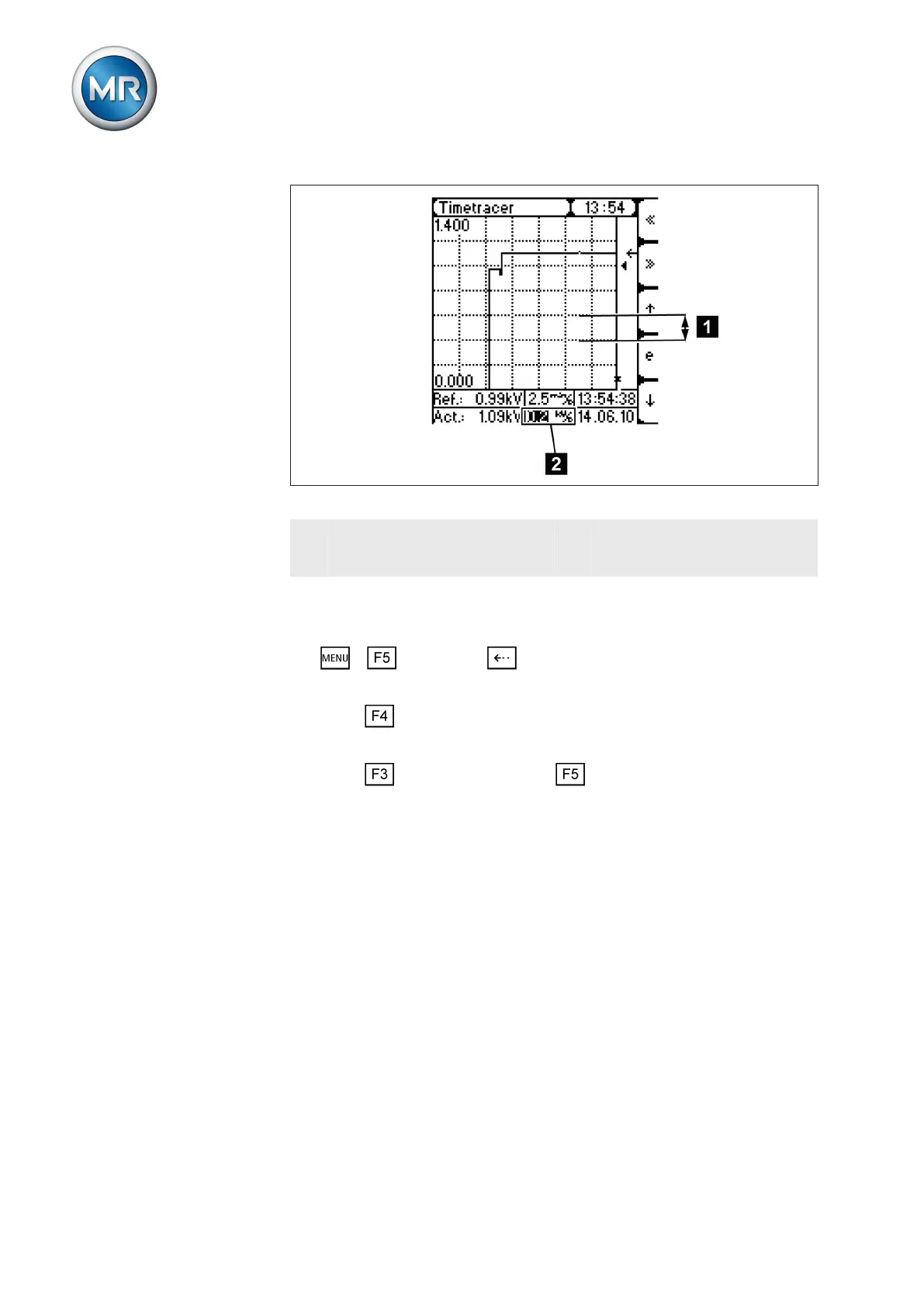
Figure 82: Voltage range
1 Horizontal grid lines (the set
voltage range is between the
horizontal grid lines)
2 Setting box for voltage range
displayed
To set the voltage range, proceed as follows:
1. > Info > Press until the desired display appears.
ð Time plotter.
2. Press until the setting box for the voltage range is highlighted.
ð The setting box is now highlighted and the value can be changed.
3. Press to advance one unit or to move back one unit.
ð The voltage range is set.
Setting retrace time
This function allows you to move the sequence to a precise time in order to
trace how voltage has behaved in the past.
Any time between the present time and the oldest time in the memory can
be set. The time is entered in the following format: HH:MM:SS
7.13.5.4



 To Next Page