7 Functions and settings
Maschinenfabrik Reinhausen 2014 75222/08 EN TAPCON® 240
If one of the requirements listed below is not met, the active-power-depend-
ent desired value adjustment is not activated. Desired value 1, desired val-
ue 2 or desired value 3 is automatically used for regulation depending on
the setting.
▪ You must set the following parameters with valid values:
– Power-dependent desired value must be set to ON
– Maximum active-power-dependent desired value
– Minimum active-power-dependent desired value
– Desired value at active power = 0
– Active power at maximum desired value
– Active power at minimum desired value
▪ A valid active power is measured
▪ A current transformer must be connected to measure the current
▪ A valid voltage is measured
Depending on device configuration, there are 3 ways in which the active-
power-dependent desired value adjustment can be activated/deactivated:
▪ On the device using the control panel
▪ REMOTELY using a control input on the IO card, UC1 card or UC2 card
▪ REMOTELY using SCADA
Activating/deactivating parameters on device
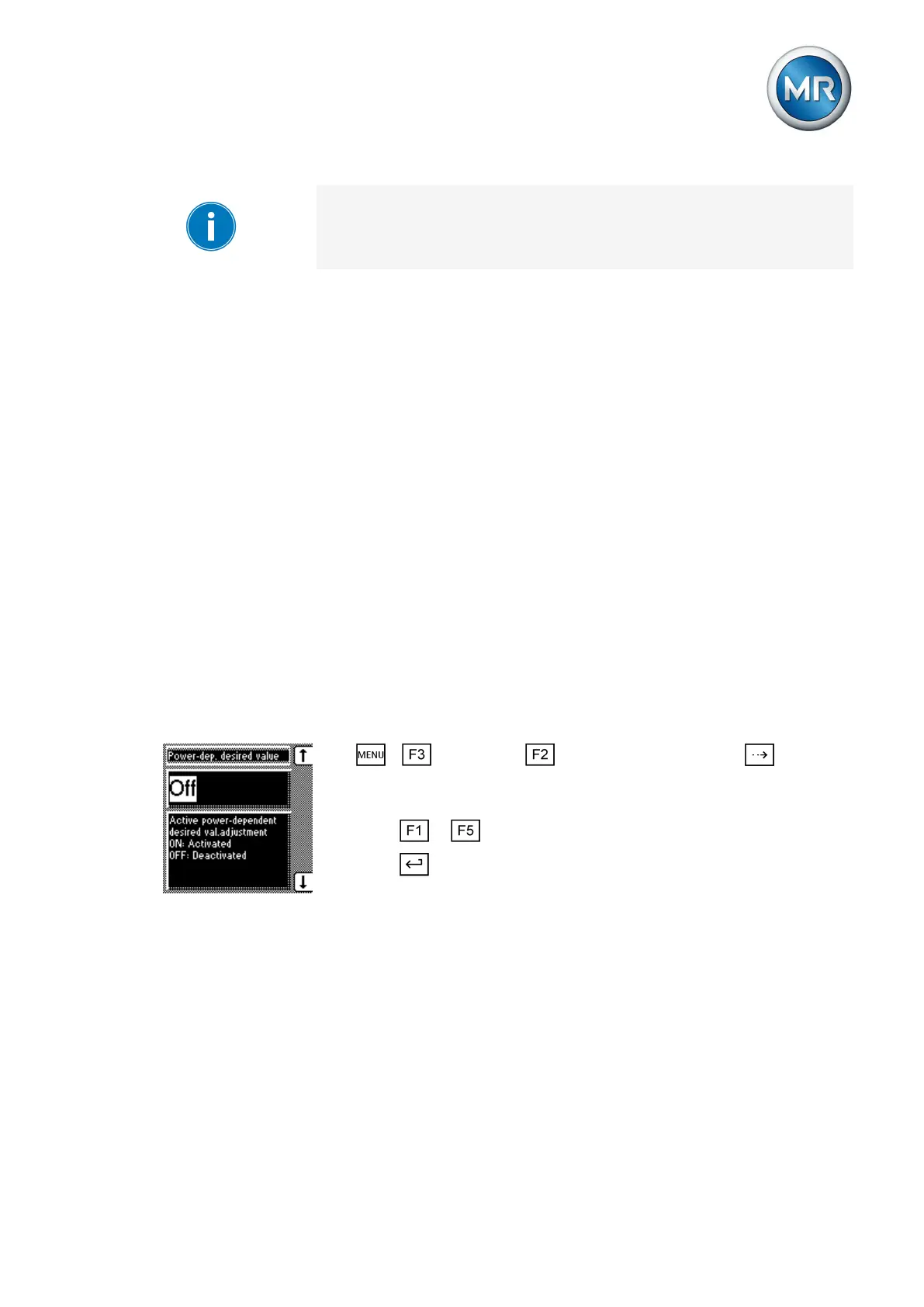
To activate or deactivate the power-dependent desired value adjustment,
proceed as follows:
1. > Parameter > Control parameter > Press until the
desired parameter is displayed.
ð Power-dependent desired value.
2. Press or to select the option you want.
3. Press .
ð The power-dependent desired value adjustment is activated/deactivat-
ed.
Activating/deactivating parameters via a control input
Depending on configuration, you can also activate the active-power-depend-
ent desired value adjustment via an input on the following cards:
▪ IO card
▪ UC1 card
▪ UC2 card



 To Next Page