EasyManua.ls Logo

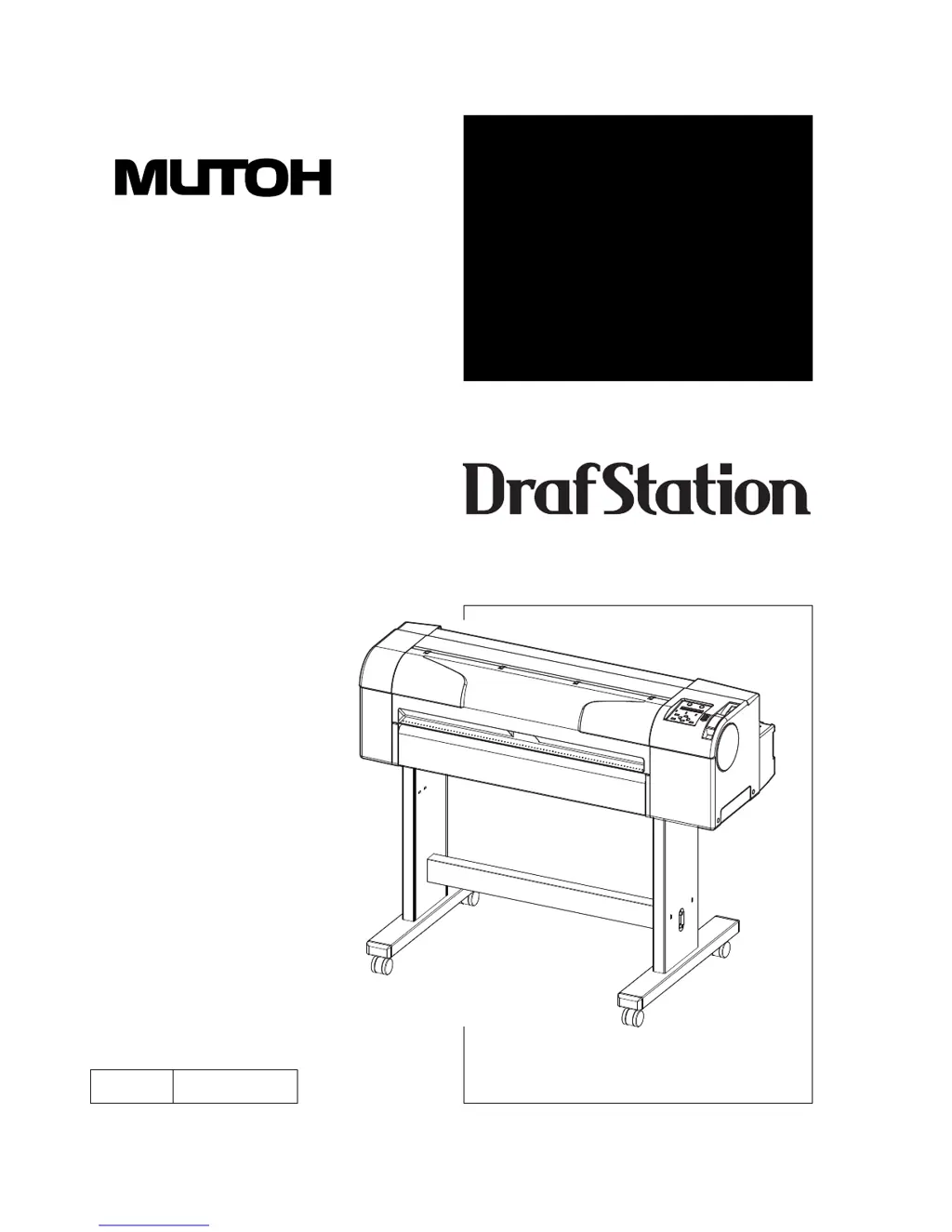
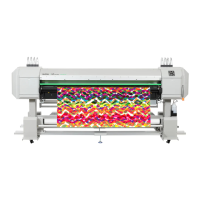
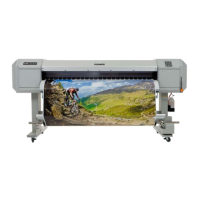
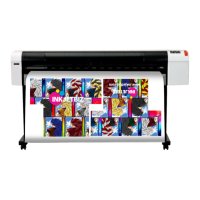
MUTOH DrafStation RJ-901X - User Manual

MUTOH DrafStation RJ-901X
244 pages
Print Icon
To Next Page IconTo Next Page
Loading...
OPERATION
MANUAL
Rev.
RJ900XE-A-02
Full-Color Inkjet Printer
RJ-901X
RJ-900X
Read This Manual Before Using The
Printer.

Table of Contents

Questions and Answers

  • S
    Shari DavisAug 15, 2025
    Why can't I install the MUTOH DrafStation RJ-901X Printer driver?
    • J
      Julie MorrisAug 15, 2025
      If you cannot install the MUTOH Printer driver: * Check if printers are added and try installing the printer driver again. * Ensure the CD-ROM file name contains "*.INF" and correctly specify the CD-ROM or the drive/folder containing the driver program before reinstalling.
  • W
    waltersrachaelAug 18, 2025
    Why is my MUTOH DrafStation RJ-901X Printer not actuating after I turn it on?
    • W
      William CarrilloAug 18, 2025
      Your MUTOH Printer might not actuate after being powered on due to several reasons: * The power cable might not be properly connected to the plug; ensure it is securely connected. * The AC power supply might not be set for the specified voltage; try connecting the cable to another outlet. * The front cover might be open, or the media loading lever might be up; close the front cover and lower the media loading lever. * The waste fluid box might not be fully inserted; ensure it is fully inserted.
  • M
    Michael SantiagoAug 21, 2025
    What to do if my MUTOH DrafStation RJ-901X Printer doesn't work after setting the media?
    • T
      Timothy StricklandAug 22, 2025
      If your MUTOH Printer doesn't work after setting the media, check the following: * Ensure the front cover is closed and the media loading lever is down. * Make sure the media is loaded straight. * Verify that the ink cartridge is inserted. * Confirm that you are using the dedicated media. * Ensure the printer is used in the specified environment, avoiding direct sunlight or other unsuitable conditions.
  • M
    Mark RobertsonAug 25, 2025
    How to fix MUTOH Printer when it cannot perform ink initial filling?
    • R
      ronaldmasseyAug 26, 2025
      If your MUTOH Printer cannot perform ink initial filling, check the following: * Ensure the front cover is closed and the media loading lever is down. * Verify that all four ink cartridges are fully inserted. * Confirm that the waste fluid box is fully inserted.
  • E
    Edward RiveraAug 28, 2025
    Why does the media deviate or tear during initialization on my MUTOH DrafStation RJ-901X Printer?
    • J
      Janet HenryAug 28, 2025
      The media may deviate or tear during initialization of your MUTOH Printer due to: * Not using the dedicated media; ensure you are using the correct media. * Incorrect loading position of the media; set the media correctly. * Incorrectly set scroller; adjust the scroller to the correct setting. * Foreign materials such as paper attached to the pressurizing roller; clean the roller. * Using the printer in an environment other than the one specified; use the printer in the specified environment. * Loading sheet media; set the media size detection method to "Vert." or "Hori.". * Using folded, torn, or rolled media; replace the media. * Media curling or floating; use dedicated media or adjust settings in the MediaSet Menu (Media and Stiffness).
  • S
    Sara HudsonAug 31, 2025
    What to do if ink does not come out after initial filling on MUTOH DrafStation RJ-901X?
    • N
      Nicole HansenAug 31, 2025
      If ink does not come out after initial filling on your MUTOH Printer: * If the ink cartridge is cool or frozen, leave it at room temperature for at least 3 hours and perform cleaning several times. * If the power was turned off during initial filling, turn the power on again and continue initial filling. * If normal printing cannot be performed after initial filling, perform cleaning several times, checking after each attempt.
  • A
    anthony01Sep 4, 2025
    How to resolve no response when USB cable is connected to MUTOH Printer?
    • S
      Seth BrewerSep 4, 2025
      To resolve the issue of no response when the USB cable is connected to your MUTOH Printer: 1. Remove the USB cable. 2. Turn the printer OFF. 3. Turn the printer ON. 4. Connect the USB cable.
  • B
    Brad BuckleySep 6, 2025
    Why can't I use my computer in online mode via LAN with my MUTOH DrafStation RJ-901X?
    • F
      frances06Sep 7, 2025
      If you cannot use your computer in online mode via LAN with your MUTOH Printer: * Ensure the network interface cable is correctly connected. * Verify that the network settings are configured correctly. * Match the printer's network settings with the computer's environment. * If the Data lamp on the operation panel does not turn on after sending graphics data from the computer, contact the computer manufacturer.
  • K
    Kenneth MartinezSep 10, 2025
    Why can't I use the computer in online mode via USB with my MUTOH Printer?
    • A
      Amanda WatsonSep 10, 2025
      If you cannot use the computer in online mode via USB with your MUTOH Printer: * Ensure the USB cable is connected correctly. * If the Data lamp on the operation panel does not turn on after sending graphics data, contact the CAD or computer manufacturer. * Match the command setting of the printer to the environment of the CAD and driver.

Summary

Important Notices and Manual Information

Important Notice

Essential health, safety, and regulatory conformity information for users.

About this Manual

Explains the purpose, target readers, and configuration of the manual.

Manual Notation

Defines warning, caution, and note symbols used in the manual.

Safety and Product Overview

Safety Instructions

Covers printer installation, warning terms, caution items, and labels.

Product Features and Components

Details printer features and identifies parts and their functions.

Setup and Operation Procedures

Before Using the Printer

Covers initial setup steps like power connection and ink installation.

Handling the Printer

Explains procedures for printing, media handling, and setup.

Maintenance and Troubleshooting

Printer Maintenance

Describes daily maintenance, replacing components, and cleaning.

Troubleshooting Common Issues

Addresses malfunctions, errors, and media jamming with solutions.

Appendix and Specifications

Product Specifications

Lists detailed technical specifications for the printer models.

Interface and Options

Details USB/Network interface specs and lists available options/supplies.

MUTOH DrafStation RJ-901X Specifications

General IconGeneral
Number of Inks4
Ink ColorsCyan, Magenta, Yellow, Black
Print TechnologyPiezo Inkjet
Print Resolution1440 x 720 dpi
Ink TypeDye ink
ConnectivityUSB, Ethernet
Media HandlingRoll and Cut-Sheet
Power RequirementsAC 100-240V, 50/60Hz

Related product manuals