User’s Guide – Ultima cutting plotter
33 AP-75032, Rev 2.2, 20/04/07
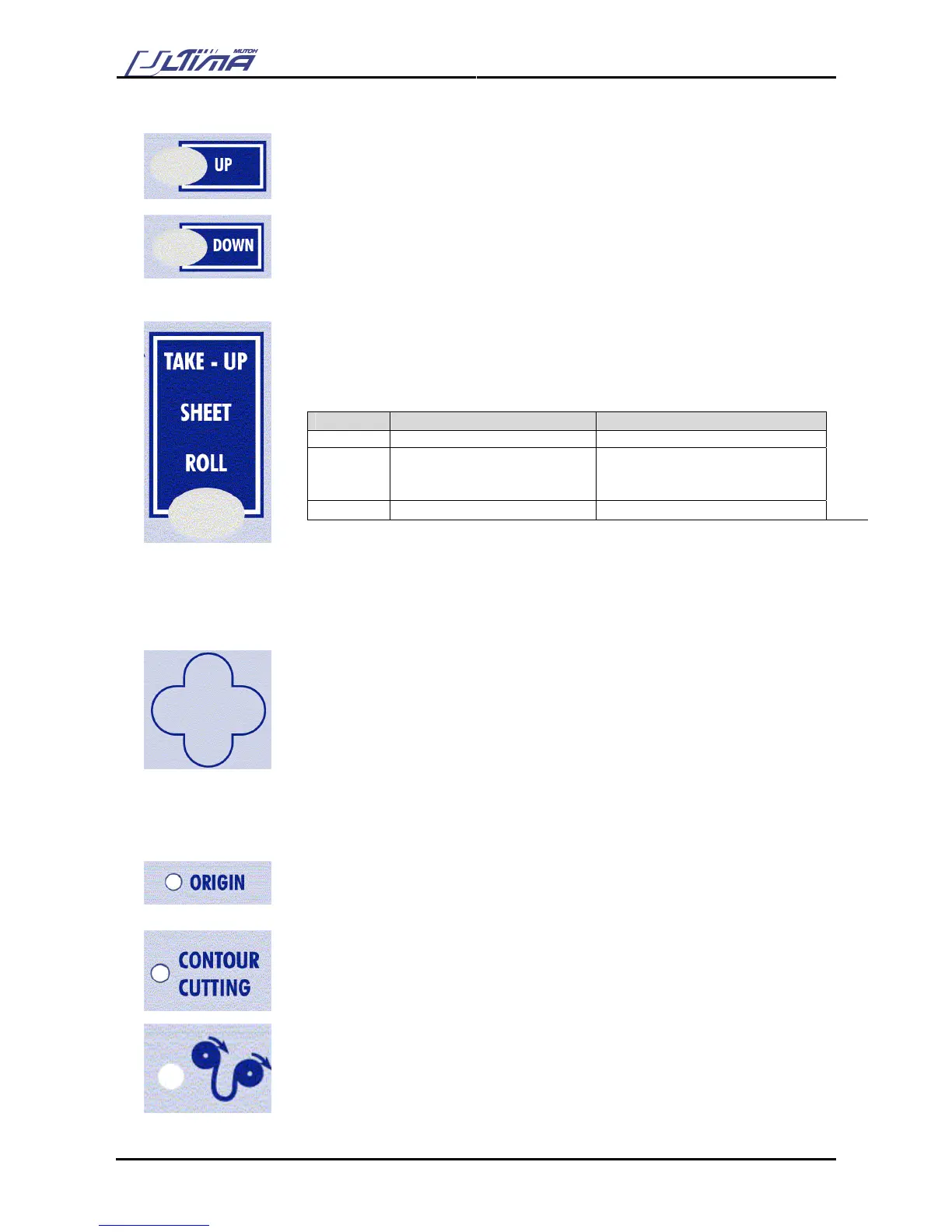
UP-key
Press the [UP] key to select a desired value when you are in a menu or a
selection dialog.
DOWN-key
Press the [DOWN] key to select a desired value when you are in a menu or a
selection dialog.
TUSR-key
By pressing this key you can select take-up, sheet or roll media loading system.
The selection can only be done when no media is loaded. (= lever up position)
When media is loaded the LED’s only show which type of media is loaded but
cannot be changed.
Selection Media Initialization Origin position
Take-Up Right, left + pre-feed At X-loading position
Sheet Right, left + Front + Back Search distance will be the
maximum sheet length.
Origin position at the front
Roll Right, left + Front + Pre-feed At the front
In case the pre-feed value is larger than the sheet length
→ Auto swap from Roll to Sheet
ARROW-key
The [ARROW] keys are always active, the cutter being ONLINE or OFFLINE.
To enable the user to manually move the tool head and the media. This can be
necessary in order to examine specific details of the sign or to set a new origin.
When pressing the [LEFT ARROW] or [RIGHT ARROW] key, the head will move
accordingly. It will move slowly for two seconds and speed up afterwards.
When pressing the [TOP ARROW] or [BOTTOM ARROW] key, the media (if
loaded) will move accordingly. It will move slowly for 2 seconds and speed up
afterwards.
When pressing two [ARROW] keys simultaneously the head will move relative
diagonal to the media.
ORIGIN LED
Lights when alternative origin is selected.
Blinks when changing origin.
CONTOUR CUTTING LED
Blinks when executing alignment procedure.
TAKE-UP LED
This LED will light up if you have selected to load roll media without front edge
detection.









 To Next Page