User’s Guide ValueJet 1608 HS
Basics
44 AP-75810 - Revision 2.0
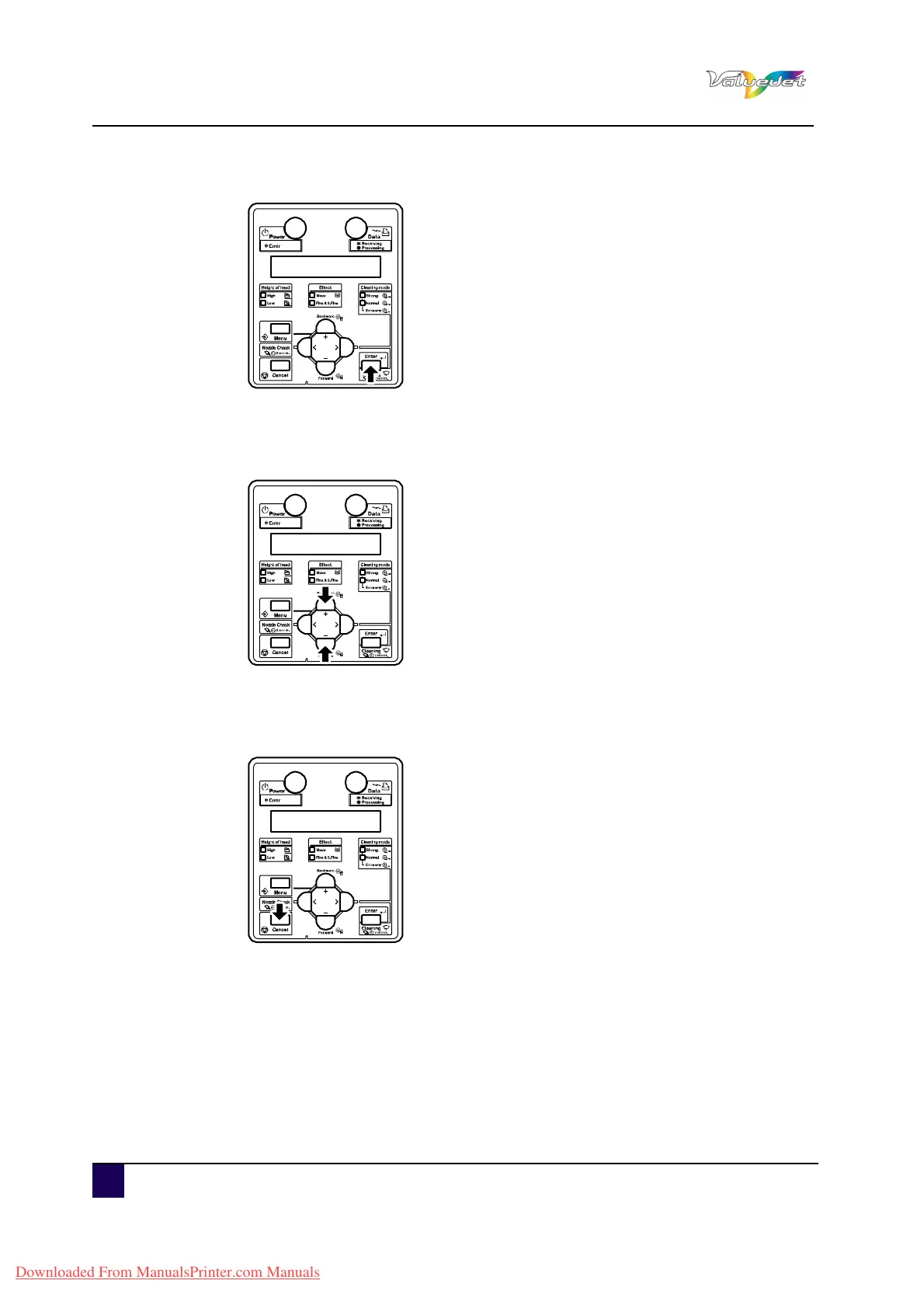
Step 5: Press Enter.
The operation panel displays “Side Margin: ** mm”.
Step 6: Set up the margins (side margins) to 10 mm while printing.
Step 7: Press + or – to select “Side Margin: 10 mm”.
Step 8: Press Enter.
After saving the setting, the operation panel displays “Set4: Side Margin”.
Step 9: Press Cancel several times.
The operation panel returns to Normal.
Downloaded From ManualsPrinter.com Manuals















 To Next Page