User’s Guide ValueJet 1608 HS
Preparations before printing
78 AP-75810 - Revision 2.0
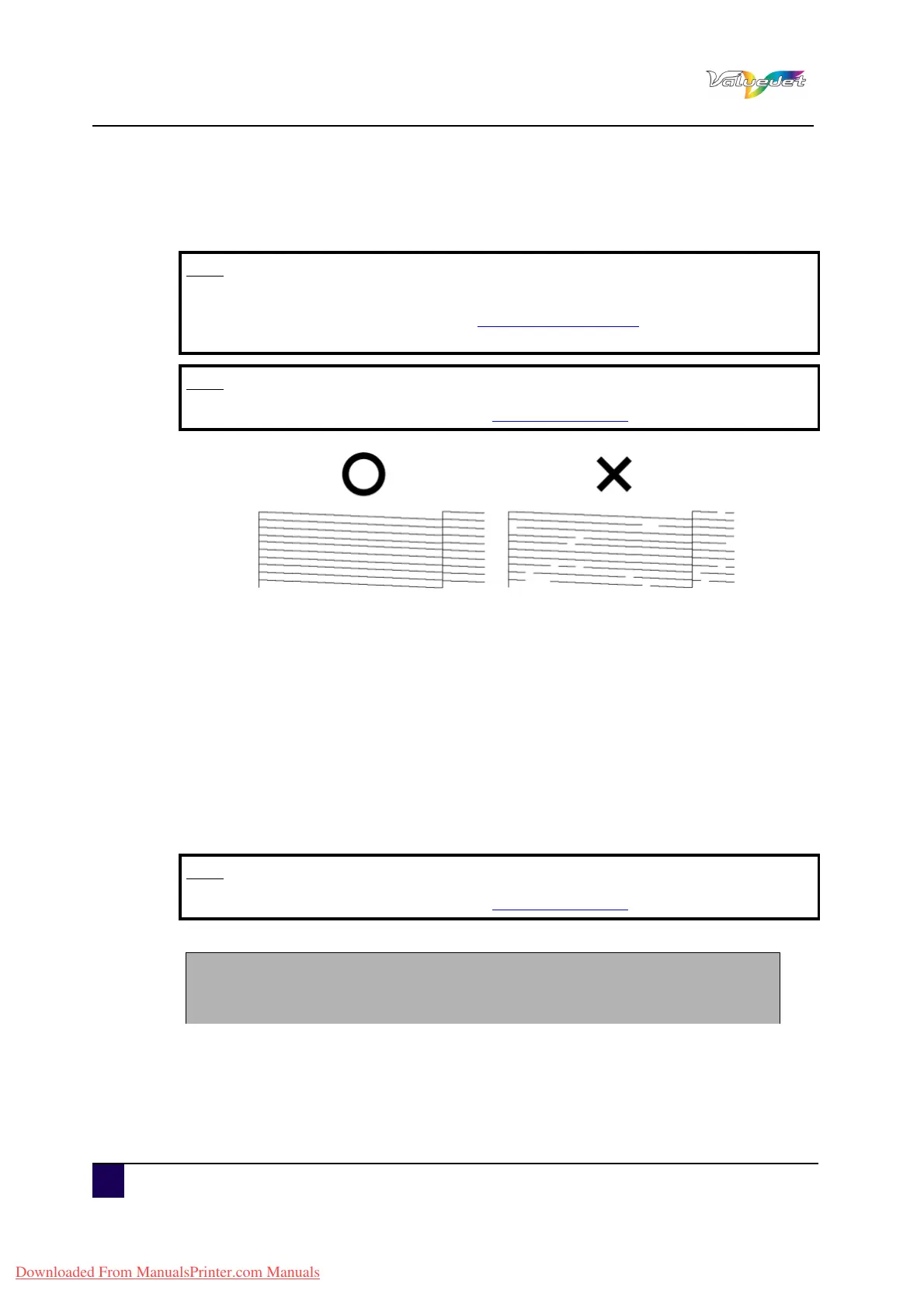
4.2.3 Nozzle Check
Used to check whether there are any head clogging, missing nozzles or misfiring nozzles.
4.2.4 Mode Print
Used to confirm the following printing conditions:
Print mode
Pre heater set temperature
Fixer (Platen) heater set temperature
Drier heater Set temperature
Air heater set temperature
Adjustment value
Note
If the nozzle check result indicates that the checked points are blurred or
missing, clean the head. Refer to
Nozzle Check on page78 for more information.
Perform the nozzle check once again after the head has been cleaned.
Note
For the printing procedure, refer to Test print on page75
Note
For the printing procedure, refer to Test print on page75
2009/ 01/ 01 0: 00 G2( 720x720N 8Pass Bi ) - Wave1/Pre:30°C/Platen:30°C/After:30°C/Air:190°C/PF Adjust:0
Downloaded From ManualsPrinter.com Manuals















 To Next Page