VJ-1628X OPERATION MANUAL Before using
3.6 Test print 115
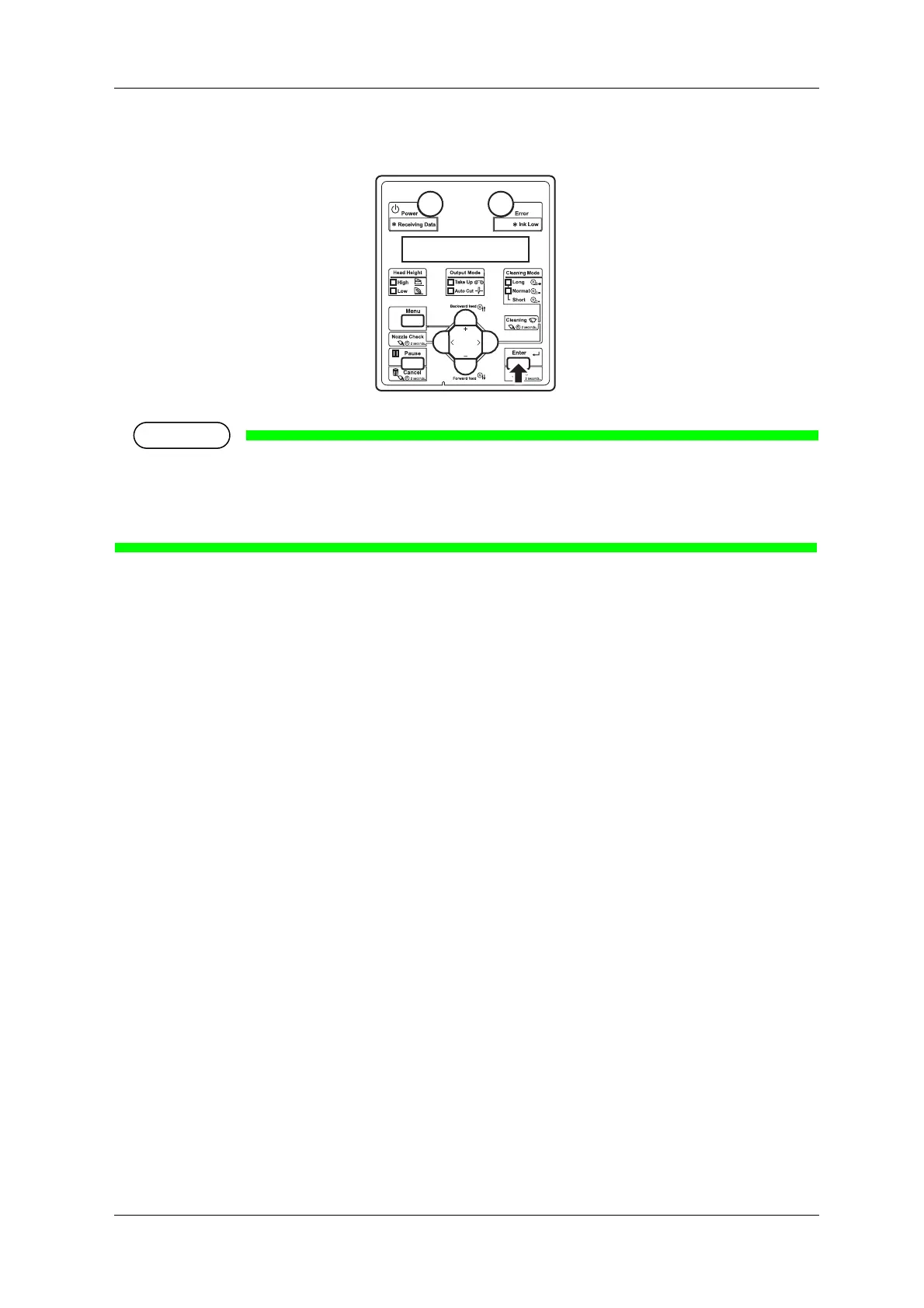
23. Press [Enter] key to save the measurement value of the currently printed color patches.
• When the measurement value is saved, the baseline will be replaced by the currently measured
value.
• Press [Cancel] key to not to save the measurement value.
• “Ready to Print” is displayed on the operation panel.















 To Next Page