VJ-1324X OPERATION MANUAL Before using
3.6 Adjust Print 103
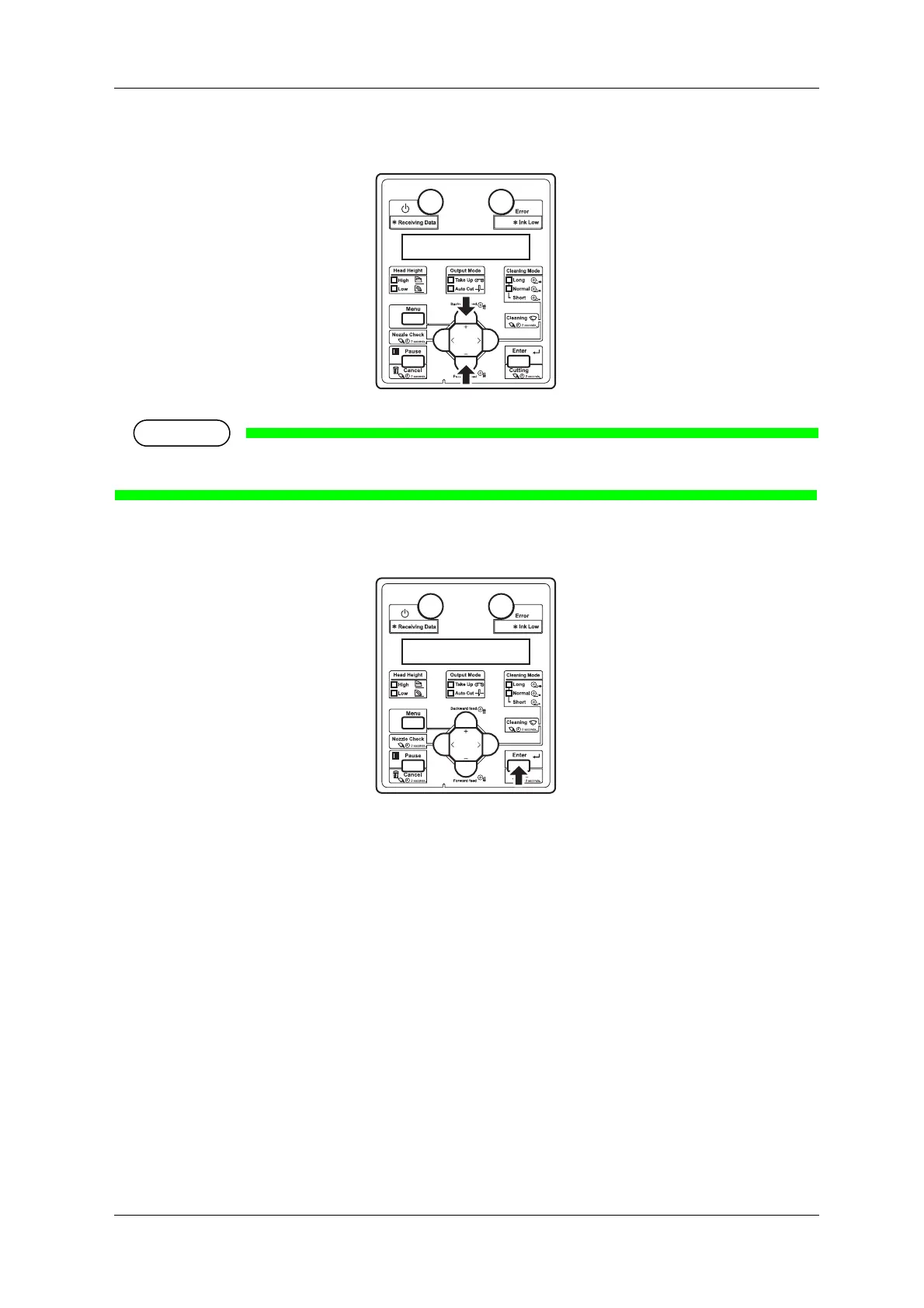
5. Press the [+] key or [-] key on Operation panel to enter the number that you selected in Step 4.
• When you press the [Cancel] key on Operation panel, the display returns to “Adj10: Fine PatternA”.
6. Press the [Enter] key on Operation panel.
• Determines the setting.
• “Adj. 10: Fine PatternA” is displayed on Operation panel.















 To Next Page