VJ-1324X OPERATION MANUAL Maintenance
6.1 Replacing consumable components 209
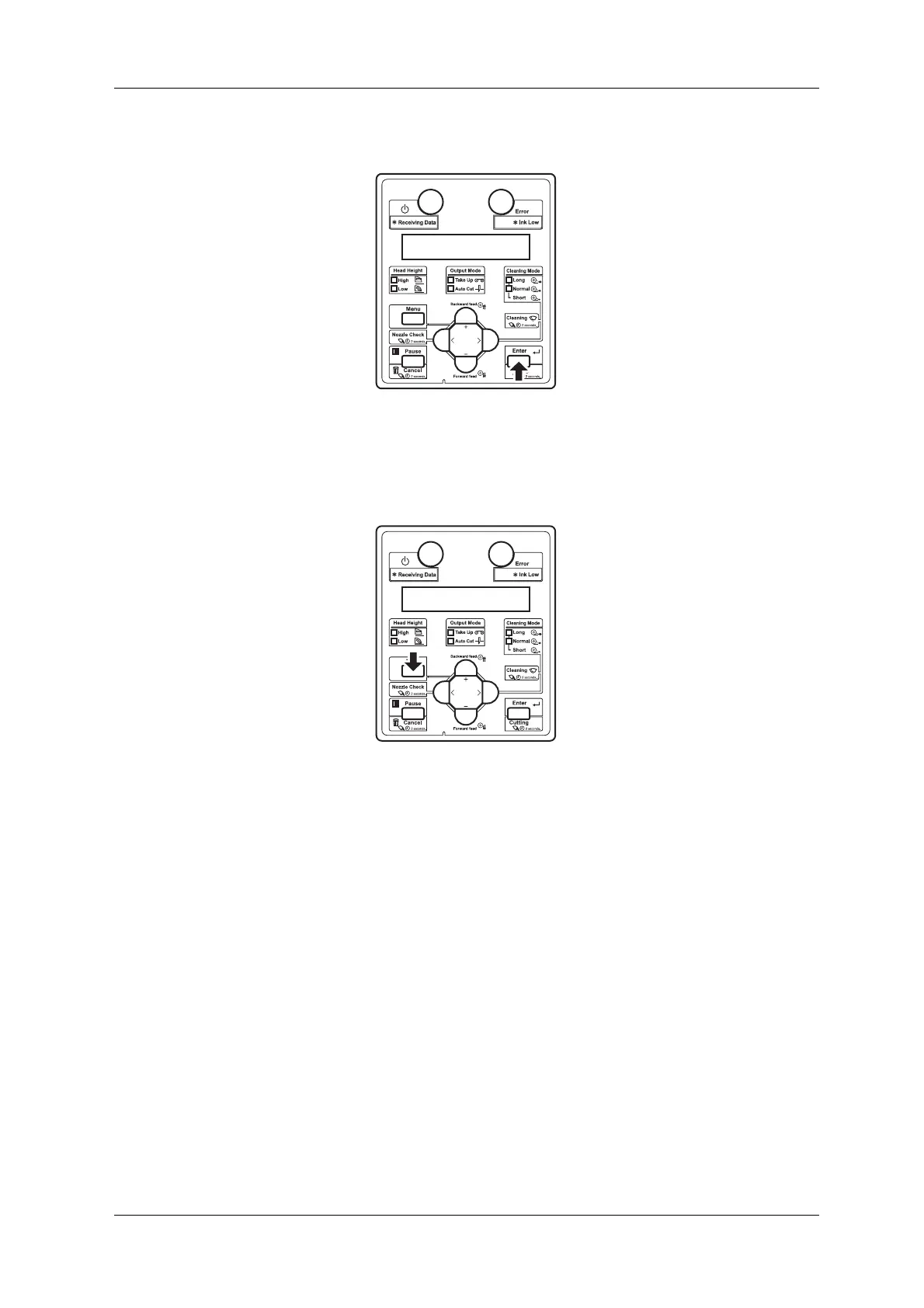
10. Press the [Enter] key on the operation panel.
• The print head returns to its original position.
• “CR Mainte.: Start” is displayed on the operation panel.
11. Press the [Menu] key on the operation panel.
• The printer enters Normal.
• Cutter replacement is complete.















 To Next Page