Maintenance VJ-1324X OPERATION MANUAL
208 6.1 Replacing consumable components
8. Press the tab of the cutter lightly, return the cutter holder to its initial position.
• Do not press the tab of the cutter strongly or suddenly let go of it.
There is a spring in the cutter holder and it may fly out.
• Do not push the cutter all the way in.
The cutter blade may damage the inside of the printer.
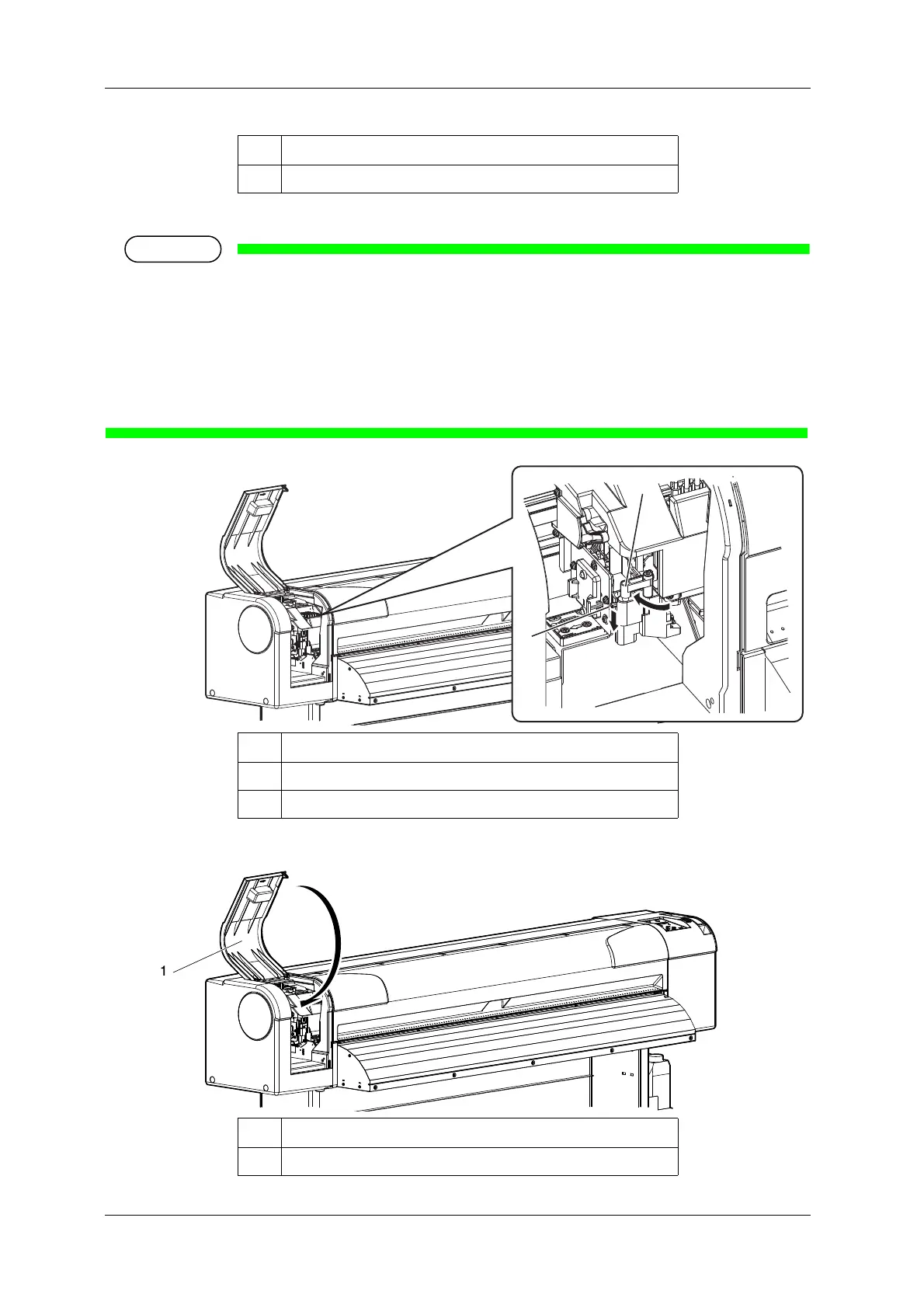
• Refer to the illustrations below and install the cutter holder correctly.
If it is not installed correctly, it may cause an error.
If an error occurs, check if the cutter holder is installed correctly.
9. Close Maintenance cover.
No. Name
1 Razor blade
No. Name
1 Cutter holder
2 Cutter holder lever
No. Name
1 Maintenance cover















 To Next Page