Installing the cabinet 2-25
AccessNode Series 800A Outside Plant Cabinet Installation 323-3001-210 Issue 1.0
Procedure 2-4 (continued)
Mounting the cabinet on the pad
Action
Step Action
1 Ensure that hard hats are worn by all personnel during the lift.
2 Lift the cabinet using the crane.
3 Position the cabinet above the concrete pad.
4 Lower the cabinet over the anchoring bolts.
Note:
If OSP cables are already installed through the pad surface, route them
through the appropriate openings prior to setting the cabinet completely down
on the pad.
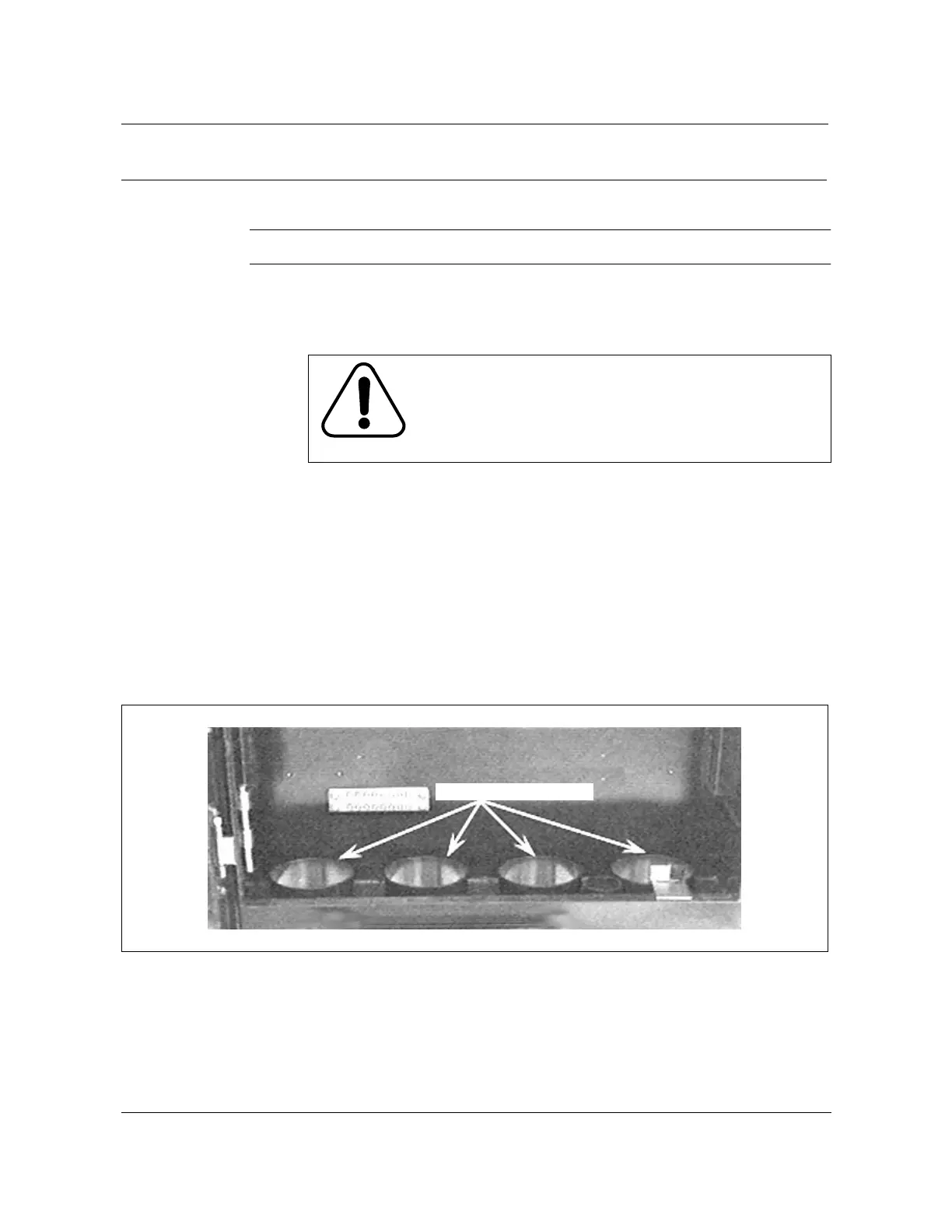
The cabinet must be lowered onto the pad in a level position parallel with the
surface of the pad and in alignment with the anchoring bolts and conduits
protruding from the pad. See Figure 2-11.
Figure 2-11
Conduit knockouts - termination side
—continued—
CAUTION
Safety hazard
Do not position yourself underneath the load. Exercise
extreme caution when routing existing outside plant (OSP)
cables through the bottom of the cabinet.
Cap plugs removed



 To Next Page