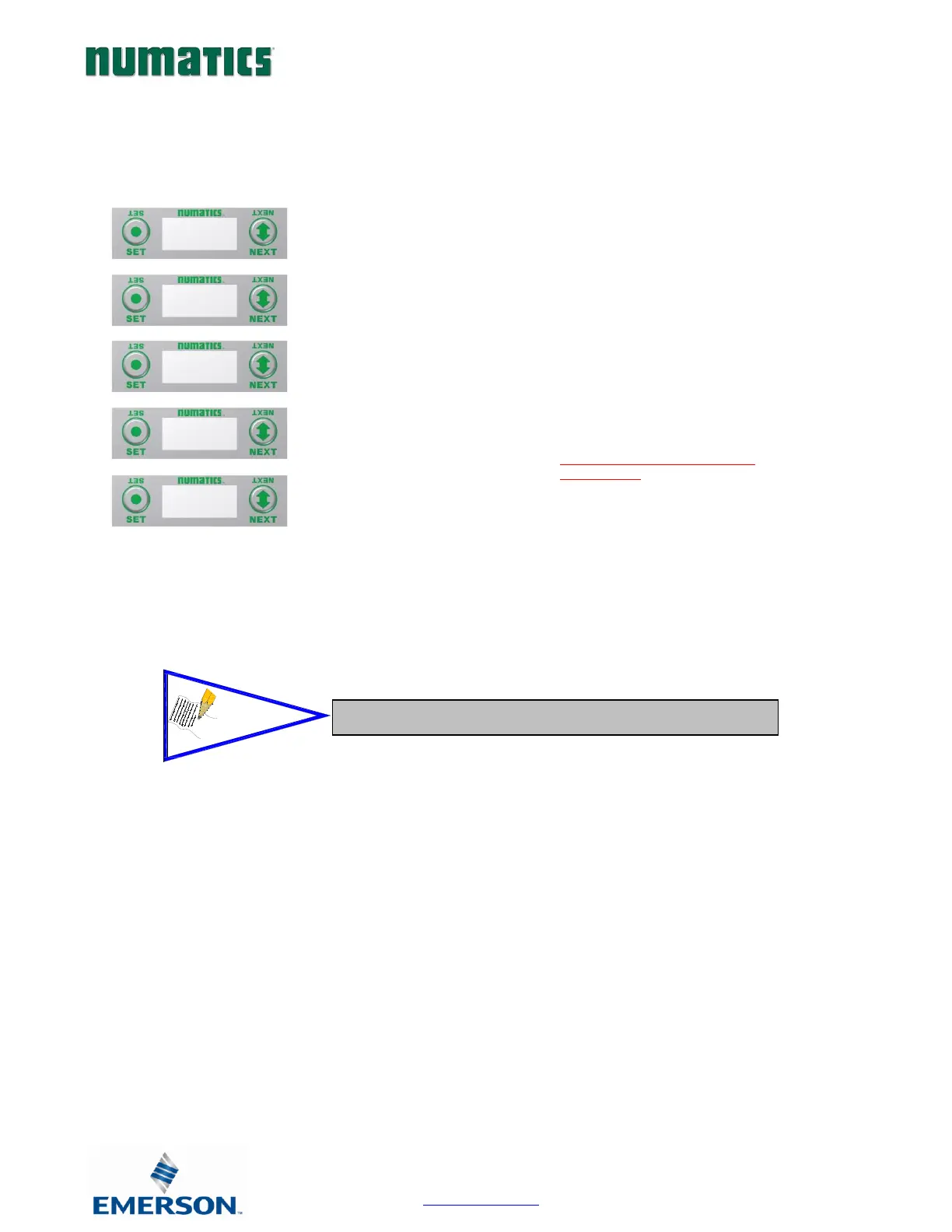
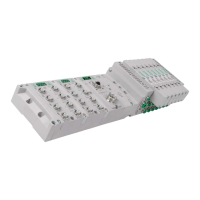
RTD Module Graphic display
RTD Module / Temperature Monitoring
1) Press the NEXT button to scroll through the
Temperature Monitoring display options.
Pressing the SET button while in one of the
Temperature Monitoring displays, will return the
display back to the home screen.
If “DISABLED” is the temperature
identified at any channel, advance the
display to Sensor Type Select, to choose a
sensor/Enable the channel, or press the
“SET” button to jump directly to the
selection display.
Unused channels should be left
“DISABLED”.


 To Next Page