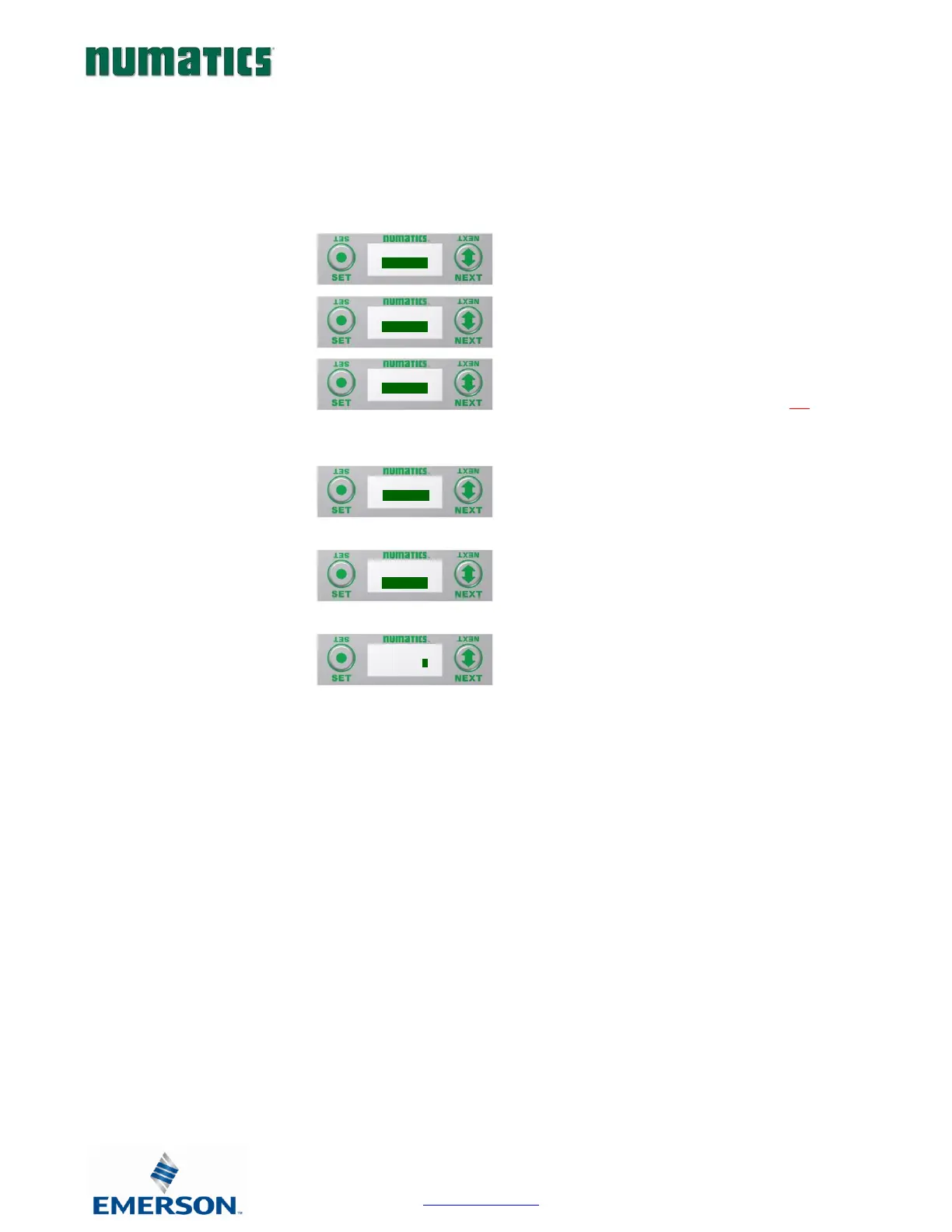
RTD Module / Sensor Type Select (Channel Enable)
Allows the sensor type for each channel to be selected, and, enable the channel selected
A) Press the SET button to enter the
Sensor Type Select sub menu.
B) Press the NEXT button to scroll through
the channels.
C) Press the SET button to select the
desired channel. If “DISABLED” is the
first selection, the channel is not
enabled. Select a sensor type to enable
the channel.
D) Press the NEXT button to scroll through
the available sensor types.
E) Press the SET button to select the
desired sensor type.
F) Press the SET button to load the
selected sensor type.


 To Next Page