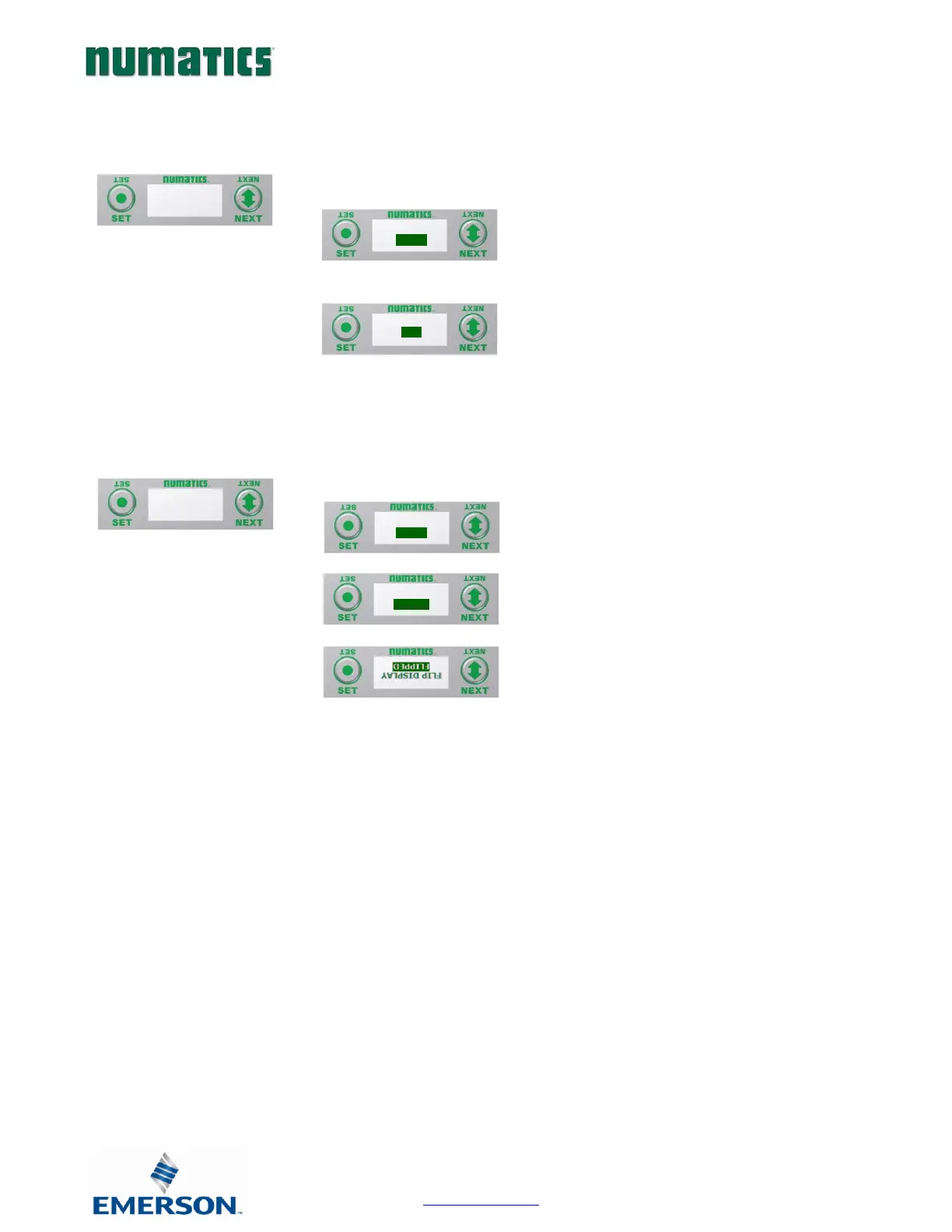
RTD Module / Set Display Brightness
Allows the Brightness of the display to be changed
A) press the SET button to enter the Set
Brightness sub menu.
B) Press the NEXT button to scroll through
the brightness options
C) Press the SET button to load the
selection.
RTD Module / Flip Display
Allows the Display to be flipped 180 degrees.
A) press the SET button to enter the Flip
Display sub menu.
B) Press the NEXT button to choose the
orientation.
C) Press the SET button to load the
selection.


 To Next Page