EasyManua.ls Logo

Numatics G3 Series - Page 112

Numatics G3 Series
164 pages
Print Icon
To Next Page IconTo Next Page
To Previous Page IconTo Previous Page
Loading...
G3 Series EtherNet/IP
TM
DLR Technical Manual
11-112
TDG3EDM1-6EN 3/18
Subject to change without notice
www.asco.com/g3
RTD Module / Factory Defaults
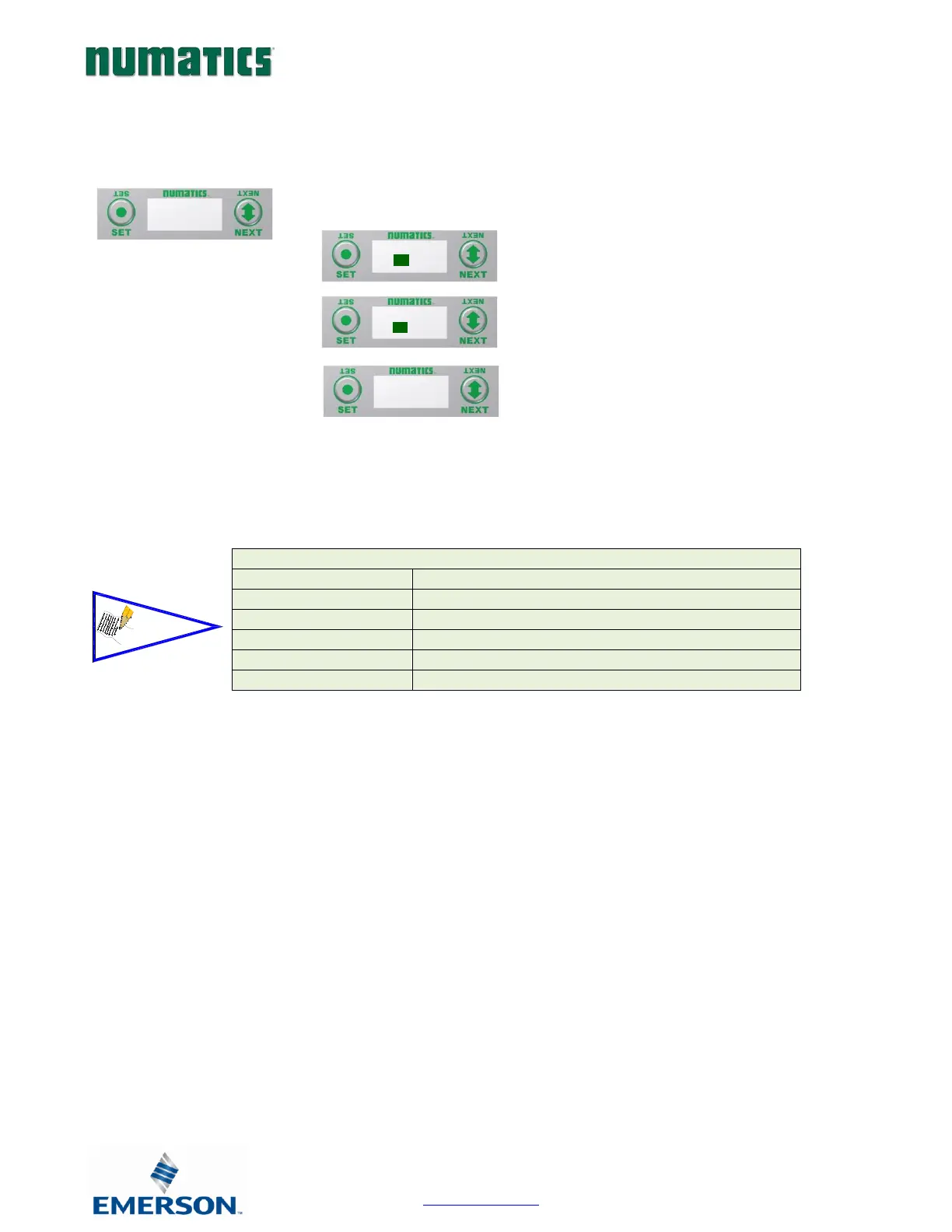
Set all parameter settings to default values.
A) Press the SET button to enter the
Factory Defaults sub menu.
B) Presss the NEXT button to choose Yes
or No.
C) Press the SET button to confirm.
D) Press the SET button again.

Factory Default Settings
Alarm High & Low
Disabled (Set to Min/Max for each chosen sensor)
Input Update Filter
5 mS
Sensor Type
Pt 100 385
Temp Scale
Celsius
Display Brightness
Medium
Flip Display
Normal
FACTORY
DEFAULTS
SET DEFAULT
YES NO
ARE YOU SURE
YES NO
SETTING
DEFAULT
NOTE!

Table of Contents

Related product manuals